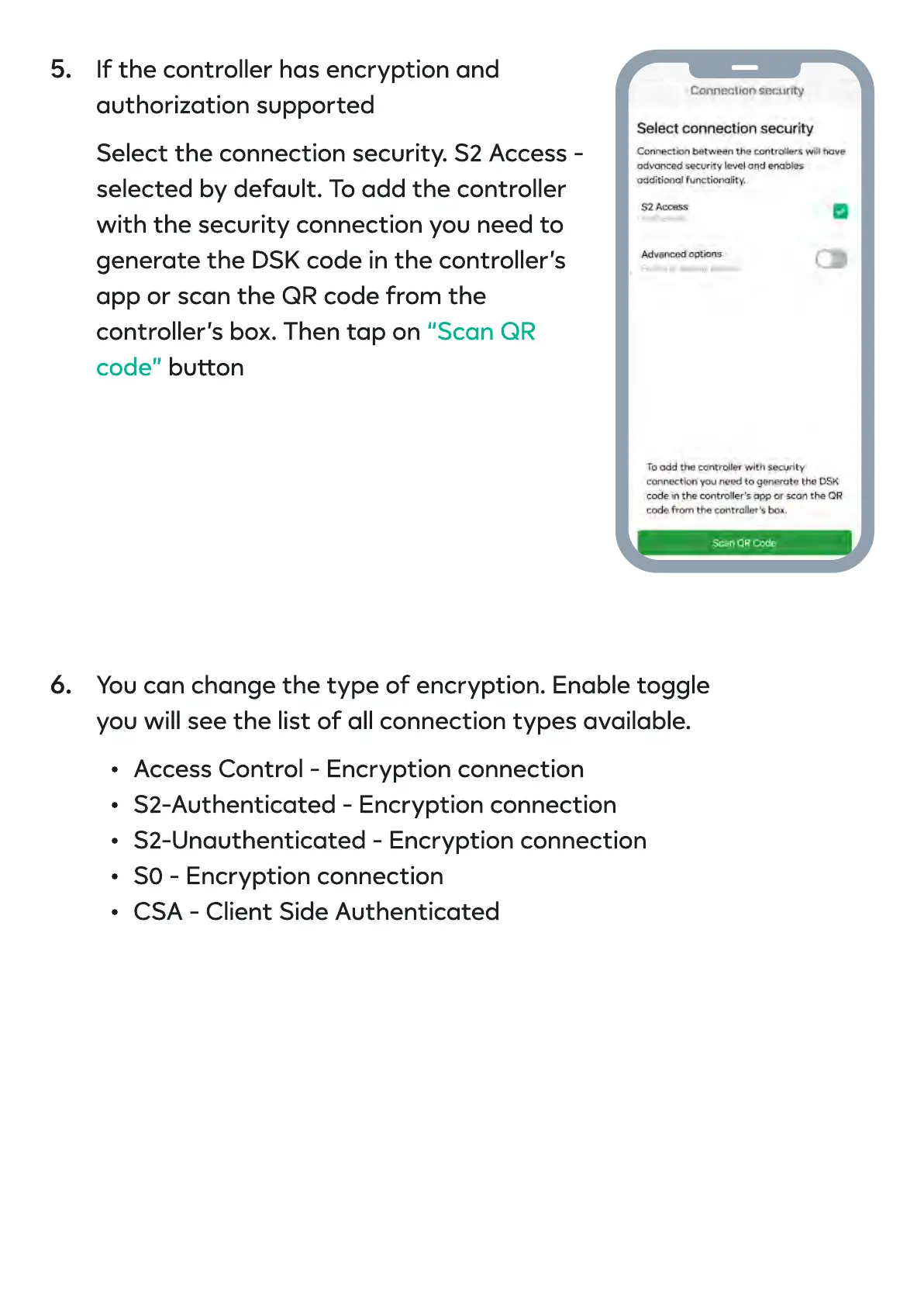
If the controller has encryption and
authorization supported
Select the connection security. S2 Access -
selected by default. To add the controller
with the security connection you need to
generate the DSK code in the controller’s
app or scan the QR code from the
controller’s box. Then tap on
buon
“Scan QR
code”
You can change the type of encryption. Enable toggle
you will see the list of all connection types available.
Access Control - Encryption connectio
S2-Authenticated - Encryption connectio
S2-Unauthenticated - Encryption connectio
S0 - Encryption connectio
CSA - Client Side Authenticate
5.
6.


 To Next Page