3
Operations
Start Devices
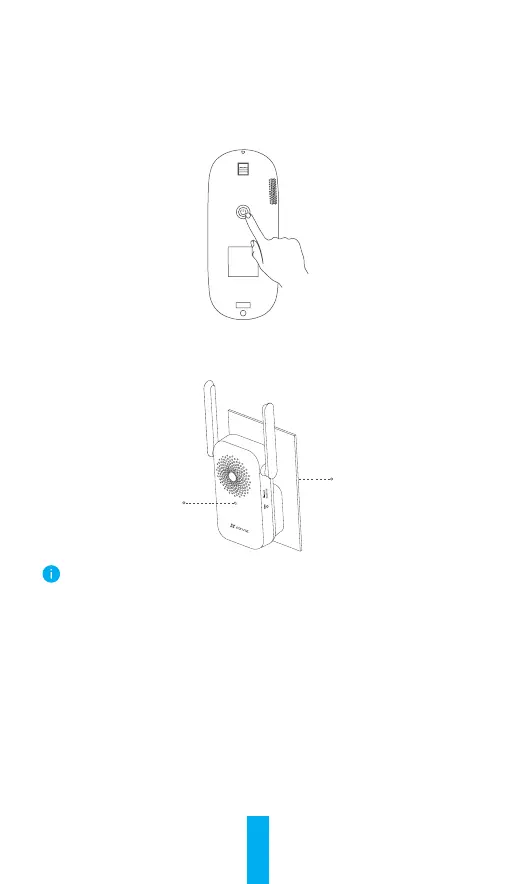
1. Short press the power button for 1 second on the doorbell. Doorbell
rings which indicates that startup is complete.
2. Plug the chime into a power outlet. When the LED indicator is fast-
flashing blue, it is ready for Wi-Fi connection.
Power Outlet
LED Indicator
It is recommended to put the chime and doorbell within 3 meters.
Add to EZVIZ App
1. Create a user account.
- Connect your mobile phone to Wi-Fi (suggested).
- Search for "EZVIZ" in the App Store or Google Play
TM
.
- Download and install the EZVIZ app.
- Launch the app and register an EZVIZ user account.
2. Add chime to EZVIZ.
- Log in the EZVIZ app.
- On the Home screen, tap “+” on the upper-right corner to go to the
scan QR code page.



 To Next Page