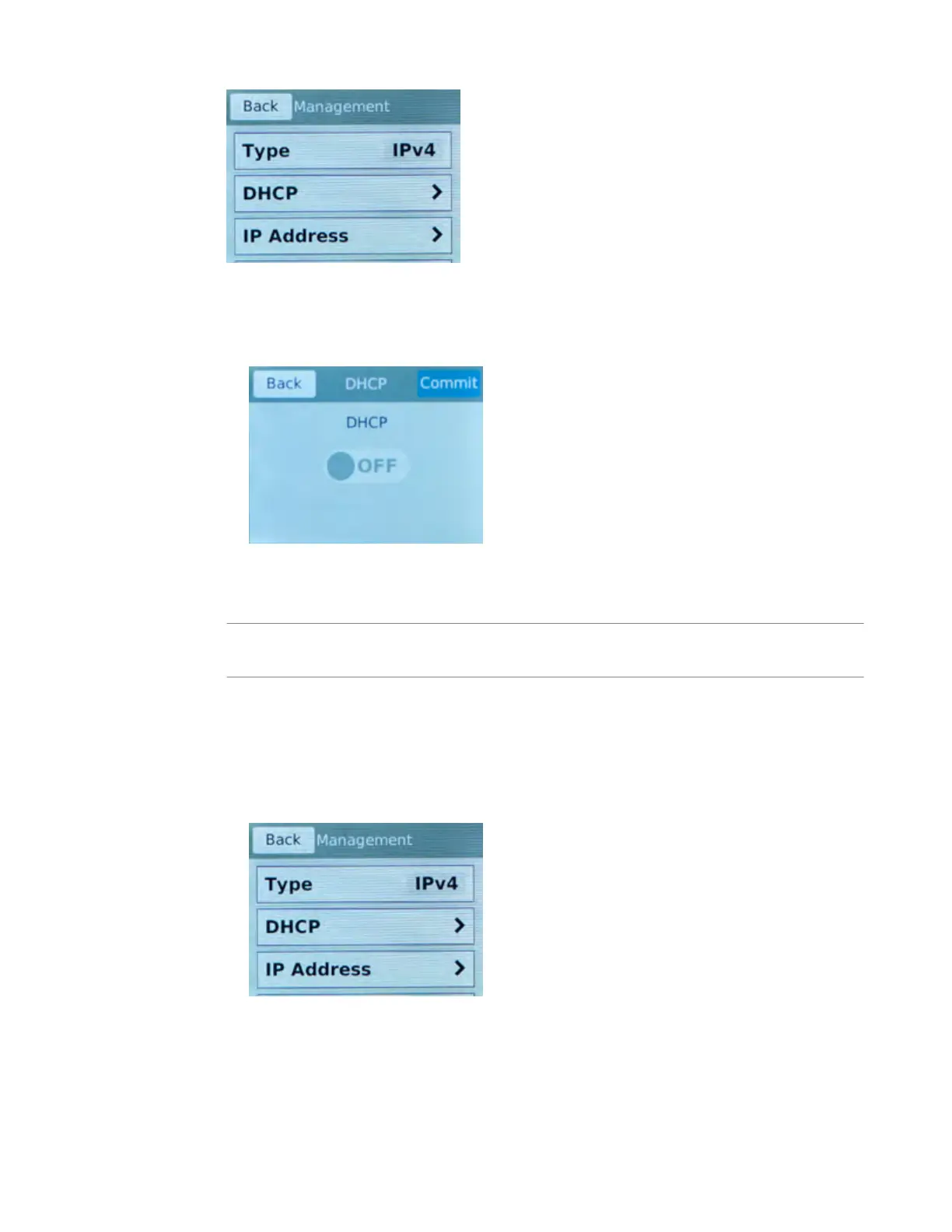
5. For the T
ype setting, tap to select either IPv4 or IPv6.
6. If you are using IPv4, you can configure the management IP address using DHCP:
a) Tap DHCP.
The DHCP option displays.
b) Tap to set the DHCP option to ON.
c) Tap Commit to save your changes.
7. If you are using IPv6 and/or IPv4, you can configure the management IP address manually:
Note: As of BIG-IP software version 14.0, you can configure your system to be managed concurrently
from an IPv4 and an IPv6 address.
a) Tap DHCP.
The DHCP screen displays.
b) Make sure that the DHCP option is set to OFF.
If the DHCP option was set to ON, tap OFF, and then tap Commit to save the change.
c) Tap Back to return to the Management screen.
If you selected IPv4, this screen displays:
If you selected IPv6, this screen displays:
Platform Installation
30



 To Next Page