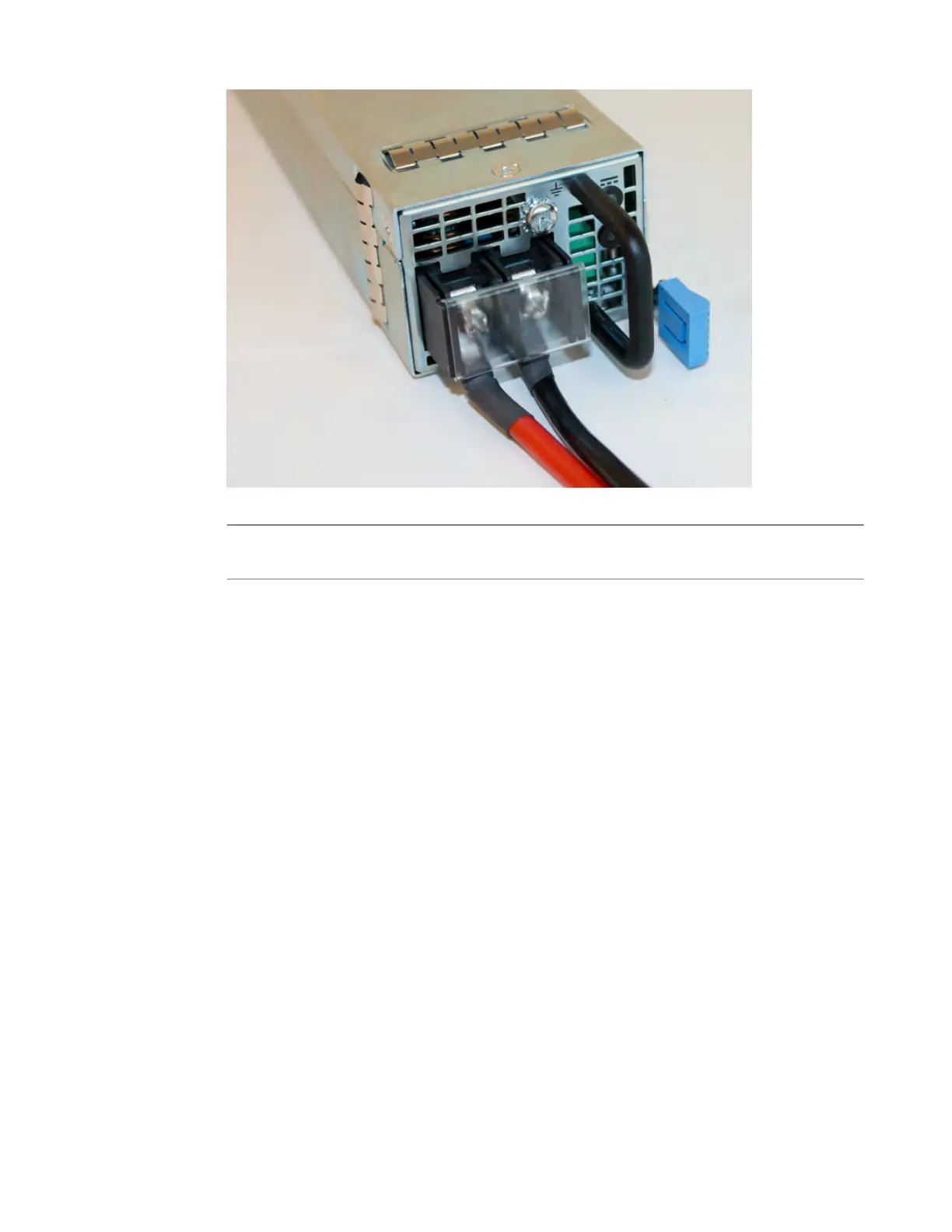
14. Slide the new PSU into the empty slot, and push it in until the ejector latch engages and clicks.
Note: While installing the supply
, use care to ensure that the supply's connector does not come into
contact with the rear of the chassis.
15. Ensure that the PSU is fully seated in the chassis by making sure it does not come out when gently
pulled.
16. Reapply input power from DC mains power source by switching the circuit breaker back on.
17. Use the LCD touchscreen to clear any alert messages that might have resulted from performing the
PSU replacement.
Platform Maintenance
40



 To Next Page