Addition
Exam2le: 3478*794+85+8962
-
?
Set up the first four numerals
by depressiag
the
appropriate
keys. Make
one forward turn.
From
the setting register
the.numerals
vill then be trans-
ferred to
product
register,
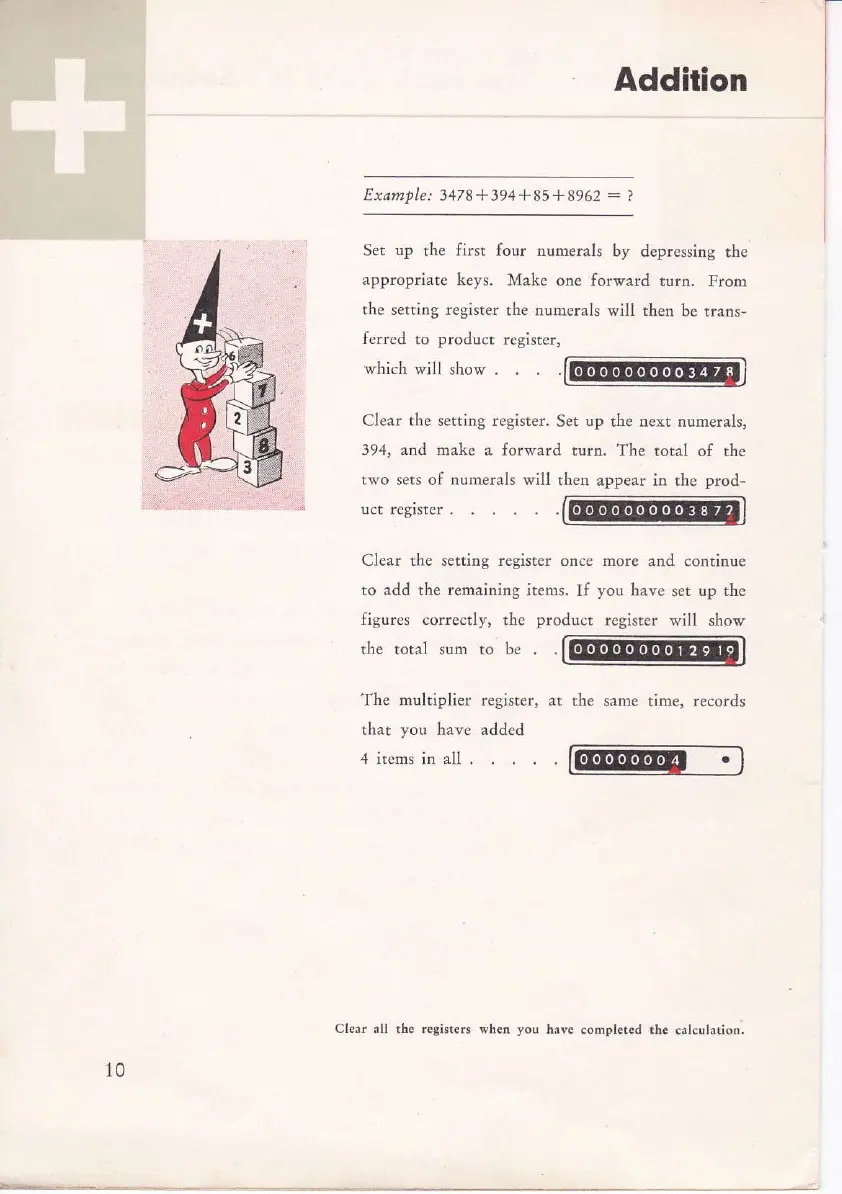
which will show .
Clear the setting register.
Set up the lext numelals,
394, and make a forward
turo. The total of
the
tvro sets of numerals will
theq appear in the
prod-
uct fegrsier .
Clear
the
setting register
once
more
and continue
to add
the
remainiag
items.
If
you
have
set
up the
figures
correctly, the
product
register
will show
the total sum to be
The multiplier register,
at the same
time, records
that
you
have
added
4 items in all .
10
Cle.r .ll
th. rcsistclr whef,
yoo
havc
conplcted tf,c calculation.



 To Next Page