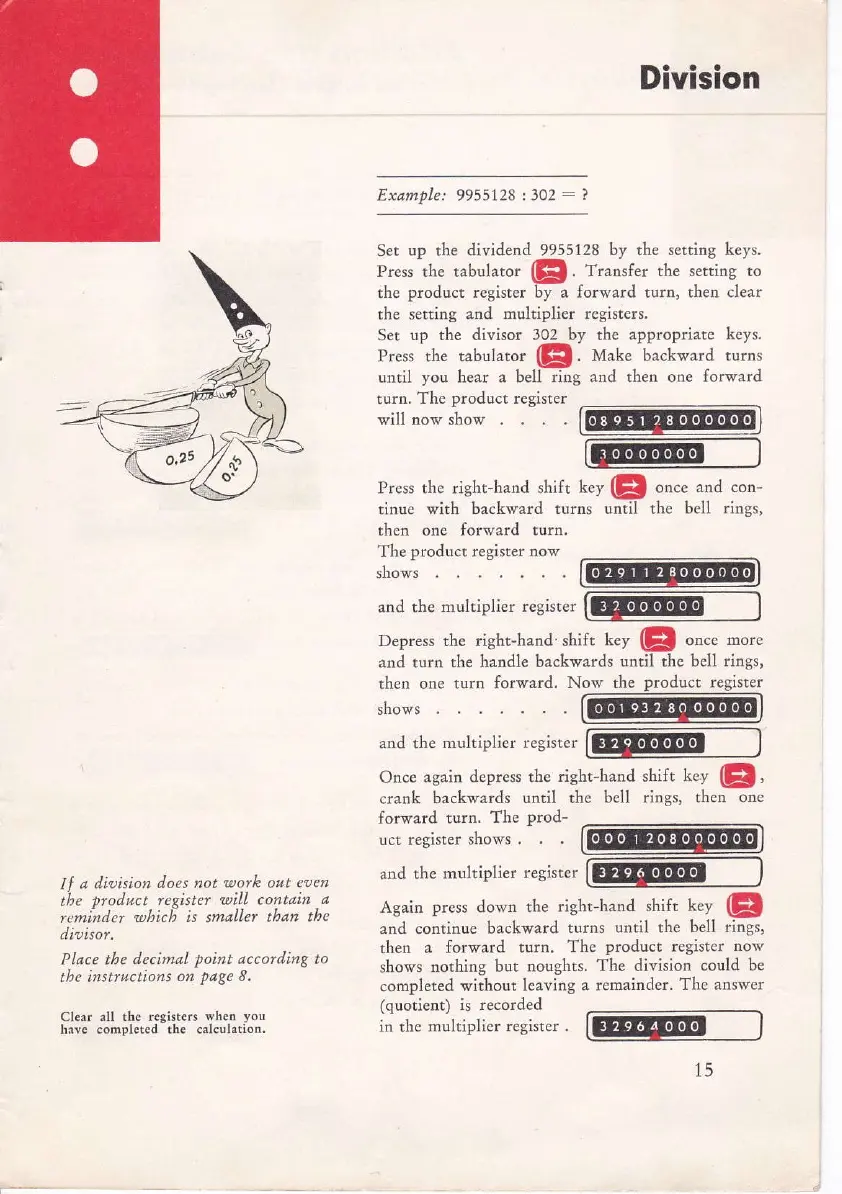
Set up the
dividend 9955128 by the setting keys,
Press the tabulator
@!.
Trarsfer the setting to
the
product
register by a forward turn, then clear
the setting and multiplier registers,
Ser
up the divisor 302
by
the
appropriate keys,
Prcss
rhe
tabularor
(El.
tll"t
"
backward turns
until
you
hear a bell
ring and then one forward
Division
Exarnple:
9955128
t302: ?
turn.
The
product
register
will now show
tLen one forward turn.
The
product register now
shows
and the multiplier
register
shows
and the
multiplier register
Once
again depress the
right-hand shift
key
(p,
crank backwards
until the
bell rings, then one
forward
turn.
The
prod-
ucr register
shows .
and
the multiplier
register
Again
press
down
the right-hand
shift key
(p
and
continue backward
turns until the
bell rings,
rhen a forward
turn. The
producc
register
now
shovs nothing
but noughts.
The division could
be
completed without leaving
a remainder.
The answer
(quotient) is recorded
in the
multiplier register .
Press the right-hand
shift key
(p
once
and con-
tinue with backv,.ard
turns until the bell rings,
Depress the right-hand' shift
L"y
(p
oo"e
-o."
and turn the
handle backwards
until
the
bell rings,
then one turfi
forward. Now the
product register
lf
a dipision
does not
ltotk ort elen
the ntod ct repister
utill contain
a
,"nindc, uhici is smaller tban
the
dioisor,
Place the decimal
point
according to
the
insftuctions
on
?d*e
8,
Clear all
the tcgisters wheo
you
hrve .ompleted the calcul.tion.



 To Next Page