- 36 -
InstructionsGENERAL INFORMATION REGARDING ELPRO 35M and ELPRO 35S
English
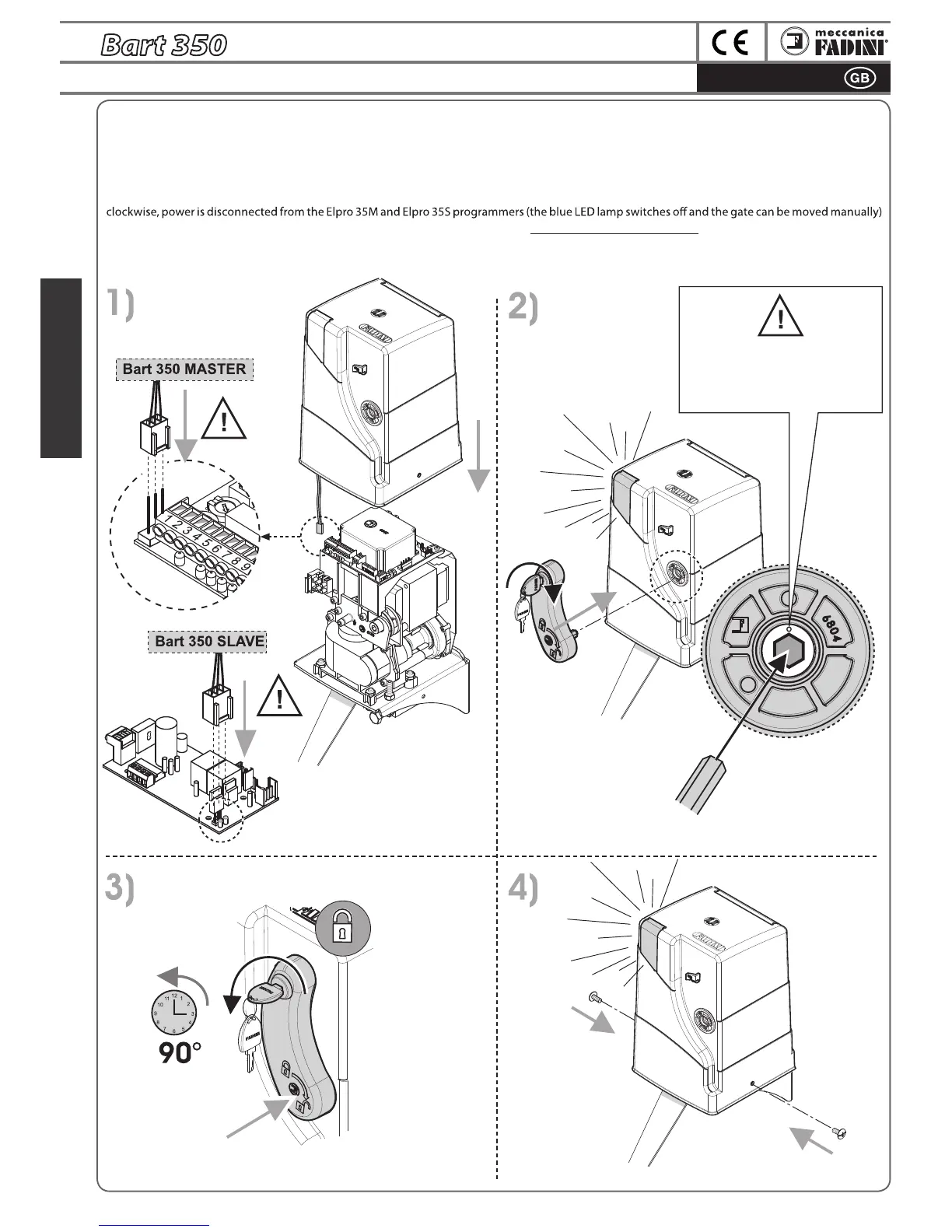
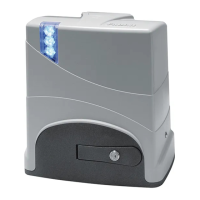
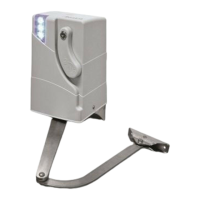
CASE CLOSING with LED LAMP SWITCHING ON
ATTENTION: THE ROUND
STICKER AROUND THE
HEXAGONAL HOLE MUST BE IN
VERTICAL POSITION BEFORE THE
HANDLE IS INSERTED
ATTENTION: before putting on the Casing, make sure that you insert the blue LED lamp connector. If the system is being powered and the Bart 350
is in a stop position on the gate (pg. 37), the lamp will immediately light up.
Properly insert the Handle with the iron hexagonal projection in the Casing hole, in the seat inside the Bart 350 and lock with the Customised key.
At each intervention of the unlock handle (downward rotation), the LED lamp of the Casing will switch o.
The unlock handle is dual function:
A
- to manually unlock the Bart 350 (WITHOUT REMOVING IT FROM ITS SEAT): when it is disengaged with the customised key and turned 180°
B - to stop Casing lifting: once the customised key has been inserted and turned, without turning the handle itself, the unlock handle can be removed
from its seat (the blue LED lamp stays on if the system is being powered) and the casing can be removed after the side screws have been removed.


 To Next Page