EnglishEnglish
☛
☛
☛
☛
☛
☛
2. Programming
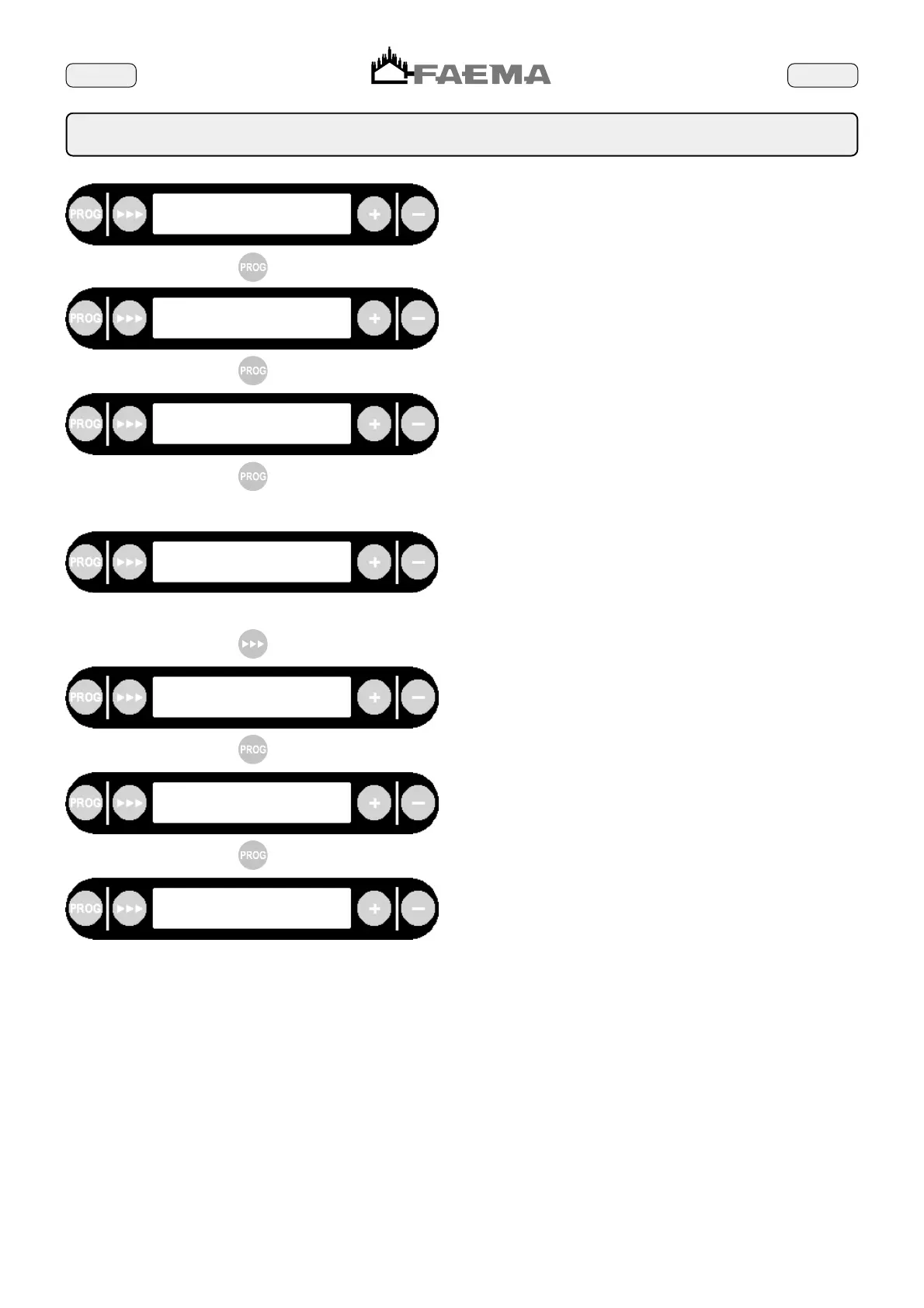
user programming
yes
“Yes” activates, “no” deactivates the user programming function. To
select “yes” or “no” use the “+” (72) and “-“ (73) keys.
cappuccino delivery
yes
“Yes” activates, “no” deactivates the cappuccino function. To select
“yes” or “no” use the “+” (72) and “-“ (73) keys.
When the cappuccinofunction is active, the group on the right
distributes milk and coffeee simultaneously.
clock
yes
“Yes” activates, “no” deactivates the clock function. To select “yes”
or “no” use the “+” (72) and “-“ (73) keys.
Perform the test to detect the hardness of the water, then set the
value obtained using the "+" (72) or "-"(73) keys. The reading will
be changed by 5 units at a time.
N.B.: If the value of the hardness of the water is set to "00",
the warning functions is deactivated. This condition must
be set when the automatic softener is used.
If the key
(71) is pressed, the second message relative to
the water softener is displayed.
softener check
water hardness: 05 F
softener check
liters of resins: 04 lt
After having obtained the water softener data, set it on the display
using the "+" (72) and "-" (73).
N.B.:The maximum value possible is 20 litres.
language selection
italian
Use the "+" (72) or "-"(73) keys to select the desired language for
the displayed message. The following languages are avaible: Italian,
English, French.German and Spanish.
engineer
First display; place the key on the reader (53) to exit the programming
function and prevent the user from being able to program the machine
in "ENGINEER mode".



 To Next Page