EnglishEnglish
4. Start/end operations settings - start period (Monday)
START PERIOD (MONDAY)
N.B.: Only displayed if CLOCK function is activated
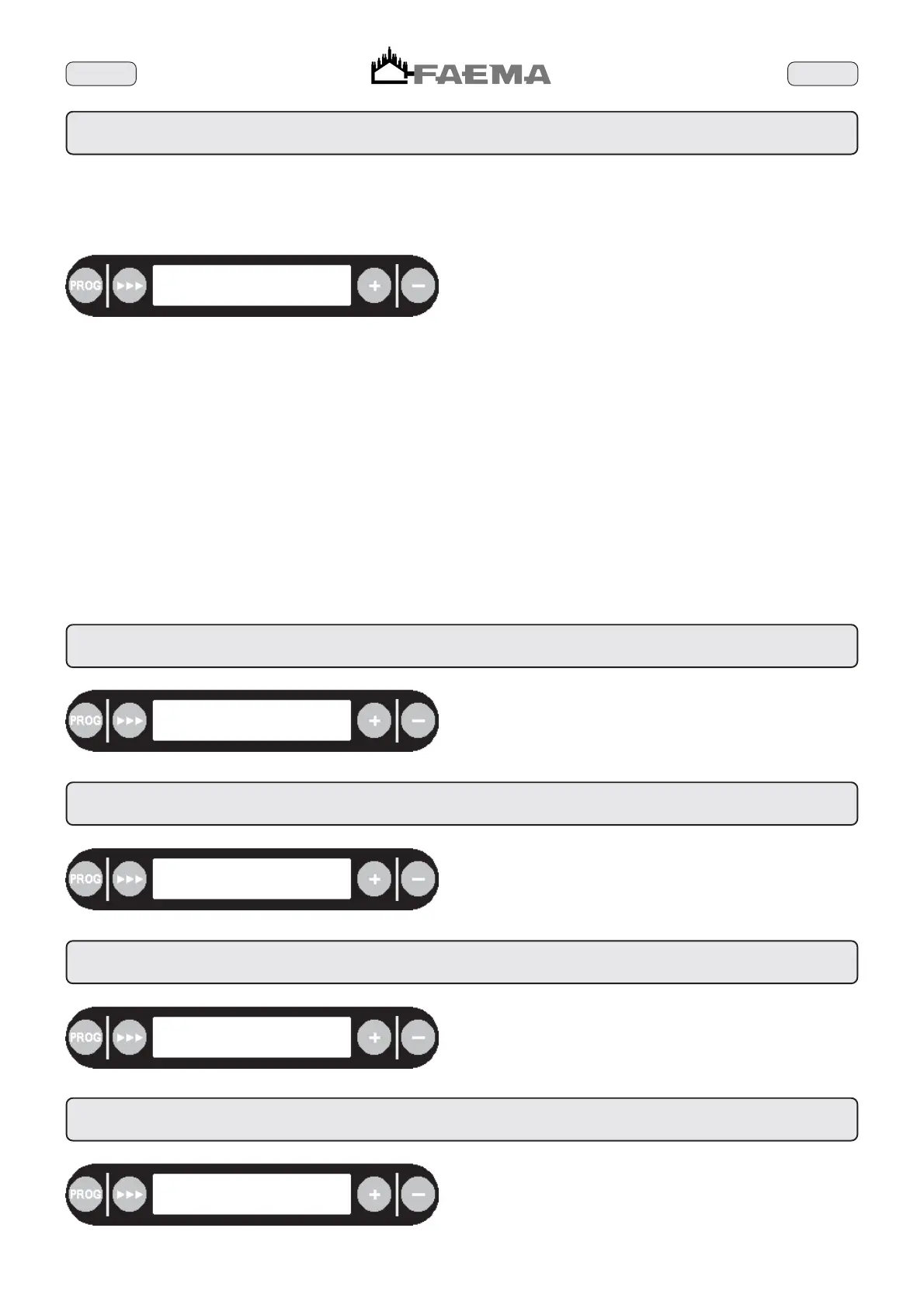
The following message is displayed:
start period
00:00 mon 24:00
The activation hour (e.g. 00) flashes.
Press the + (72) and - (73) keys until the correct activate hour for
Monday is displayed.
N.B. If the + (72) and - (73) keys are kept depressed, the hours
number changes at a greater speed.
Press the
444
(71) key the minutes will flash (e.g. 00). Using the
+ (72) and - (73) keys, change the numbers until the minutes value
for activation is displayed.
N.B. If the + (72) and - (73) keys are kept depressed, the minutes
number changes at a greater speed.
Press the
444
(71) key, the number of hours of duration will flash
(e.g. 24). Using the + (72) and - (73) keys, change the numbers
until the desired number of hours of duration for Monday is displayed.
N.B. If the + (72) and - (73) keys are kept depressed, the hours
number changes at a greater speed.
Press the
444
(71) key the number of minutes relating to the time
of duration will flash (e.g. 00). Using the + (72) and - (73) keys,
change the numbers until the desired number of minutes is displayed.
N.B. If the + (72) and - (73) keys are kept depressed, the minutes
number changes at a greater speed.
Examples
1) When the set day (e.g. Monday) corresponds to the closing day,
set the activation time to 00:00 and the duration to 00:00.
2) If the machine needs to remain on at all times, set the time of
activation to 00:00 and the duration to 24:00.
3) If the machine needs to be switched on at 07:30 and switch off at
midnight, set the activation time to 07:30 and the duration to 16:30.
How to perform other operations
When the
444
(71) key is pressed, the activation time will once
again be displayed (if this needs to be changed, follow the above
procedures).
When the PROG (35) key is pressed, the message activate duration
for the next day is displayed (See Paragraph 4.1).
4.1 Start/end operations settings - start period (Tuesday)
start period
00:00 tue 24:00
To program the activate and duration time for Tuesday follow the
procedures in Paragraph 4.
4.2 Start/end operations settings - start period (Wednesday)
start period
00:00 wed 24:00
To program the activate and duration time for Wednesday follow the
procedures in Paragraph 4.
4.3 Start/end operations settings - start period (Thursday)
start period
00:00 thu 24:00
To program the activate and duration time for Thursday follow the
procedures in Paragraph 4.
4.4 Start/end operations settings - start period (Friday)
start period
00:00 fri 24:00
To program the activate and duration time for Friday follow the
procedures in Paragraph 4.



 To Next Page