EnglishEnglish
6.1 Display and reset of total counters - no. of water
No. OF WATER
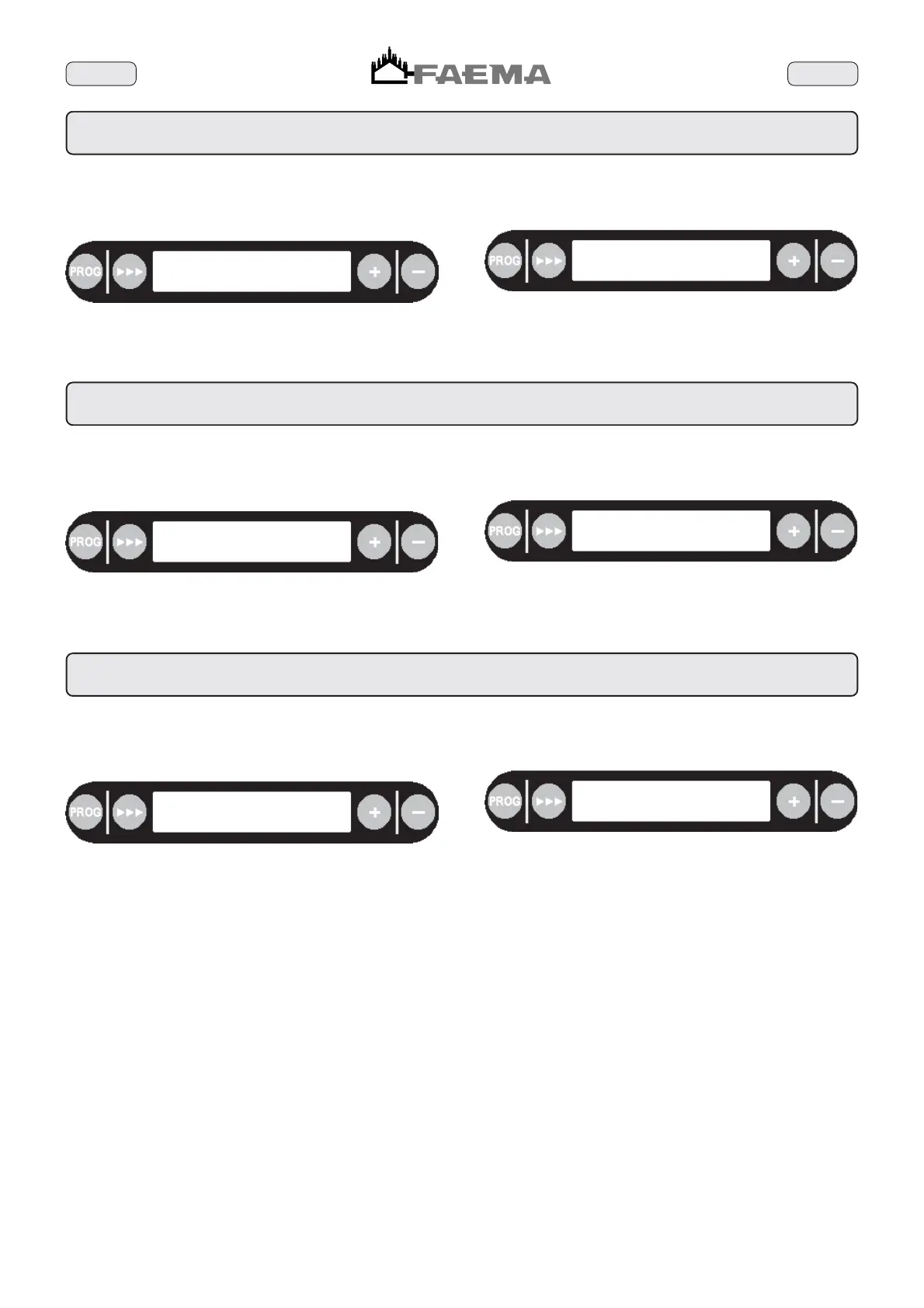
The following message will be displayed:
If the
444
(71) key is kept pressed down, the counter is reset and
the following will be displayed:
This counter represents the number of distributions of hot water.
no. water: 001452
reset press >>>
no. water: 000000
reset press >>>
How to perform other operations
When the PROG (35) key is pressed, the message no. of milk is
displayed (See Paragraph 6.2).
6.2 Display and reset of total counters - no. of milk
No. OF MILK
The following message will be displayed:
If the
444
(71) key is is kept pressed down, the counter is reset
and the following will be displayed:
This counter represents the number of distributions of milk, including
the milk for cappuccinos.
no. milk: 002557
reset press >>>
no. milk: 000000
reset press >>>
How to perform other operations
When the PROG (35) key is pressed, the message coffee is
displayed (See Paragraph 6.3).
6.3 Display and reset of total counters - total cycles
TOTAL CYCLES
The following message will be displayed:
If the
444
(71) key iis kept pressed down, the counter is reset and
the following will be displayed:
This counter represents the number of distributions for all coffee-
based drinks.
toyal cycle: 134643
reset press >>>
toyal cycle: 000000
reset press >>>
How to perform other operations
When the PROG (35) key is pressed, the message user dose is
displayed (See Paragraph 2).



 To Next Page