Ensure the baery is off, by rotang the key to align with the off icon.
Remove the rubber cover on the charging port on the opposite side of the baery from the key switch.
Plug the charger into the baery’s charging port. With the baery on or off the bike, place the charger in a flat,
secure place, and connect the DC output plug from the charger to the charging port on the side of the baery.
3.
4.
2.
1.
Plug the charger into a power outlet, charging should iniate and will be indicated by the LED charge status
lights on the charger turning red. Once fully charged, the charging indicator light turning green. Unplug the
charger from the wall outlet first and then remove the charger output plug from the baery charging port.
Charging
Port
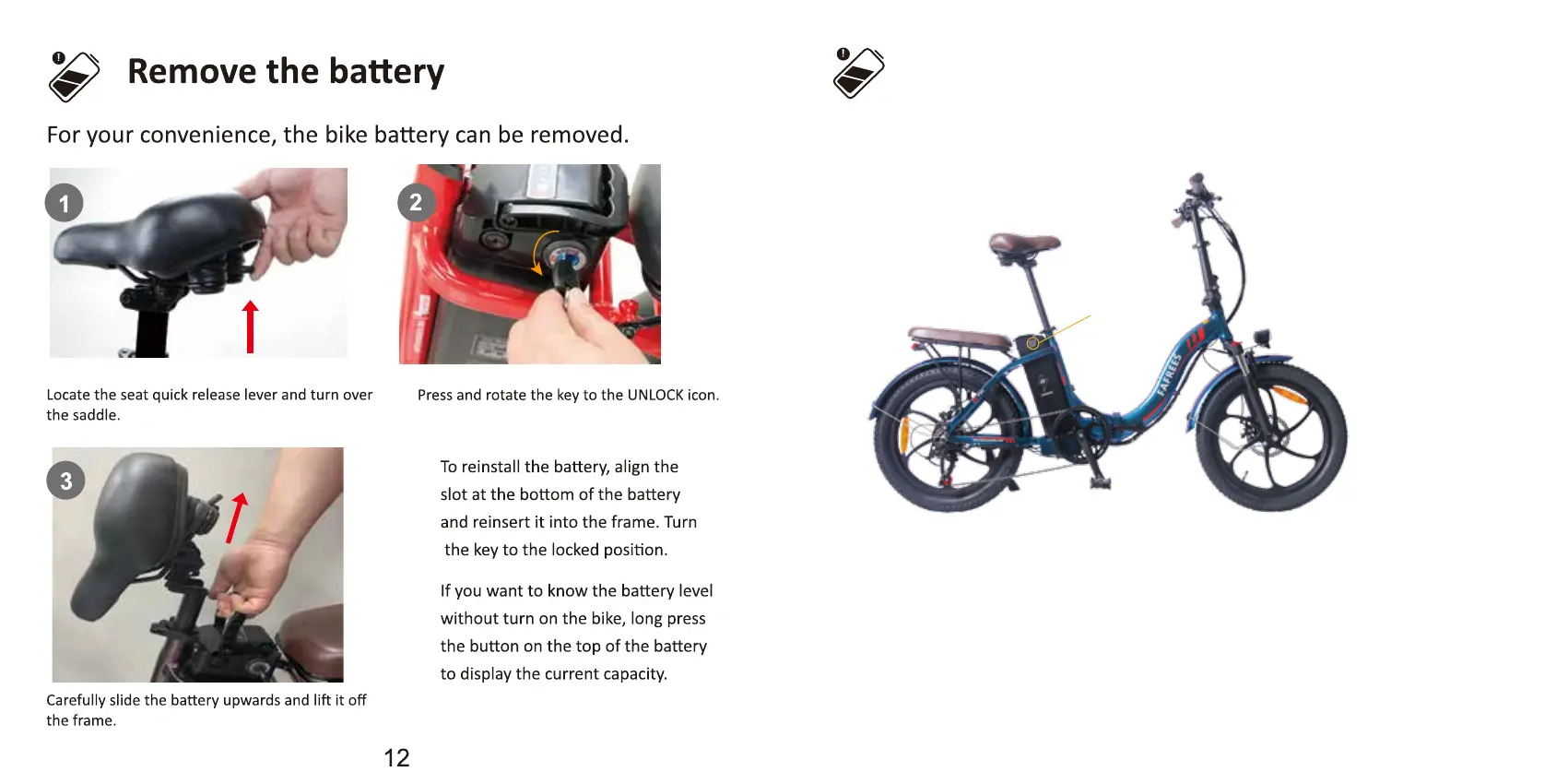
Before using the electric bike, you must fully charge the baery.
Charge Your E-Bike
13


 To Next Page