23
OPERATING
GB
Steam mode:
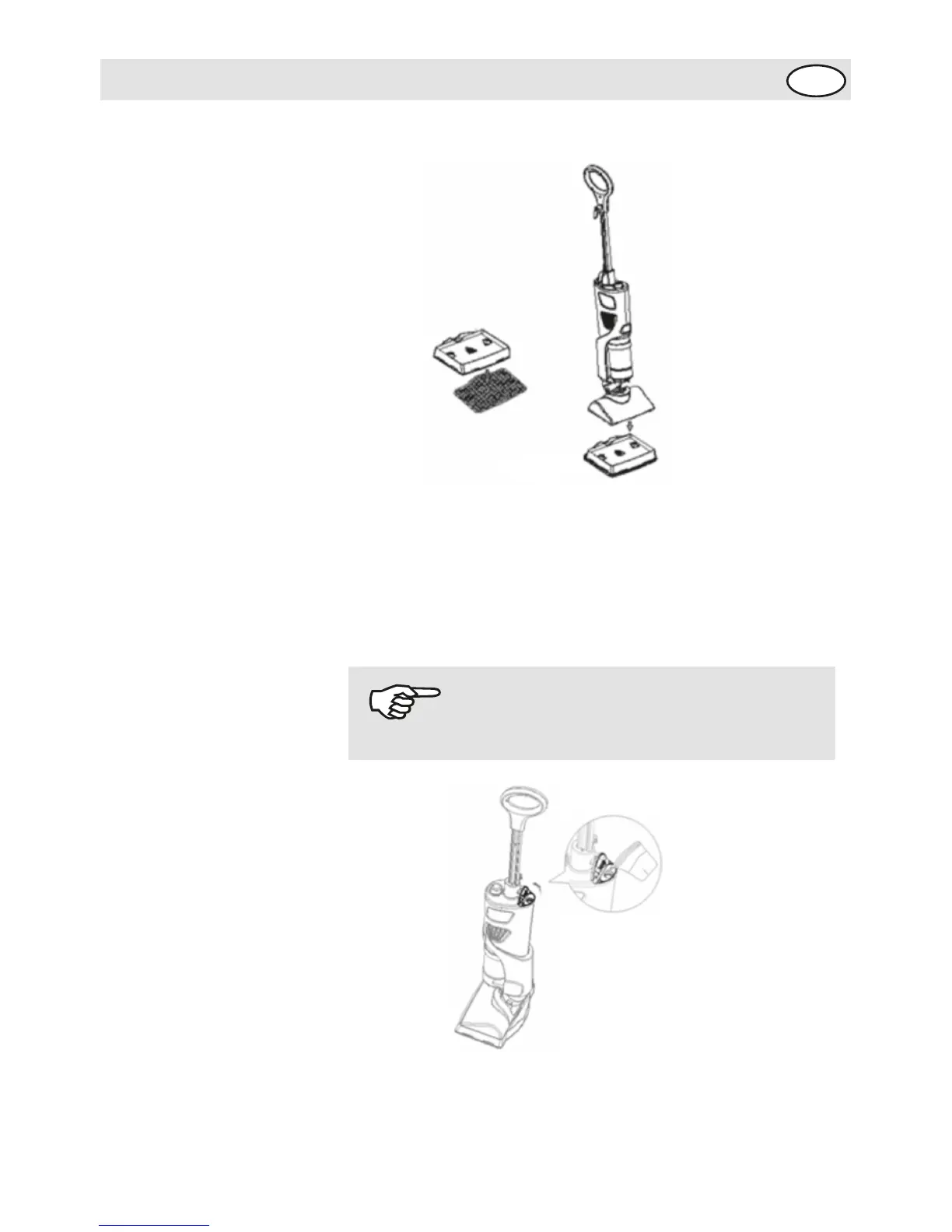
1- Attach a steam pad onto the bottom of the steam frame.
2- Place the steam frame / pad assembly on the floor when
the appliance is upright.
3- Filling the water tank: Keep the cleaning unit the upright
position to add water. Turn the water tank cap counter-
clockwise and fill the water tank with the filling flask,
closethe tap.
4- Plug in the cleaning unit. Turn the switch to the steam
position. The illumirated blue light indicates that the “boiler”
is on.
NOTICE!
Water can not be exceed maximum level.


 To Next Page