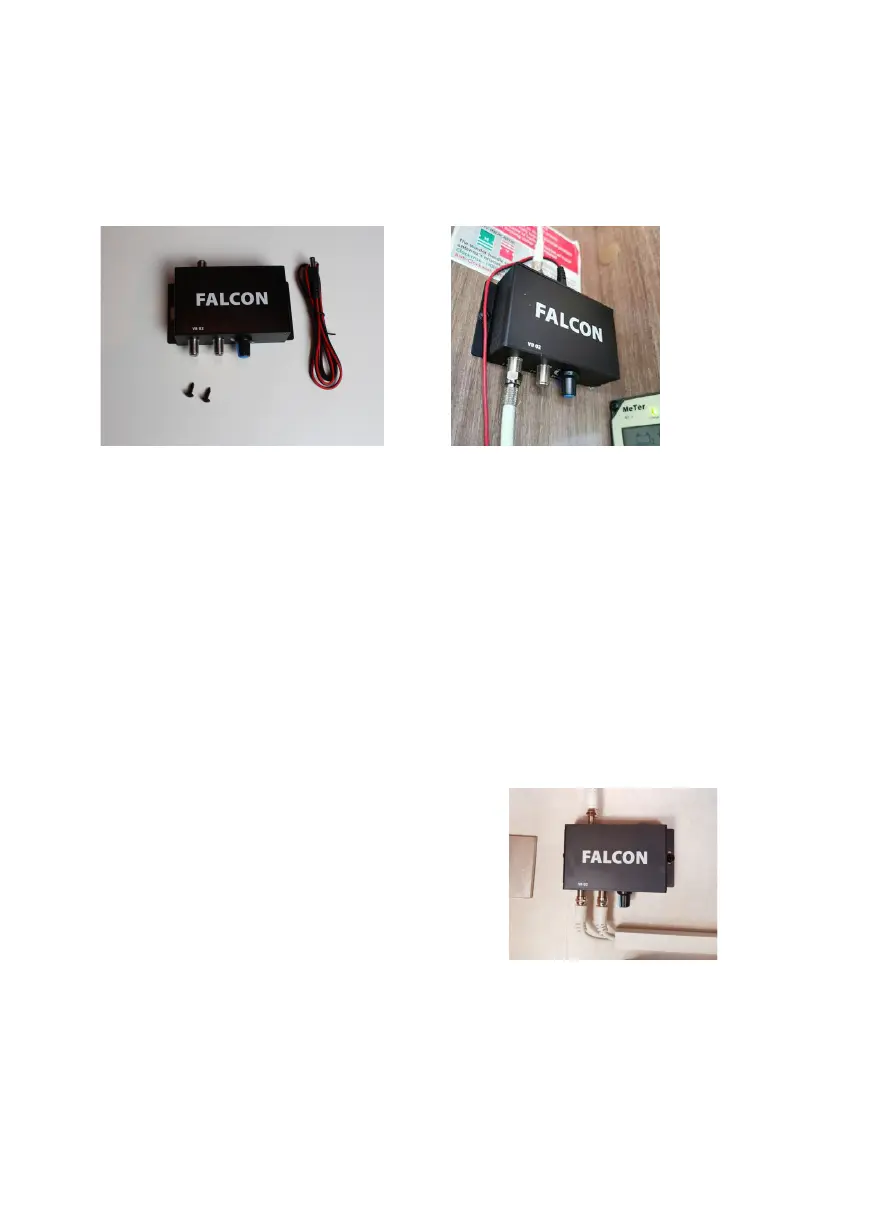
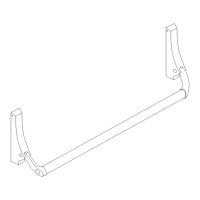
Mounting the TV booster box
Positioning the TV booster box and x with the two small screws
Measure the 5 metre DTV cable to the antenna input on the TV booster
box and cut the DTV cable to measure. Add the F type connector to the
cable and x to the TV antenna in put.
TV output 1
Use the remains of the 5 meter cut cable now add the 2nd F type
connector and add to the TV1 output. Connect TV output 1 to your TV or
TV socket then to your TV.
TV output 2
Use the 5 metre DTV cable and connect the F type connector to TV2
output then connect to second TV.
Connect the 12 volt DC cable to a 12 volt supply then plug into the power
input on the TV booster box.
Switch on the power with the switch on
the TV booster box. Turn up the strength
of the booster with the blue controller
towards the + symbol to about the +
symbol.
Tune TV 1 channel list for terrestrial TV then tune TV 2 again to terrestrial
TV, if you see break up of picture then increase the strength on the
booster by turning the strength control towards in the + direction.


 To Next Page