FALCON F
+ USER MANUAL
DCI DigiGuide 10.31.2022
DIGITAL CONTROL, INC 30
STEP 4 OF 6
The locator beeps 3 times
fast and displays a check
mark after a successful
calibration.
STEP 5 OF 6
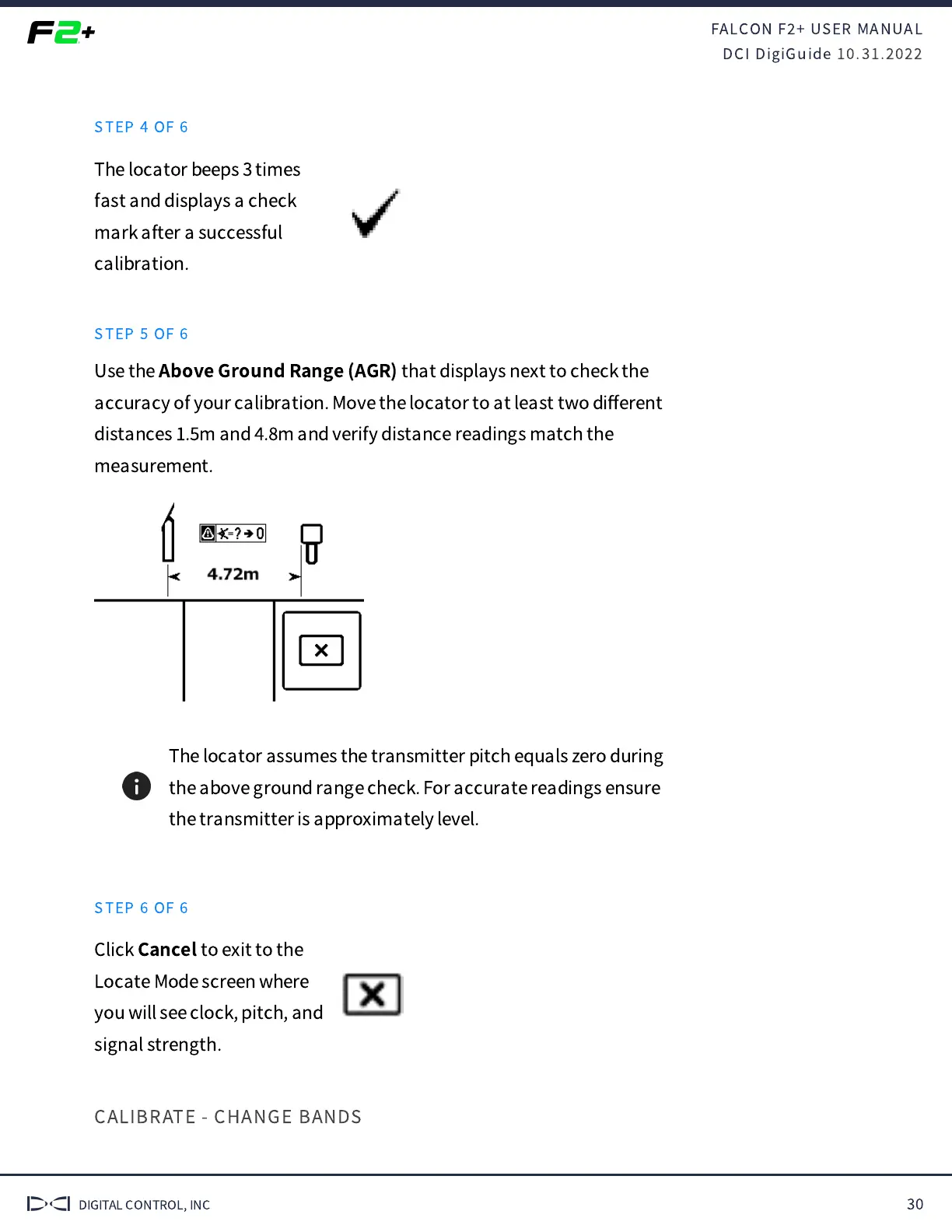
Use the
Above Ground Range (AGR)
that displays next to check the
accuracy of your calibration. Move the locator to at least two di
ff
erent
distances
.
m and
.
m and verify distance readings match the
measurement.
The locator assumes the transmitter pitch equals zero during
the above ground range check. For accurate readings ensure
the transmitter is approximately level.
STEP 6 OF 6
Click
Cancel
to exit to the
Locate Mode screen where
you will see clock, pitch, and
signal strength.
CALIBRATE - CHANGE BANDS



 To Next Page