Q&A
Q&A
8. How do I change the WiFi SSID on my router?
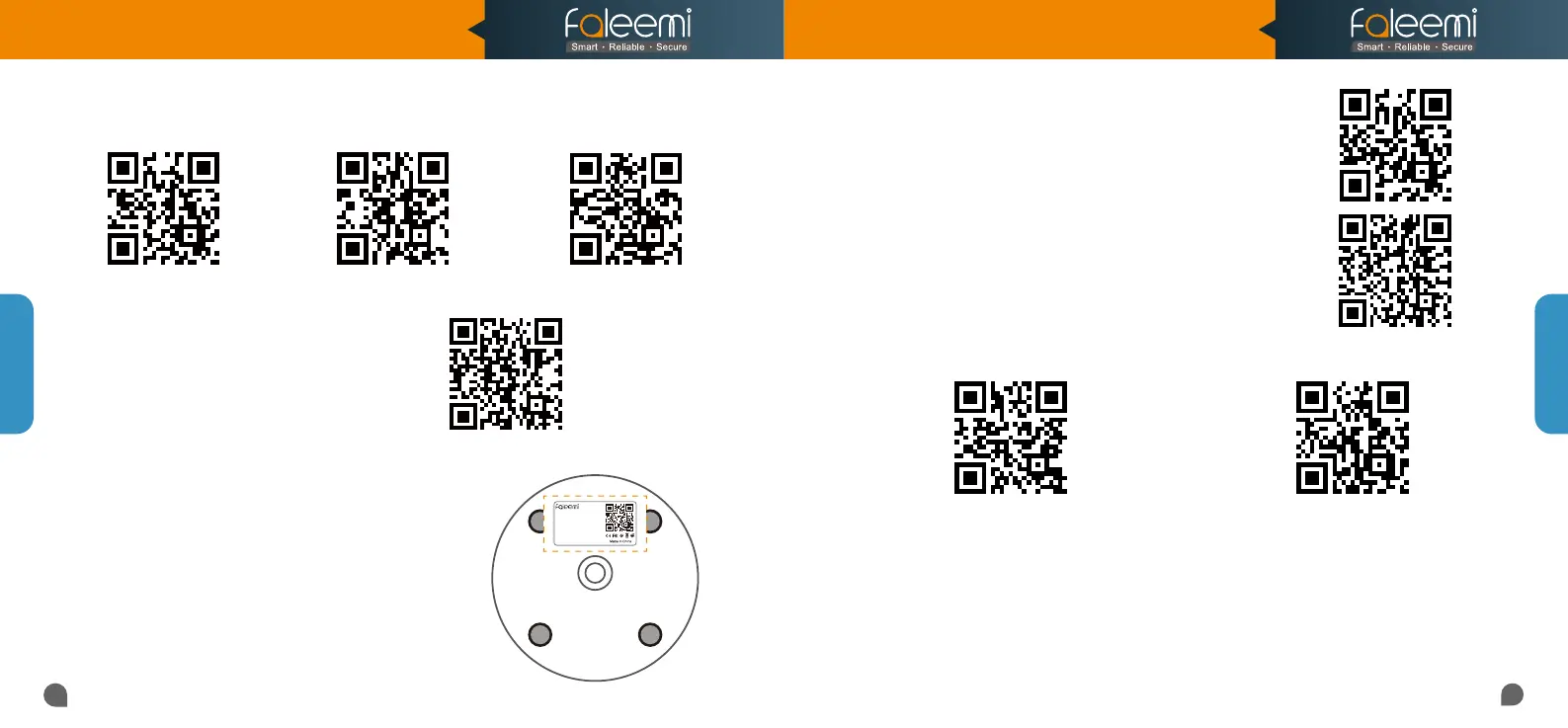
9. How do I find the WiFi MAC address of my camera?
10. How to set Faleemi camera IP Address and Port ?
Please visit
http://support.faleemi.com/mail/alert.pdf
If there is no the guide for your Email server,
Please email us at support@faleemi.com
11. How to set Email alert?
12. How to link your camera to your PC/Mac by Faleemi Plus?
If you need the WiFi MAC address of the camera to
connect it to your router, please take the photo of the
label on the camera and send it to
support@faleemi.com.
We will provide you with the WiFi Mac address
Please visit
https://youtu.be/2uFUQkM6cBo
Username: admin
Password: 123456
DID: VIEW-1234567-ABCDE
DDNS: 008abcde.nwsvr1.com
IP Camera
Model: FSC882
V2.0
31
32
Windows 7
Windows 10
https://youtu.be/8gx60SEHSu4 https://youtu.be/V3pgXHvQ67U
https://youtu.be/qzwRIwLnNPg
MAC
Windows
MAC
More Router Settings
For more router settings,
please visit
https://www.faleemi.com/blocks/router
If there is no the guide
for your router settings,
please email us at support@faleemi.com
https://youtu.be/sEuauwrchbs https://youtu.be/pljGg0l86N8
13. What do I do when I'm prompted “Exceed MAX User"?
A.
It supports up to 4 users to watch at the same time, if the camera has more than 4 devices in
use, please exit the other devices completely and re-enter.
B. If no more than 4 devices are in use, please exit the Faleemi app completely and re-enter
C. If you are still prompted to exceed the number of users, please reset the camera (page 30),
start it over again (page 3) and then change the camera password as per the instructions in
page 28.
Model: FSC882
Quick Start Guide
1080P Pan/Tilt Wireless Network Camera



 To Previous Page