2
Note
Before connecting the pads and audio source box, turn off the
power switch please, otherwise it will destroy the drum kit!
Connecting the pads and module
Connection
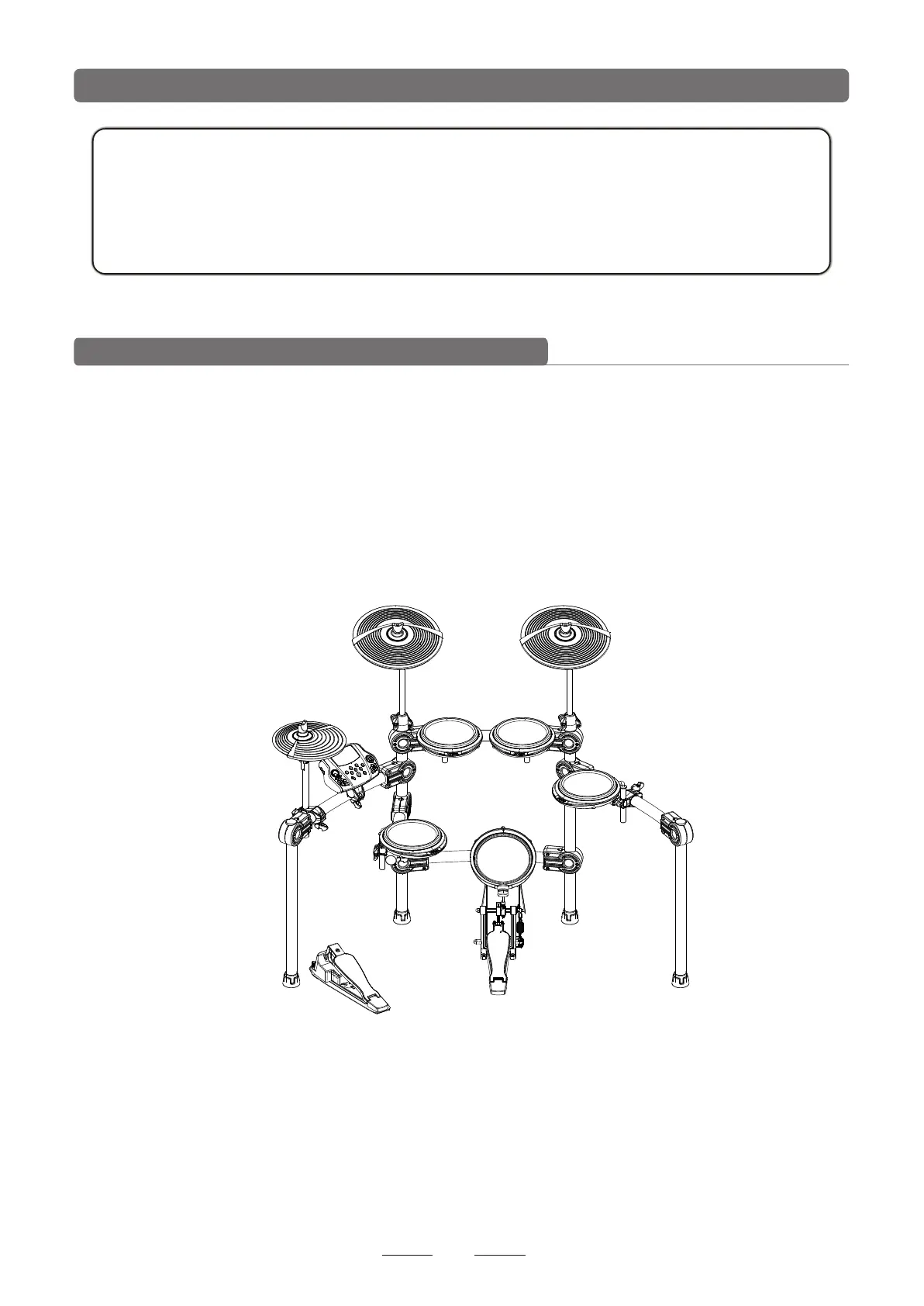
1.DD-5500 configuration:
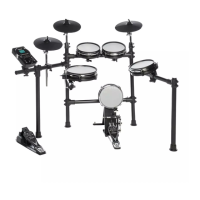
Standard configuration: TOM1-3(2 CH),SNARE(2 CH),KICK(MONO),HI-HAT
(MONO),RIDE(2 CH),CRASH(2 CH),HI-HAT CTRLExtended configuration:TOM4
(2 CH),RIDE 2(2 CH)
Use the cable to connect the relative pad and DSP module and tighten the screws.
CRASH RIDE
HI-HAT
TOM1 TOM2
KICK
TOM3
SNARE
HI-HAT CONTROL
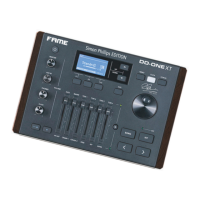
MODULE



 To Next Page