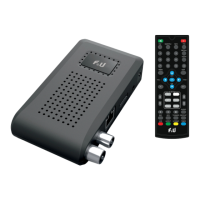
Set Favorite Channels
You can create a short list of favorite programs that you can easily access.
Set Favorite TV or Radio program:
1.Select your desired channel then press the FAVOURITE button.
Choose a category to assign the channel and confirm with OK button.
2.Repeat the previous step to select more Favorite channels.
3.To confirm and exit the Menu, press the EXIT key.
Disable Favorite TV or Radio channel:
Select the favorite channel and select “disable” to cancel.
View Favorite Channel:
1.While in normal viewing mode, press favorite button and the favorite menu will appear.
2.Press UP/DOWN to browse through your favorite channels.
3.Press OK to select your favorite channel.
Delete a TV or radio program
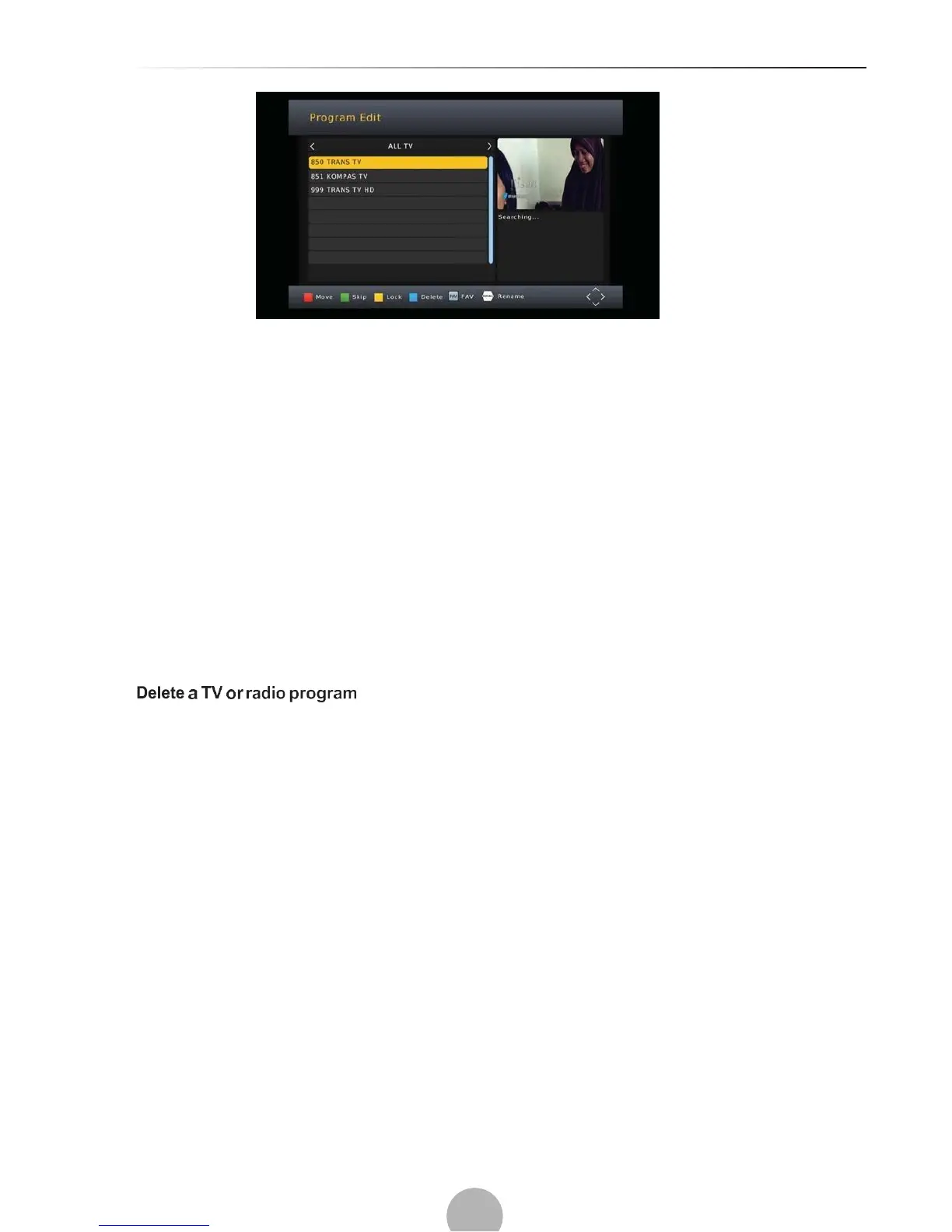
1.Select the program and then press the BLUE button. A warning message will appear, press OK
to delete the channel.
2.Repeat the previous step to select more channels to delete.
Skip TV or radio channel
1.Select the channel you would like to skip and press the green button. A skip symbol is
displayed the channel is marked as skip.
2.Repeat the previous step to skip more channels.
3.To save your settings and exit the menu, press exit key.
Disable the skip channel function:
Select the skip channel and press the green button on the remote control to cancel.
Move a TV or Radio Program
1.Select the preferred channel then press the REO button. A move symbol will appear.
2.Press UP/DOWN to move the channel.
3.Press OK to confirm.
4.Repeat the above steps to move more channels.
Lock Program
You can lock selected programs for restricted viewing.


 To Next Page