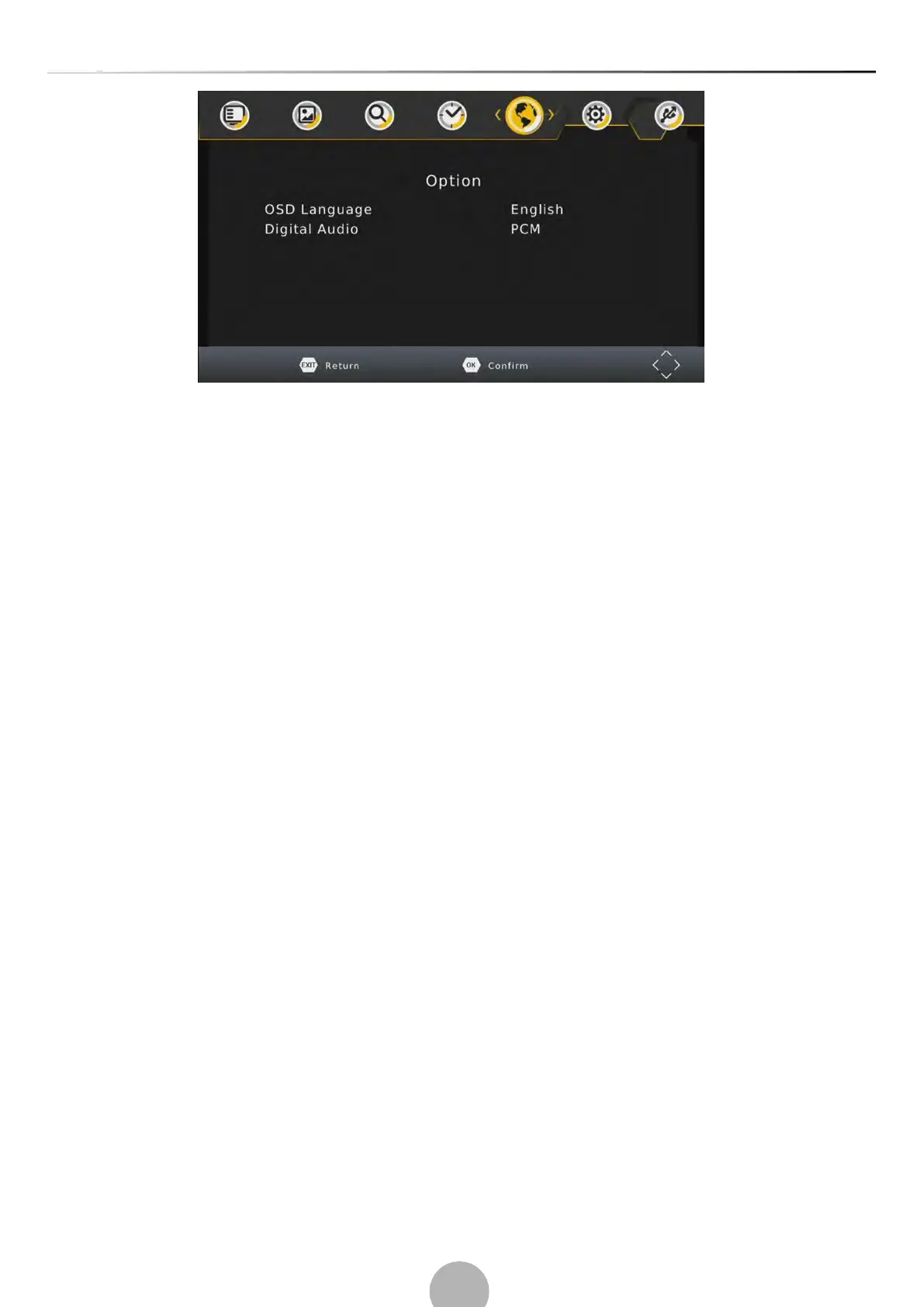
(a) OSD (On Screen Display) Language
Select an OSO language.
(b) Digital Audio
Select the digital audio for watching TV channels. [PCM], [RAW HDMI ON], [RAW HDMI OFF], [OFF].
(6).System Setting
To access the menu, press MENU and select [System] using the RIGHT/LEFT keys. The menu provides
options to adjust the system settings.
Press the UP/DOWN key to select an option and press RIGHT/LEFT to adjust the setting. Press EXIT to
exit the menu.


 To Next Page