3
4
3
2
2
1
1
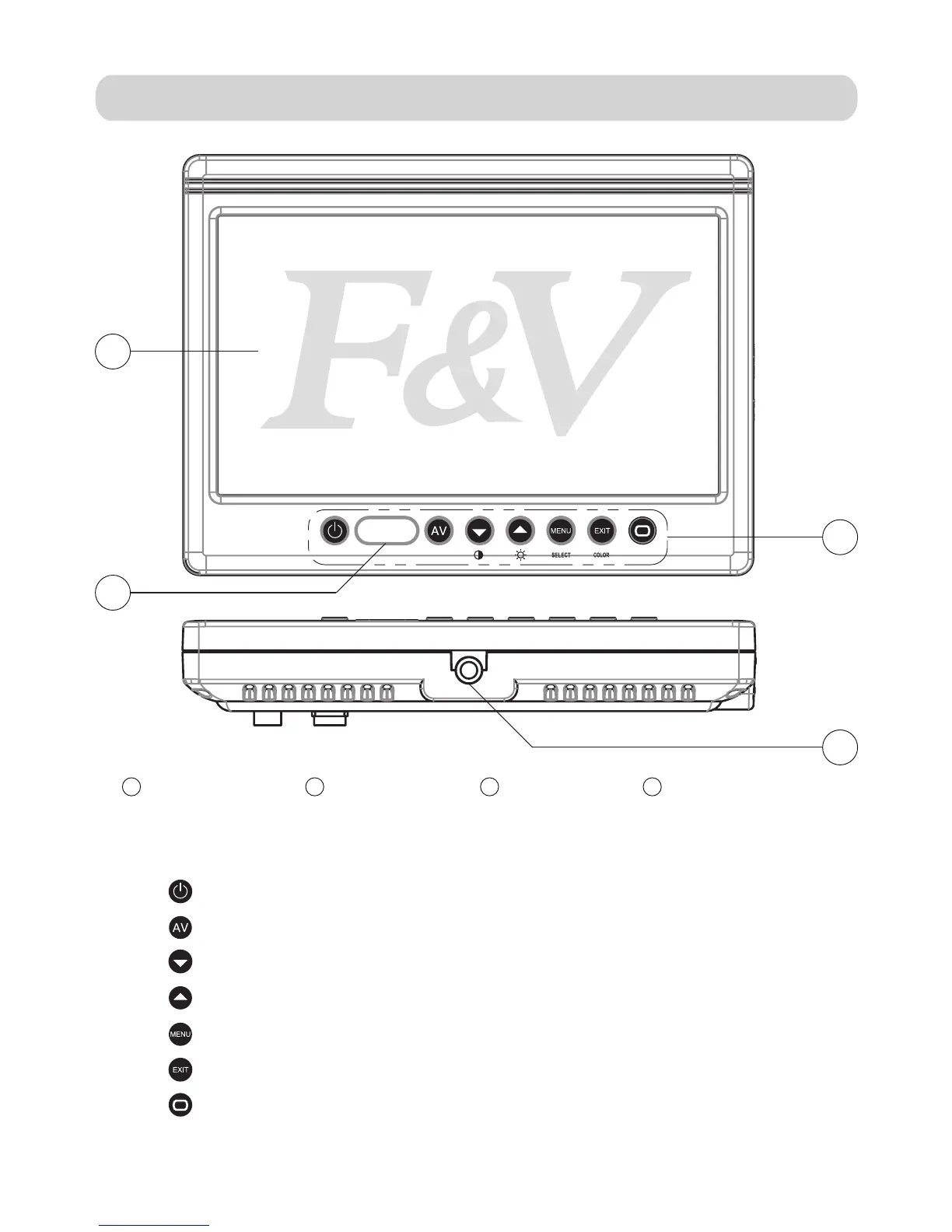
Power ON/OFF
AV1/AV2/HD-SDI/HDMI or DVI input selections
Down-key:Contrast adjustment,menu list selection
Up-key:Brightness adjustment,menu list selection
Menu:Acticvates OSD menu selections
Exit:Color/B&W selectionmodes
Aspect Ratio Select:16:9 or 4:3
TFT LCD Screen Selection Keys
4
1/4”-20 Female Mount
Selection Key Identification
Infrared Window
-3-
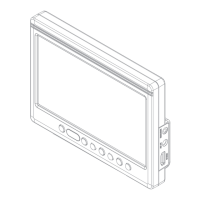
Parts Diagram:


 To Next Page