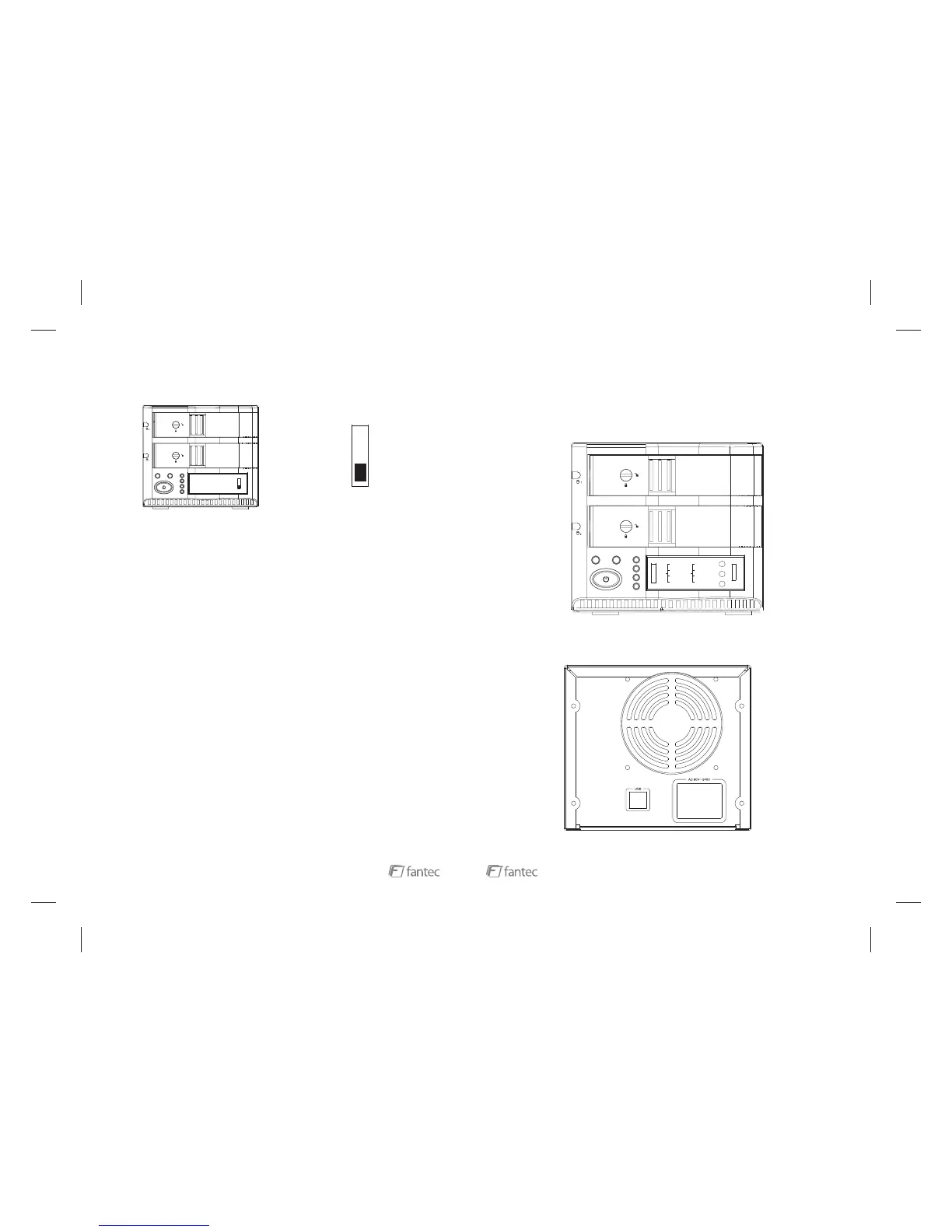
COPY
COMPARE
PRESCAN
ERASE
This mode copies all information from Source-HDD (slot2) to Target-HDD
(slot1), incl. boot sectors, MBR, hard drive partitions and every single
data block as a 1:1 copy. If the Target-HDD is larger than the Source-
HDD, the remaing space will be left blank.
This mode compares the sectors of both HDDs. If the sectors are
different, the buzzer will give an alarm beep and the HDD status LED of
slot 1 will twinkle in red. If they are ok, the buzzer will beep for 5 times and
the “Compare-LED” will stay green.
This mode enables a bad sector scan of HDD2 (Source-HDD). If the
sectors are ok, it will beep 6 times and the “Prescan-LED” will stay green.
This mode deletes partition information of HDD1 (slot1). After the task
has finished, it will beep 6 times and the “Erase-LED” will stay green.
TCEFFETNEVE
No HDD detected or HDD failed HDD Status LED will send red light
thgileulbdneslliwDELsutatSDDHKOnoitceteD
elprup/eulbdneslliwDELsutatSDDHsseccaDDH
twinkle
HDD Read Failure HDD1 LED will send red light
dnathgilderdneslliwDEL1DDHrorreypoC
buzzer will beep
Compare error HDD1 LED will send red twinkle and
buzzer will beep 3 times
Prescan error HDD2 LED will send red light and
buzzer will beep
dnathgilderdneslliwDEL1 DDHrorreesarE
buzzer will beep
Note:
The size of the “Target-HDD” must be equal or larger than the “Source-HDD”.
Troubleshooting



 To Next Page