2.1.4 RAID1/SAFE
RAID1 RESET + START
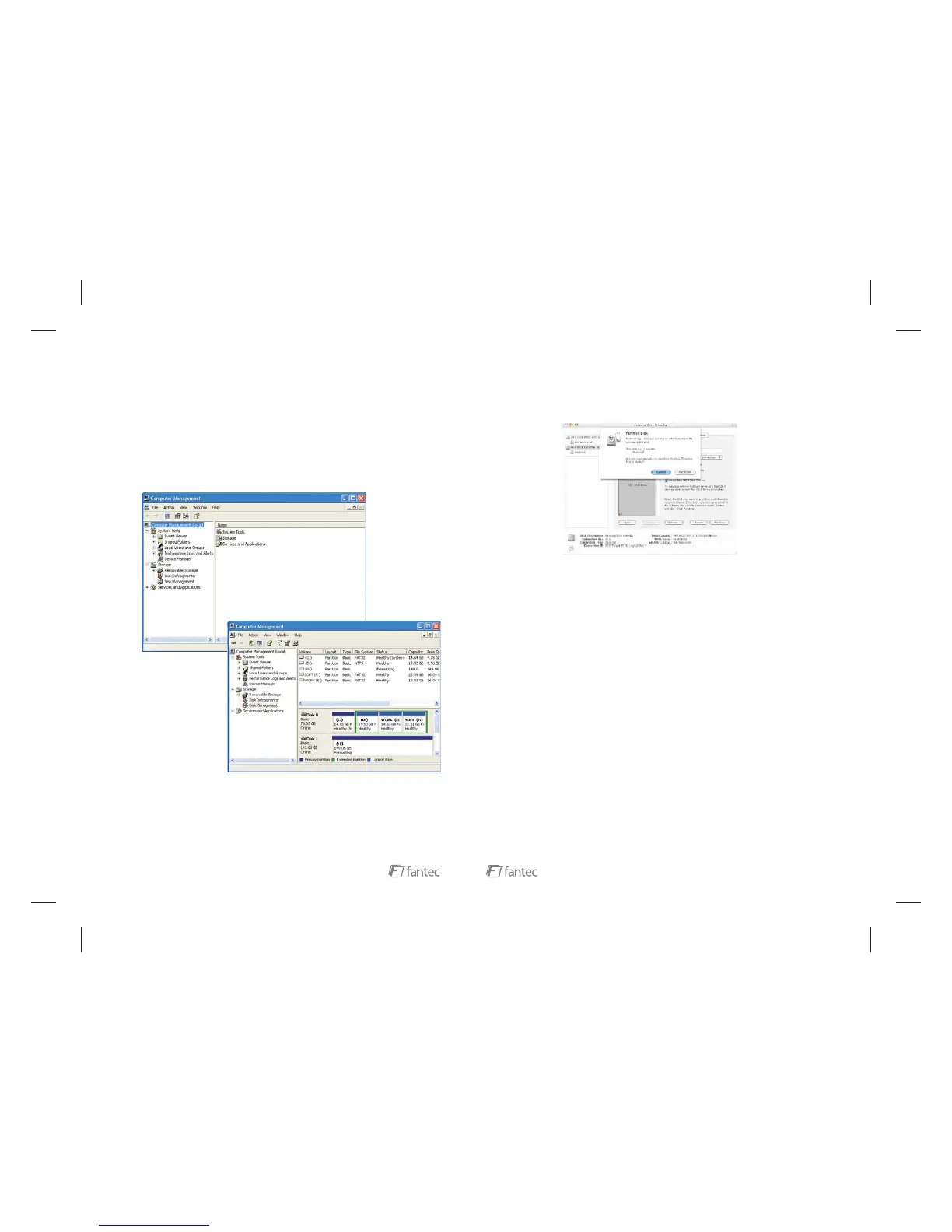
My Computer manage
The two drives were connected to the products HDD1 and HDD2 Connector;
USB & Power cable were connected.
Press power switch, set MODE switch to and press
button. After a few seconds, the computer will automatically capture USB devices
and increased 2 drives (If no drive there, then the hard disk drive management will
re-zoning which format). At this moment you can operate the disk. Re-zoning
which drives formatted as follows (All information will be eliminated when Format
hard drives);
Click “ ”, right-clicking pop-up menu, click Options “ ”, pop-
up computer management plan was pop-up as follow:
Click “ :
Right pop-up The additional disks ( :) and the additional disks (F :)' menus,
choose “ ”.
Click “ ”, followed by a clew to operate
Disks Management” plan
H
Delete Disk Segmentation
Segmentation additional disks
9
5. Select from the Format drop-down list.
6. Specify the size of the partition in the field.
7. Click the button.
8. Click to acknowledge the warning.
Mac OS Extended (journaled)
Size
Partition
Partition
Disk Utility mounts the created partition and represents it with an icon on the
desktop. The icon is labeled with the partition name.
1. If this product is in use for the first time or the mode (
) is changed, we must initialize and format the HDD before. (All
information will be eliminated when format hard drives)
2. When you need to change different mode (BIG, JBOD, RAID0/FAST,
RAID1/SAFE) you must press the RESET + START button, so that the enclosure
can distinguish the exact mode.
3. If you require a faster data transfer, MODE will be suggested to
use.
4. If you require a higher data security, MODE will be suggested to
use.
5. If you require a bigger hard disk capacity, will be suggested to use.
The FANTEC MR-35HDC provides the following Serial Advanced Technology
Attachment (SATA) features:
Automatic negotiation between SATA I (1.5Gbps) and SATA II (3.0 Gbps)
Serial ATA 2.5 specification compliance (Gen2m)
For detailed information about SATA technology, refer to the following
3. NOTE :
BIG, JBOD, RAID0/FAST,
RAID1/SAFE
RAID0/FAST
RAID1/ SAFE
BIG MODE
4. Features
4.1 High speed external storage solution, USB2.0 480 Mbps
SATA Features
specifications online:
Serial ATA: High Speed Serialized AT Attachment, Revision 1.0a
The Serial ATA web site is http://www.serialata.org/.
14



 To Next Page