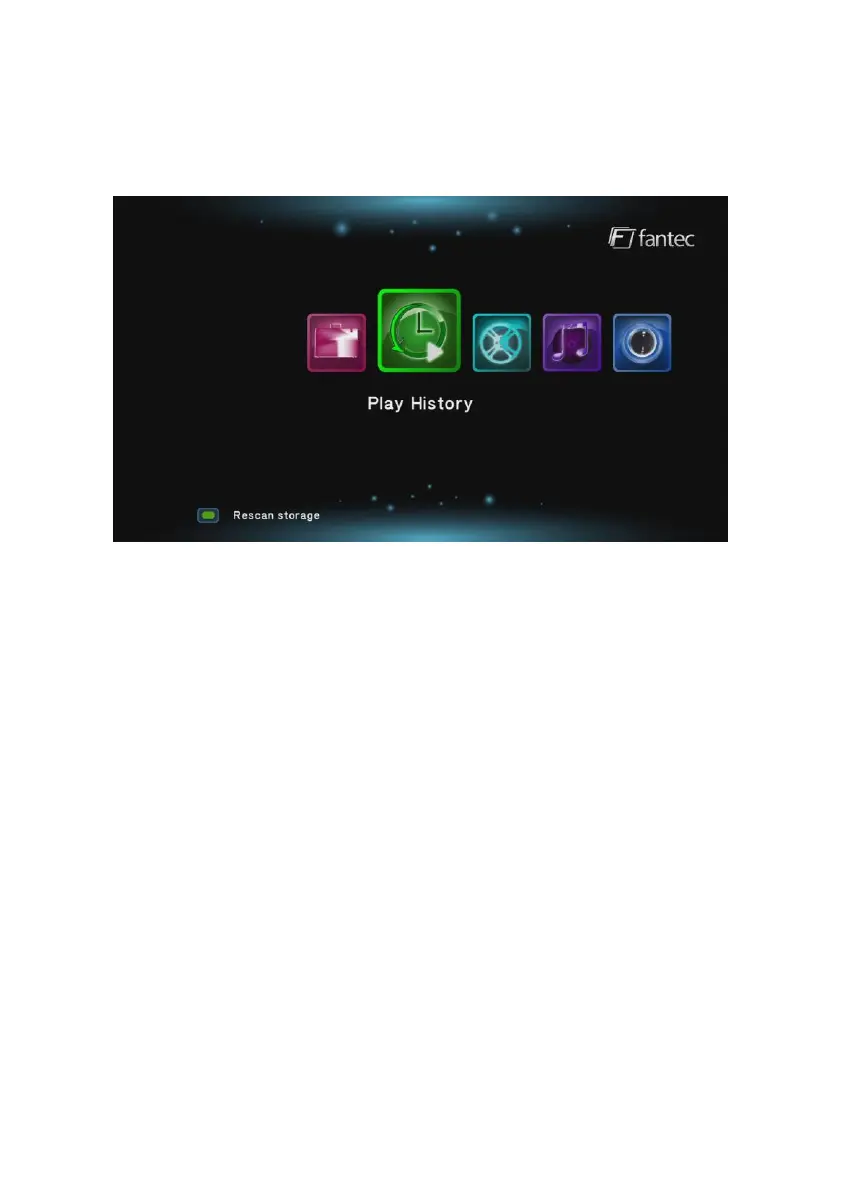
5.2 History
The History menu displays up to 10 recently played video files that
have been interrupted during the playback. You can continue this
video at the point at which the playback was stopped.
In the History menu, you can use the following buttons on the remote
control: Navigational buttons, PLAY, NEXT + PREVOIUS for page up
and down, OPTION and GREEN button.
The GREEN button opens a submenu with the following functions:
Delete, Delete all or select multiple.
The OPTION button opens a submenu with the following functions:
Thumbnail view, list view, preview view.
The yellow highlighted option is the currently selected function.
During playback, you can press the OPTION button and select from
the following options:
- Subtitle, Audio, Goto
- Repeat title, Repeat all, Repeat off
- Video Settings



 To Next Page