Note: The History will only be saved if you enabled "Resume
playback" in the Setup. Please see point 4.1.7 for more details.
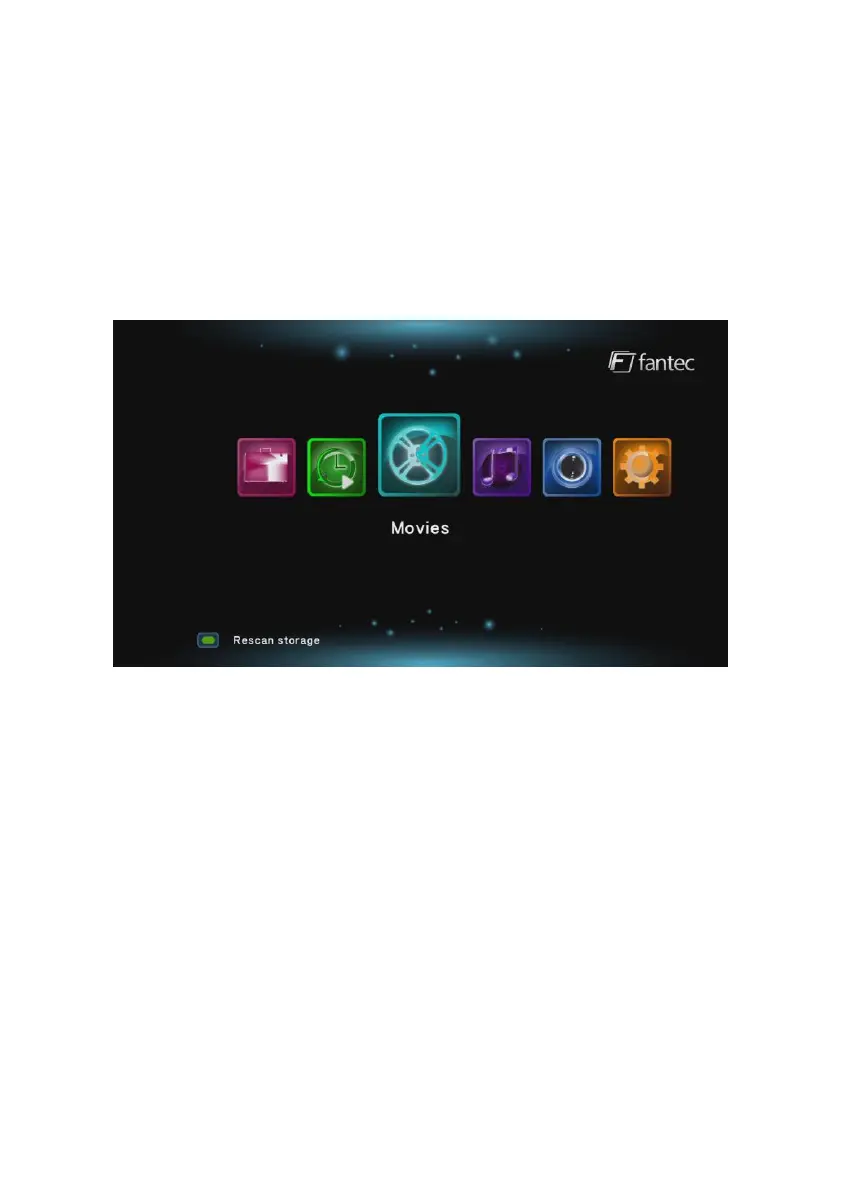
5.3 Movie
In the Movies menu all supported video files are displayed. You can
browse all video files and can play the video file that you have
selected. In the Movies menu you can you following buttons of the
remote control: Navigational buttons, PLAY, NEXT + PREVOIUS for
page up and down, and OPTION. The OPTION button will open the
sub-menu with following functions:
Search, Thumbnails, List, Preview, All movies, Show BD / DVDs, Go
to folder – File Manager Menu, Name, Size, Most Viewed, Recently
added.
The yellow marked option displays the currently selected function.
During the playback you can press the OPTION button and select
between following options:



 To Next Page