9
Fuel Flow
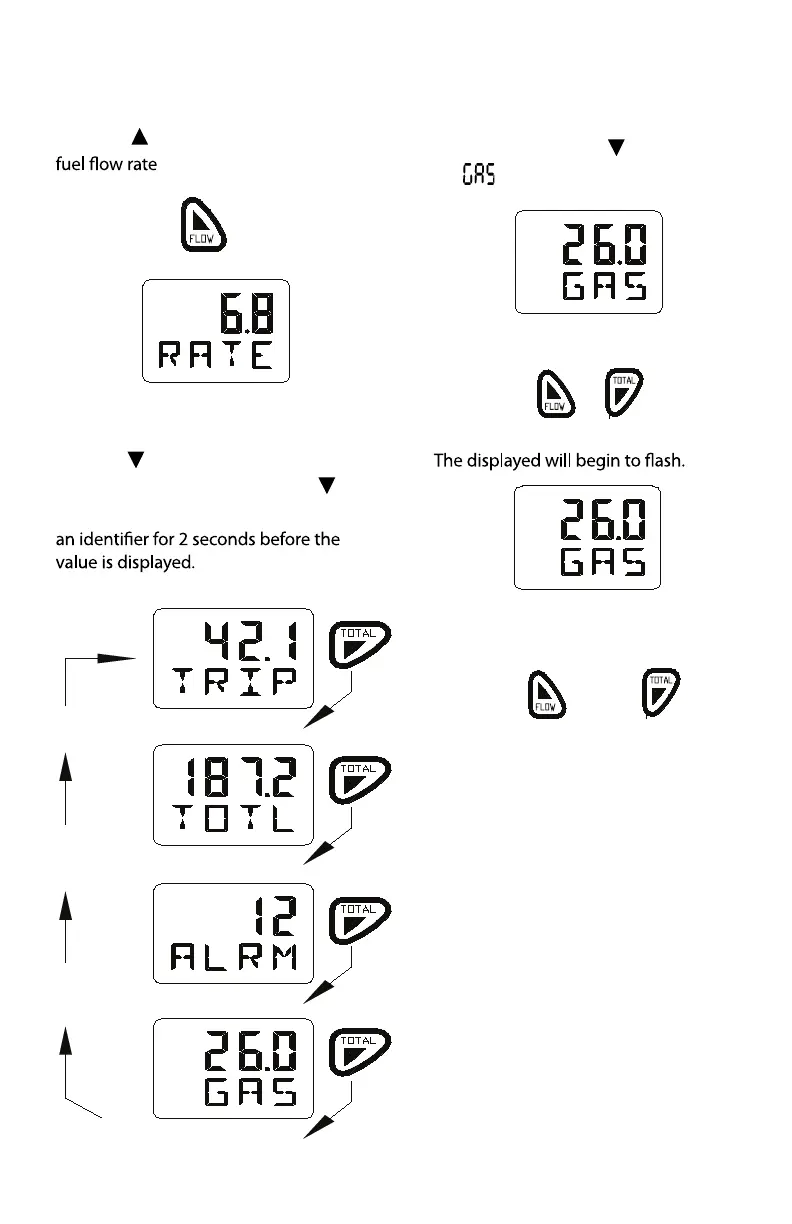
Press the key to display the current
Fuel Remaining Functions
Press the
key to cycle through the
possible functions. Each time the
key is pressed the display will show
Fuel used on trip
Fuel remaining in tank
Low fuel alarm setting
Fuel used in total
Change Fuel Remaining
To change the value of fuel remaining
in the tank press the
key until
displayed
Press and hold both keys for 2 seconds
Use the up or down keys to change
the value.
Press and hold both keys for 2 seconds
to save this new value to memory and
to exit the function.
The new value is then displayed.
Operation
or



 To Next Page