3
Installation of the Display Module
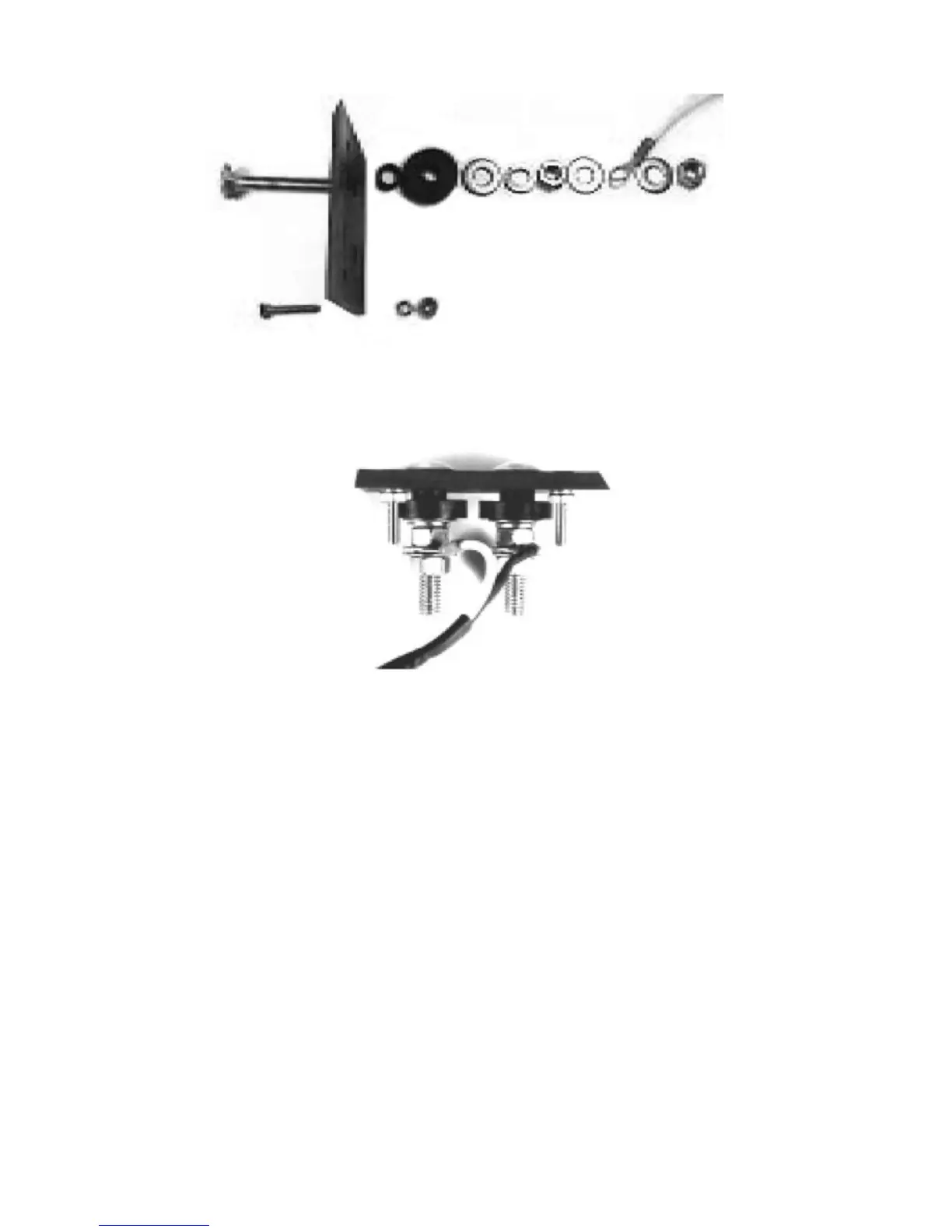
1. Select a location (a flat surface) in the cab where the display can be viewed
while baling.
2. Using the mounting bracket as a template, mark and drill 3/32” pilot holes,
and secure the bracket with the two (2) sheet metal screws.
3. Mount Display Module to bracket with adjusting knobs.
4. Locate a positive (+) 12-volt power wire or terminal that is controlled by the
tractor’s ignition switch and attach the RED wire of the power supply cable
to it.
5. Attach the other wire of the power supply cable to ground (frame).
6. Plug the power cable connector into the Display Module’s 2-pin connector.
7. Plug the sensor cable connector into the module’s 3-pin connector.
FIGURE 2
FIGURE 3



 To Next Page