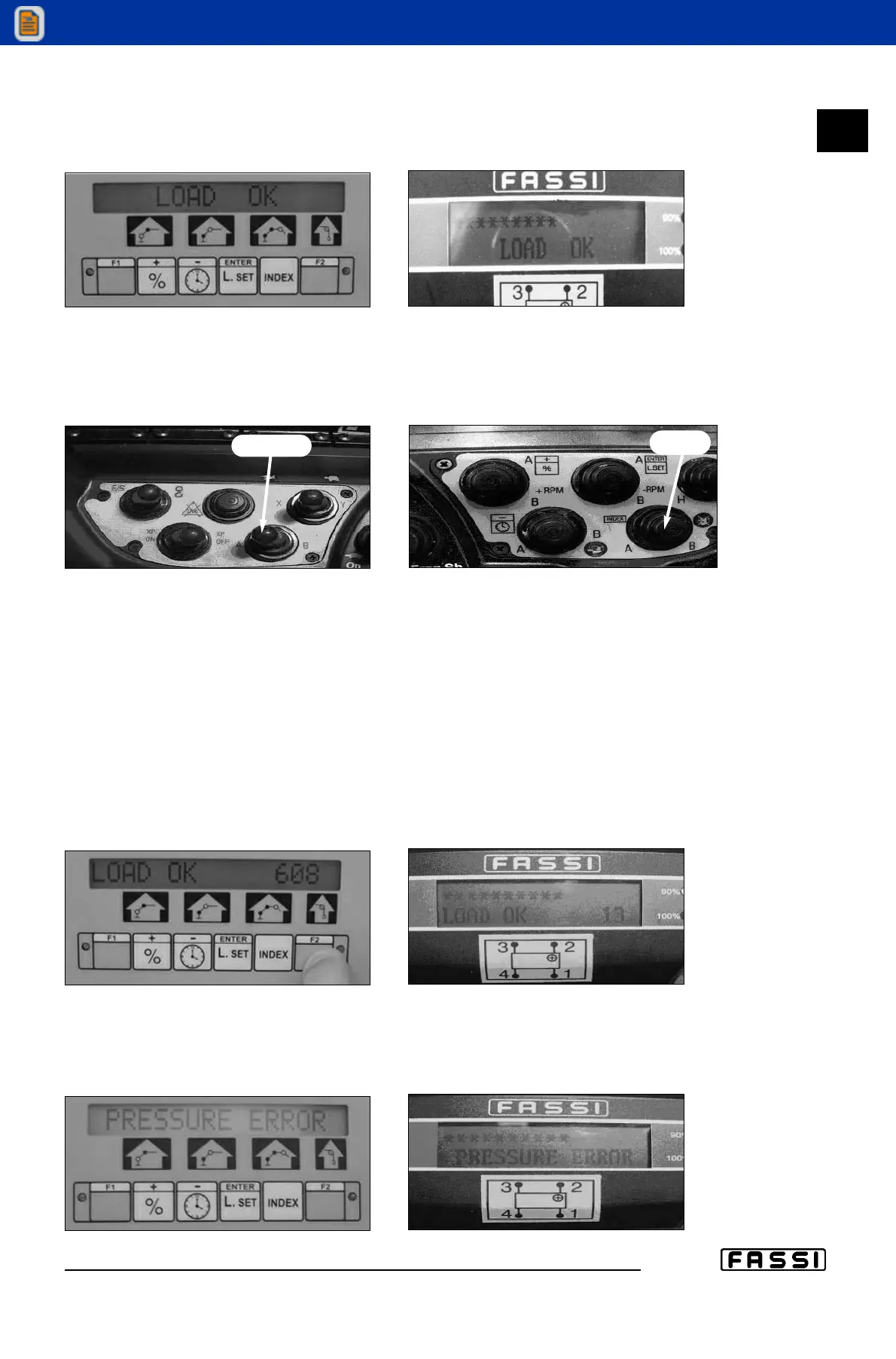
10. Message “LOAD OK” (fig. 10)
This message confirms that the load does not exceed the lifting limits of the
crane and of the manual extension selected.
CLOSING OF THE PROCEDURE
A
ll the crane functions will still be kept disabled. To start operating press
the
“INDEX” key (control panel fig. 10, or radio-remote control fig. D always
with the selector in position “A” fig. C).
Figure C Figure D
For an overall view of the procedure, we attach the diagrams showing all the passa-
ges and messages that can be displayed during the procedure according to the
various situations that may take place.
The script "EXIT" in the block diagram allows to exit the procedure.
FURTHER MESSAGES
After releasing the lever in neutral position you can find the following messages
If you keep pressed the "F2" key “F2” on the control panel or “LMI” on the push-but-
ton panel, it is possible to have an indicative evaluation of the weight applied on
the hook (fig. 11).
a. “PRESSURE ERROR” (see fig. 12)
It warns you that the system found an error in the pressures of the lifting
booms. The whole procedure must be restarted.
18.2
USE OF IMPLEMENTS
GR2_45»60_3_4_5
fig. 10
fig. 10
fig. 11
fig. 11
fig. 12
fig. 12
selettore su A
“INDEX”


 To Next Page
 Loading...