Camera Control
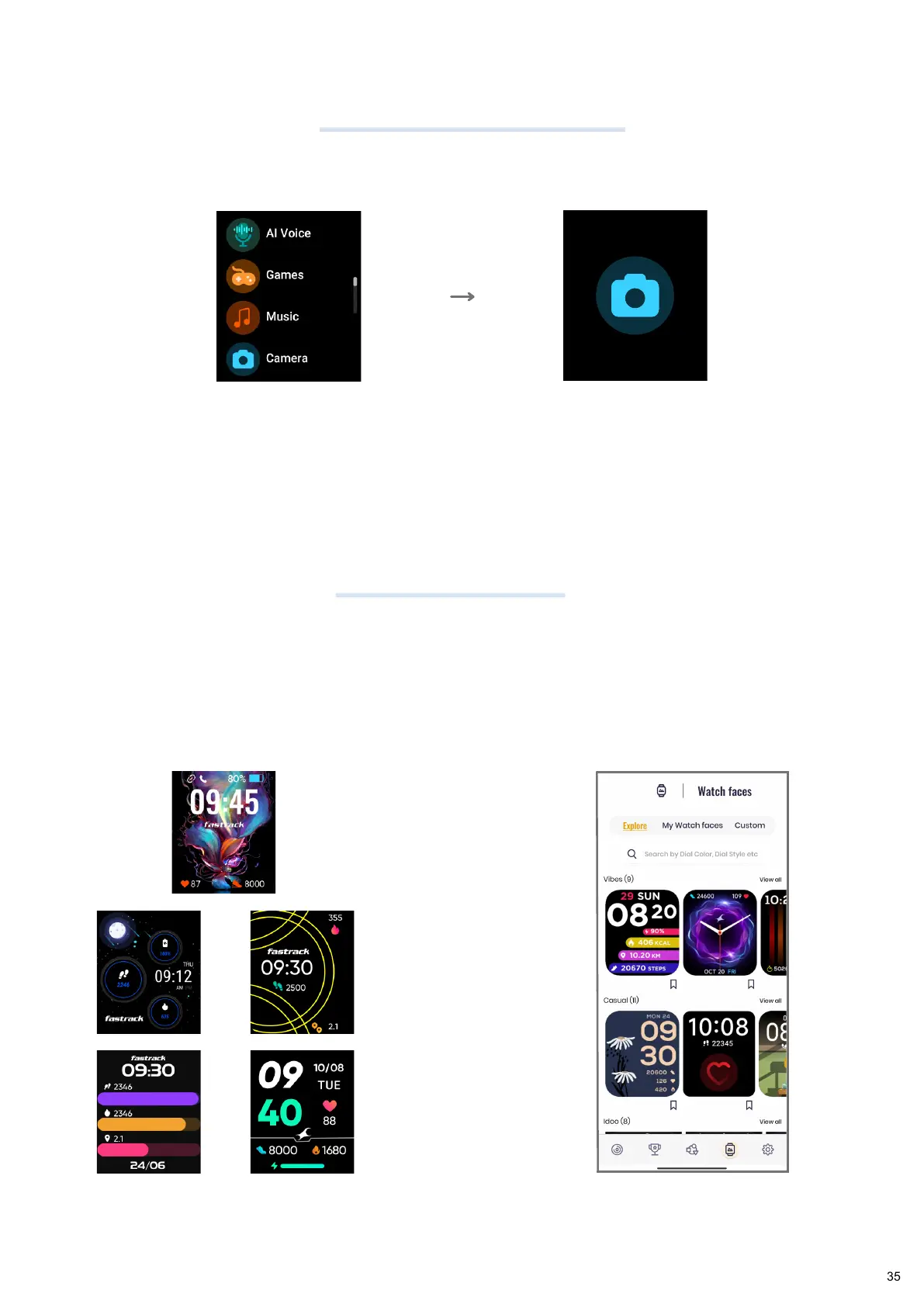
Watchfaces
You can also control your phone camera through your Fastrack Smartwatch.
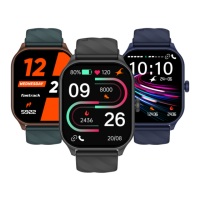
The Fastrack Smartwatch has multiple Watchfaces. A user can choose from 200+
Watchfaces available on the App.
You can even set custom Watchfaces by selecting an image from the phone gallery or
click a picture and set it as Watch Home Screen.
Long press Home Screen and swipe through
the Watchfaces to change it using the
watch.
Go to Watchfaces in the app and
install the desired Watchface
Tap on Camera
Control
Tap on the camera icon
to click a photo from
your in-app camera


 To Next Page