23
Settings
Band Settings
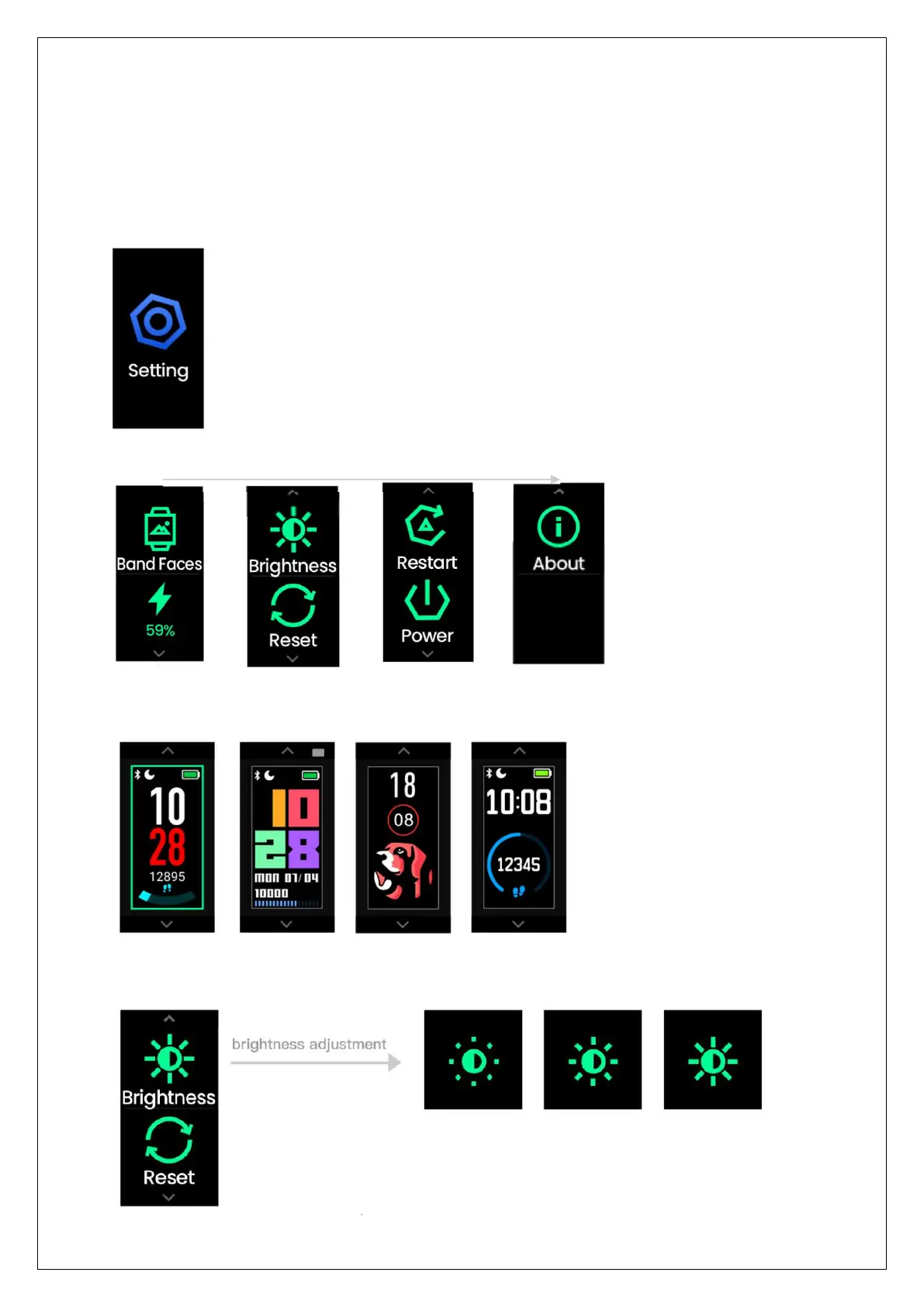
Use the settings option of the band to change the band face, control the
brightness and power options. From the Main Menu, scroll down and tap
Settings.
Scroll up and down to view the options under Settings.
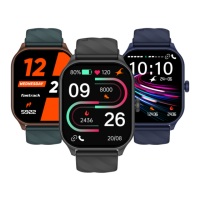
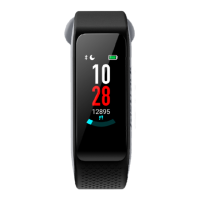
Band Faces: Tap the Band Faces and scroll down to see more band faces to
choose from. Tap the preferred band face.
Brightness: Tap the Brightness option once to increase the brightness by one
unit.
Scroll up and down


 To Next Page