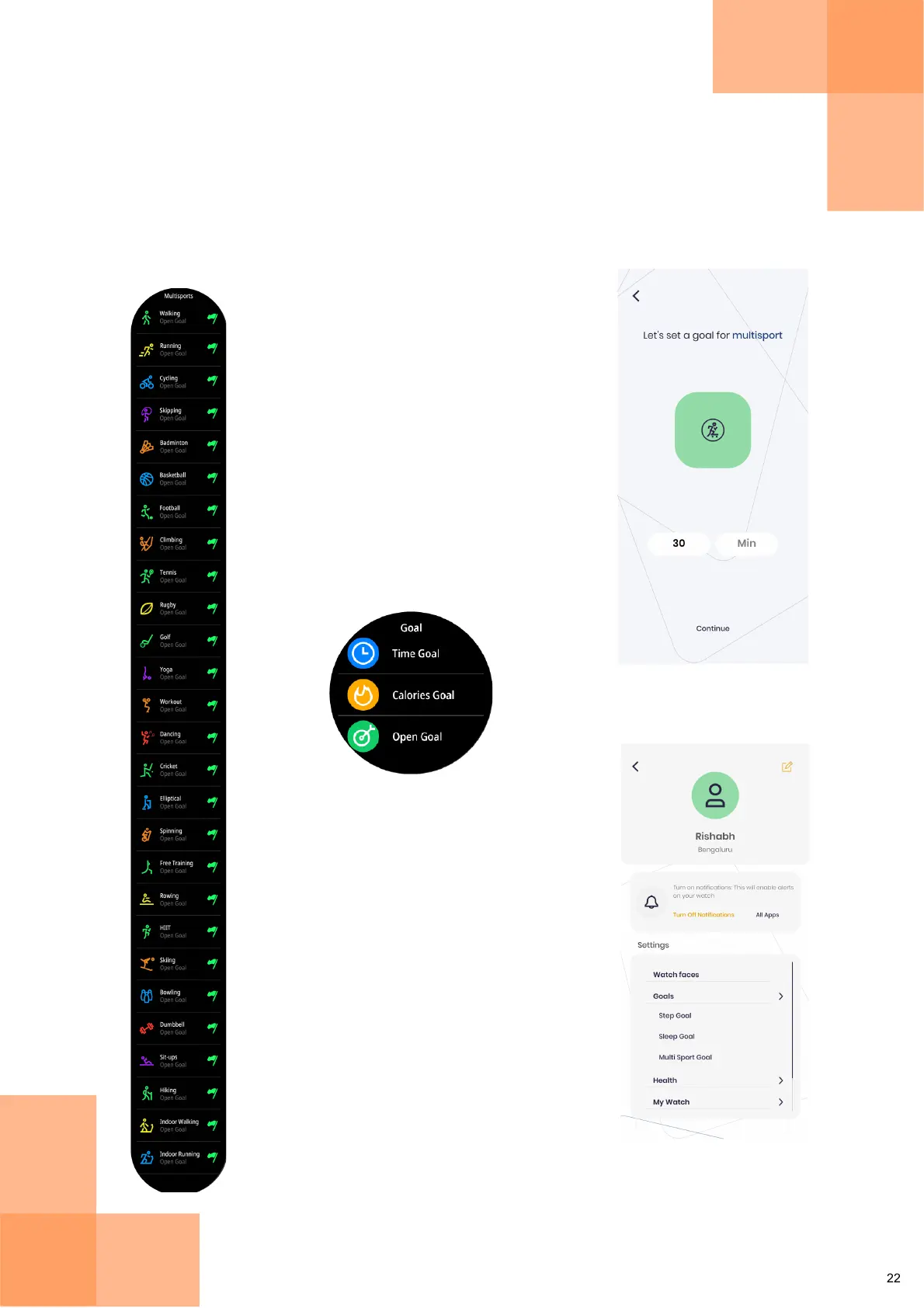
Multisports Menu
Tap on flag icon to select
Time, Calories, or Open Goal
Change your Multisport Goal
anytime from the Settings >
Goals in the Fastrack Reflex
World App
Multisports Tracking
Press the 4H Button on the watch to directly enter the Multisports Menu.
Alternatively, from the Home Screen, swipe up to open the Multisports Menu.
Multisports lets you choose from a variety of physical activities to track, like
sports, yoga, dancing, cycling etc.
Set a Multisport Goal
while onboarding


 To Next Page