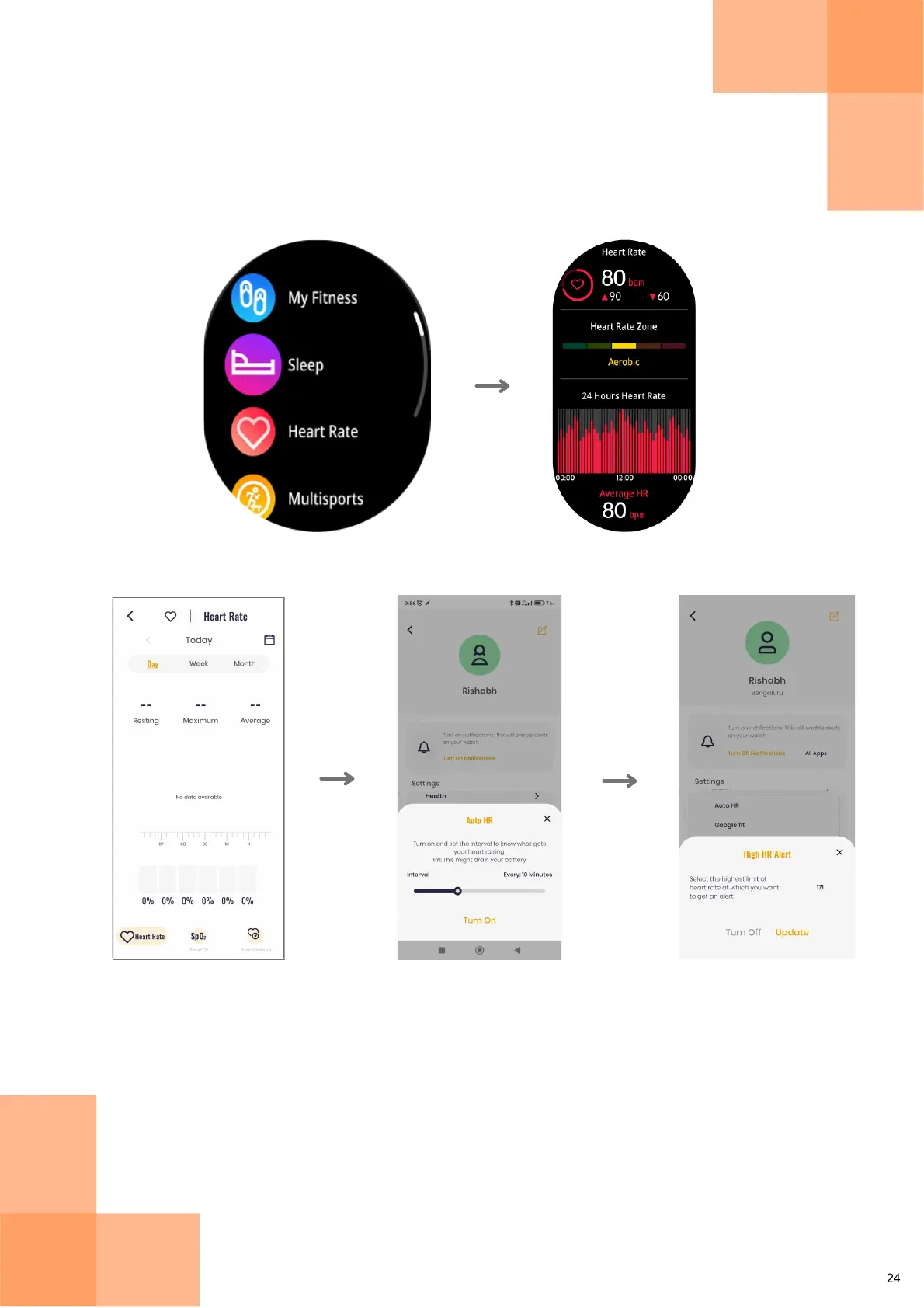
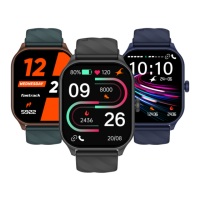
From the Main Menu, tap on 'Heart Rate' to access and measure your heart rate.
This feature also displays detailed data like heart rate trends, average heart rate, etc.
Heart Rate
View your Heart
Rate zone and
24x7 Heart Rate
trend
Tap on
"Heart Rate"
Set the Heart Rate limit at
which you want to get an
alert from Settings >
Health
Set time interval for Auto
Heart Rate detection from
Settings > Health
From your Home Screen Dashboard,
go to Health and select Heart Rate
to view detailed summary and access
daily/weekly/monthly HR data


 To Next Page