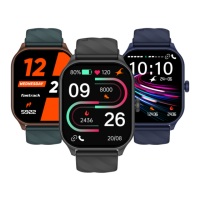
Lift to View
Open the Fastrack Reflex World App. Go to settings and tap on "My Watch".
Turn ON/OFF Lift to View.
Turn ON/OFF "Lift to View" from
the app
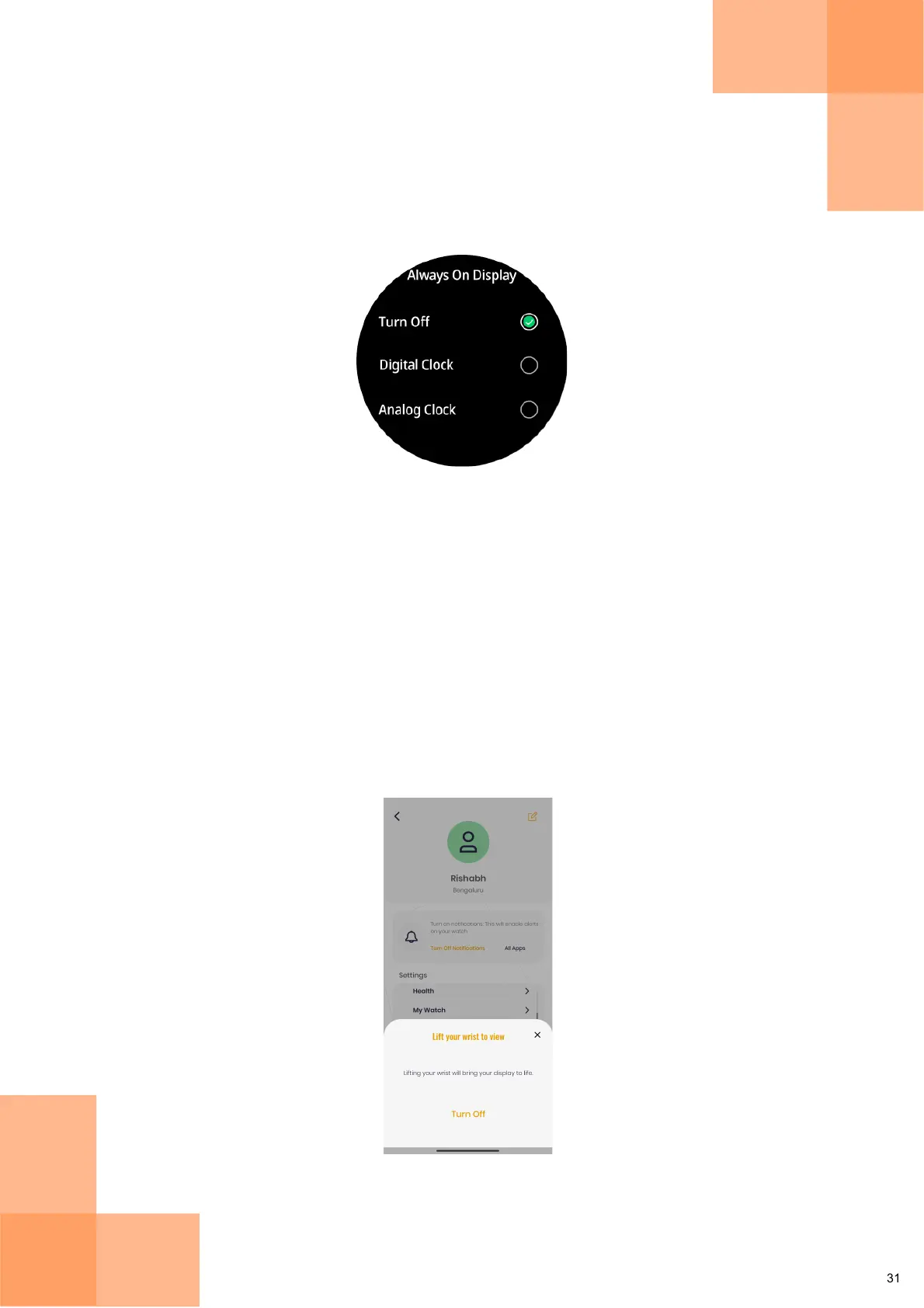
Always on Display
Always On Display
From the Home Screen, swipe up to open the Main Menu and tap on Settings and navigate to
the "Always On Display" option. You can choose between types of display you want.
Battery life will be reduced while the Always on Display is turned on.Note:


 To Next Page