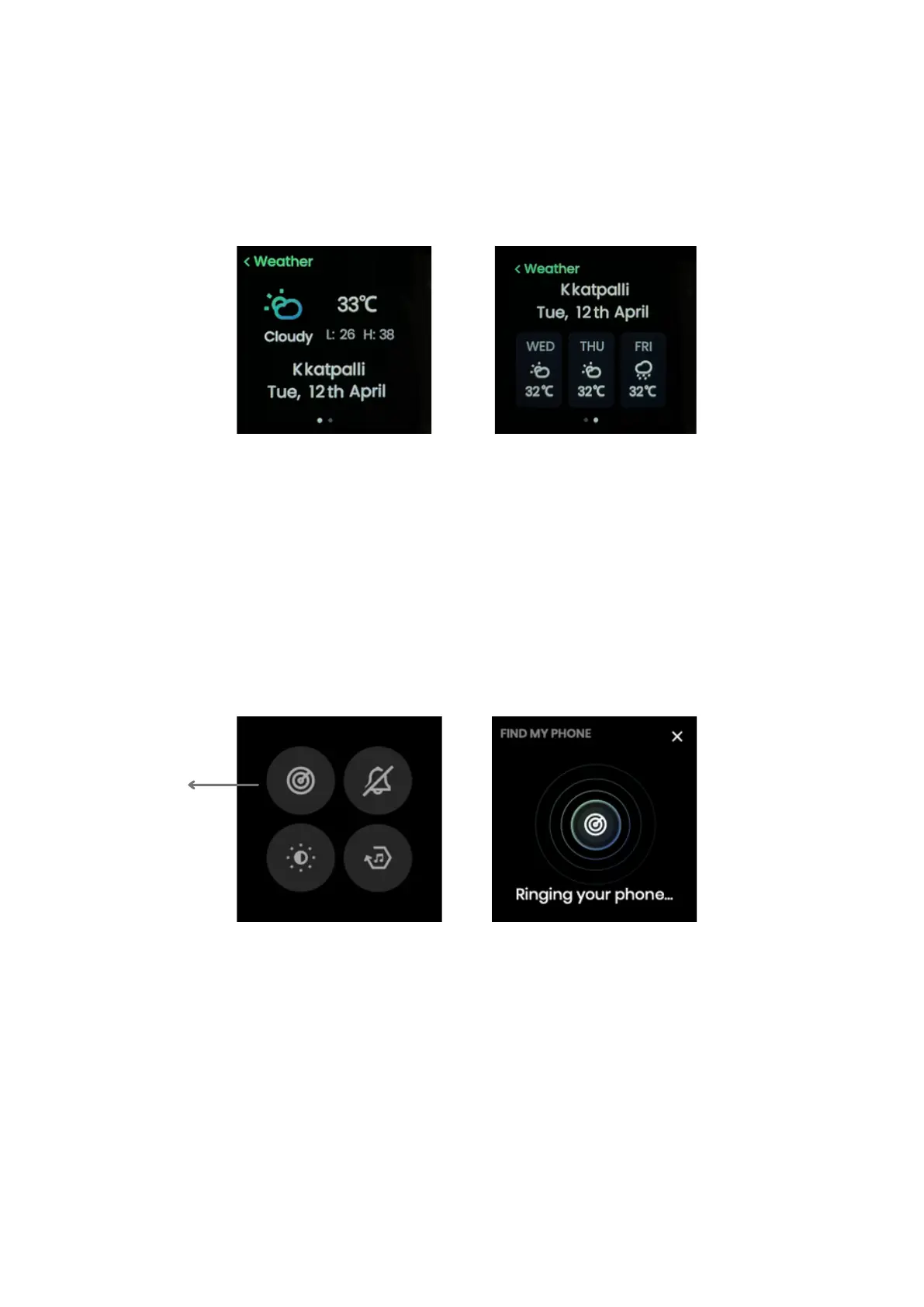
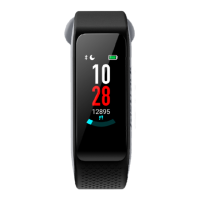
Weather
Tap on weather from the All Apps menu to check the current weather conditions on your watch.
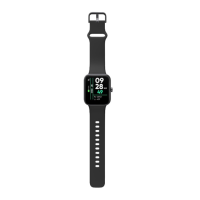
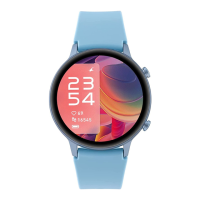
Find My Phone
Swipe down from the home screen to get to the Control Center and tap on Find My Phone option.
To save battery, the watch screen turns off if you haven’t been using it for a while. When you
raise your hand, the Lift to View feature switches on the screen automatically.
Lift to View
Tap Here
Phone starts ringing
Location services and Internet connectivity are needed for accurate weather information.
All data is collated from the Open Weather online service.
Note:
You need an active connection between your phone and the watch to use this feature.
Note:


 To Next Page