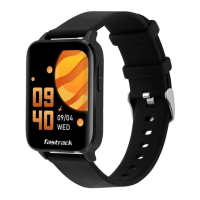
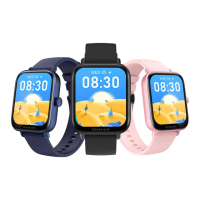
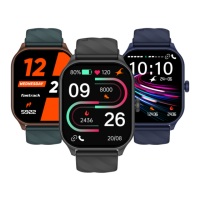
Home Screen
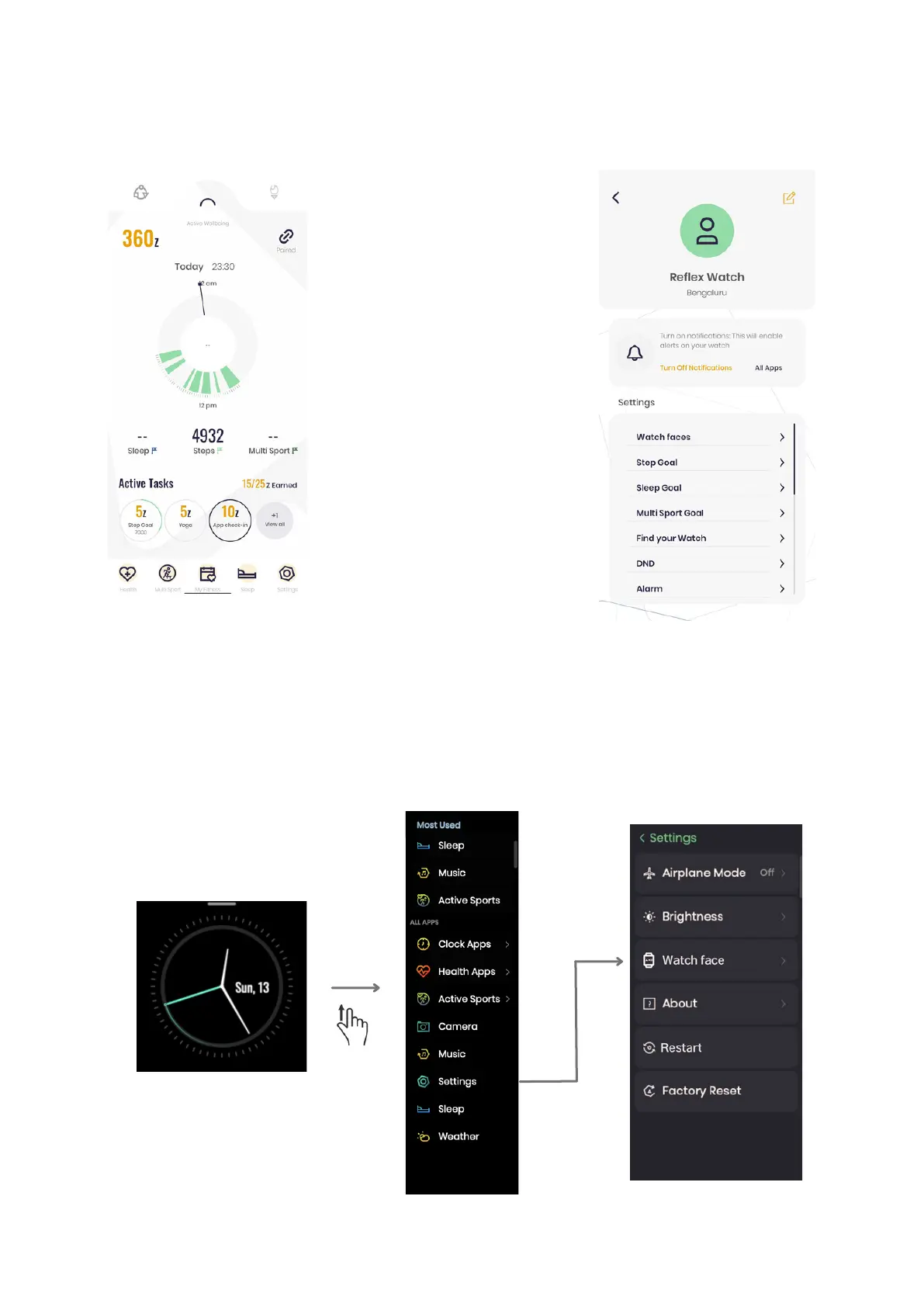
Tap Settings
Choose watch face of
your choice
To change the watch face using the app: Go to settings, click on watch faces and
install the watch face you like.
To change the watch face using your watch: Go to settings, tap watch faces and
select the watch face of your choice.
Swipe Up
Click on Settings Install Watch Face

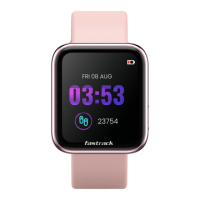

 To Next Page