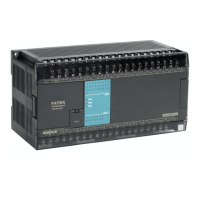
FB Series SIO Driver
GP-Pro EX Device/PLC Connection Manual
2
Introduction
This manual describes how to connect the Display and the External Device.
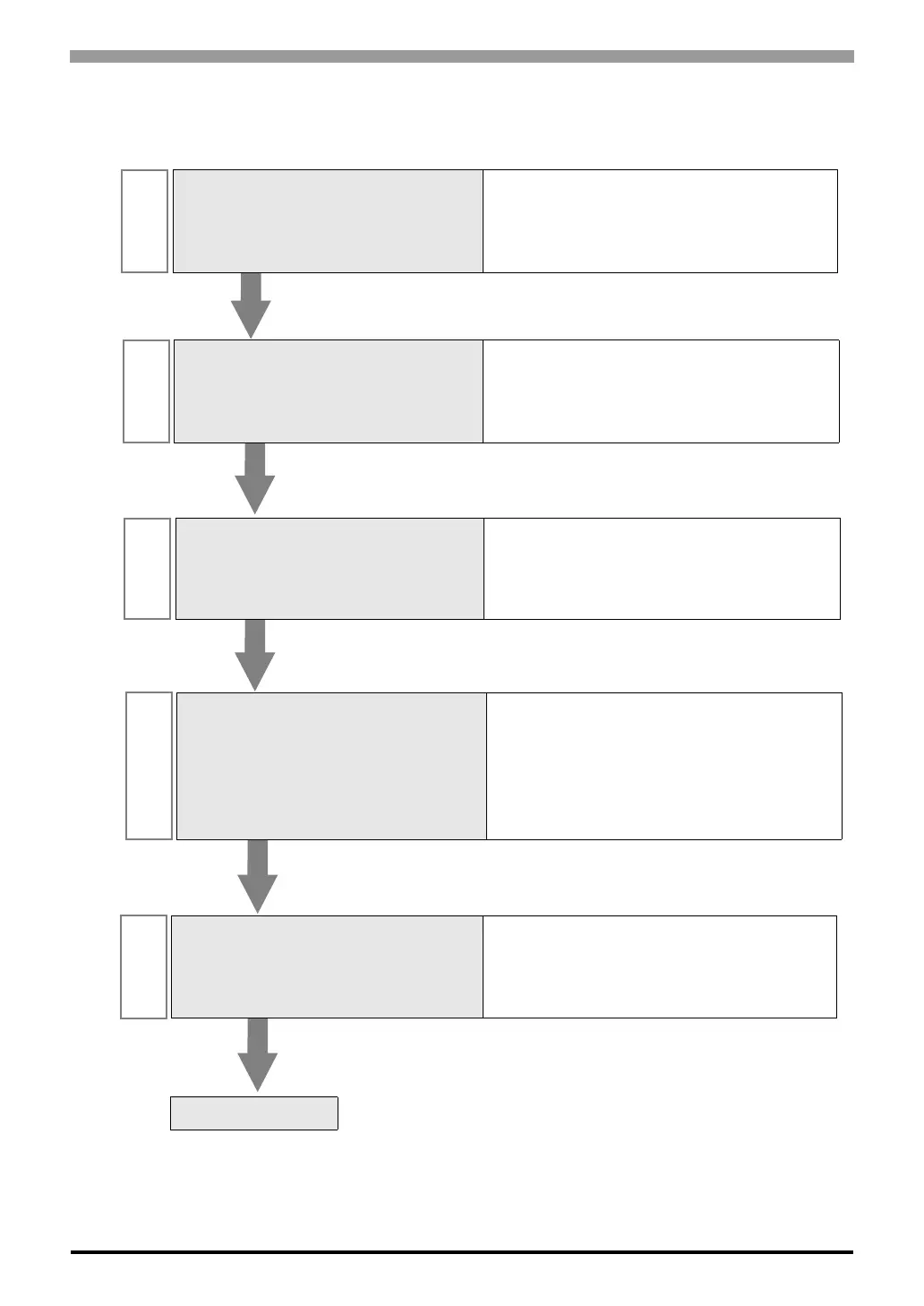
In this manual, the connection procedure will be described by following the sections below:
1
System Configuration
This section shows the types of External
Devices that can be connected and SIO
type.
)"1 System Configuration" (page 3)
2
Selection of External Device
Select the model (series) of the External
Device to be connected and its connection
method.
)"2 Selection of External Device" (page 8)
3
Example of Communication Settings
This section shows setting examples for
communicating between the Display and
the External Device.
)"3 Example of Communication Setting" (page
9)
4
Setup Items
This section describes communication
setup items on the Display.
Set the communication settings of the
Display with GP-Pro EX or in offline mode.
)"4 Setup Items" (page 32)
5
Cable Diagram
This section shows cables and adapters
for connecting the Display and the
External Device.
)"5 Cable Diagram" (page 37)
Operation



 To Next Page