218
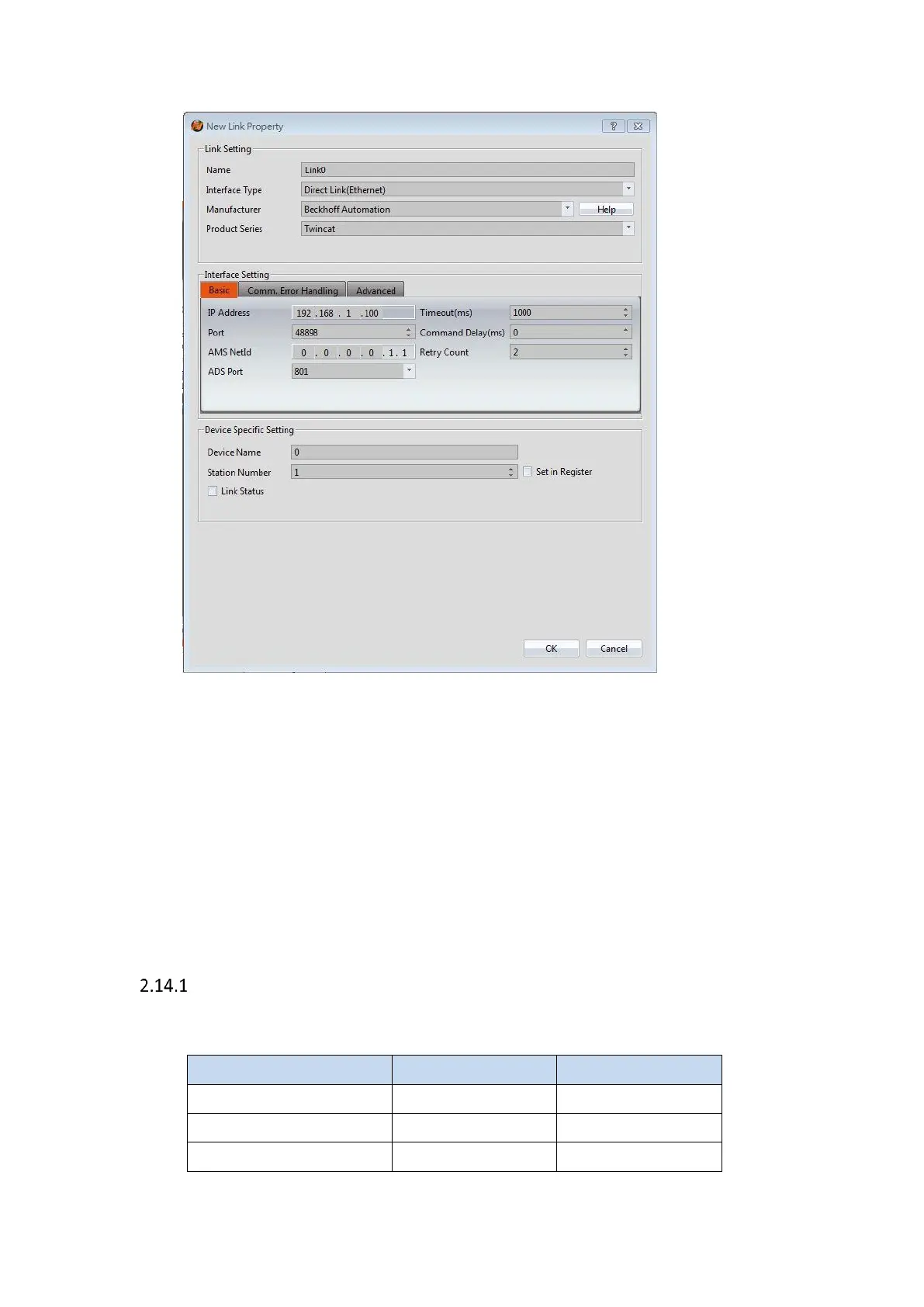
Within the Link configuration window in FvDesigner:
Under Interface Type select Serial
Under Manufacturer select FATEK Automation Corp.
Under Product Series select FATEK FBe
Under Port select the port corresponding to the connection to the PLC
Verify the other parameters are consistent with the settings on the PLC
2.14 Koyo
Direct
2.14.1.1 Communication Setting



 To Next Page