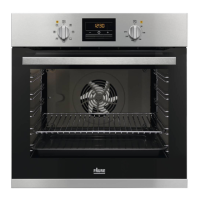
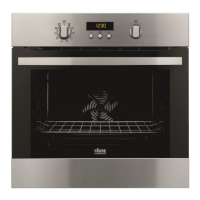
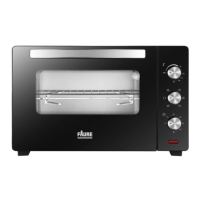
DESCRIPTION OF CONTROL PANEL
GET PLUGGED
12
• Insert the power plug into the power outlet and switch on .
• For the rst time use, set the temperature control to 220℃ and the time control to 15 minutes.
This will eliminate any oil residue that may have been used for packing and shipping .
• Ensure that there is enough ventilation around the oven.
• The oven should not be placed on untreated wooden surface. Place the oven on a heat resistant
surface.
• Be aware that the feet of the oven can leave some marks on the table, if this happens, remove the
marks with a damp cloth.
It is used for adjusting the temperature which indicating temperature range from 90 to 220℃. You could
select proper temperature range according to dierent food.
The knob is used for controlling the baking time. When turn the knob to the most left position, the position
is « 0 », and you will hear sound of bell. When you want to use it, you could turn it right to ideal position
according to actual demand.
THERMOSTAT
TIMER
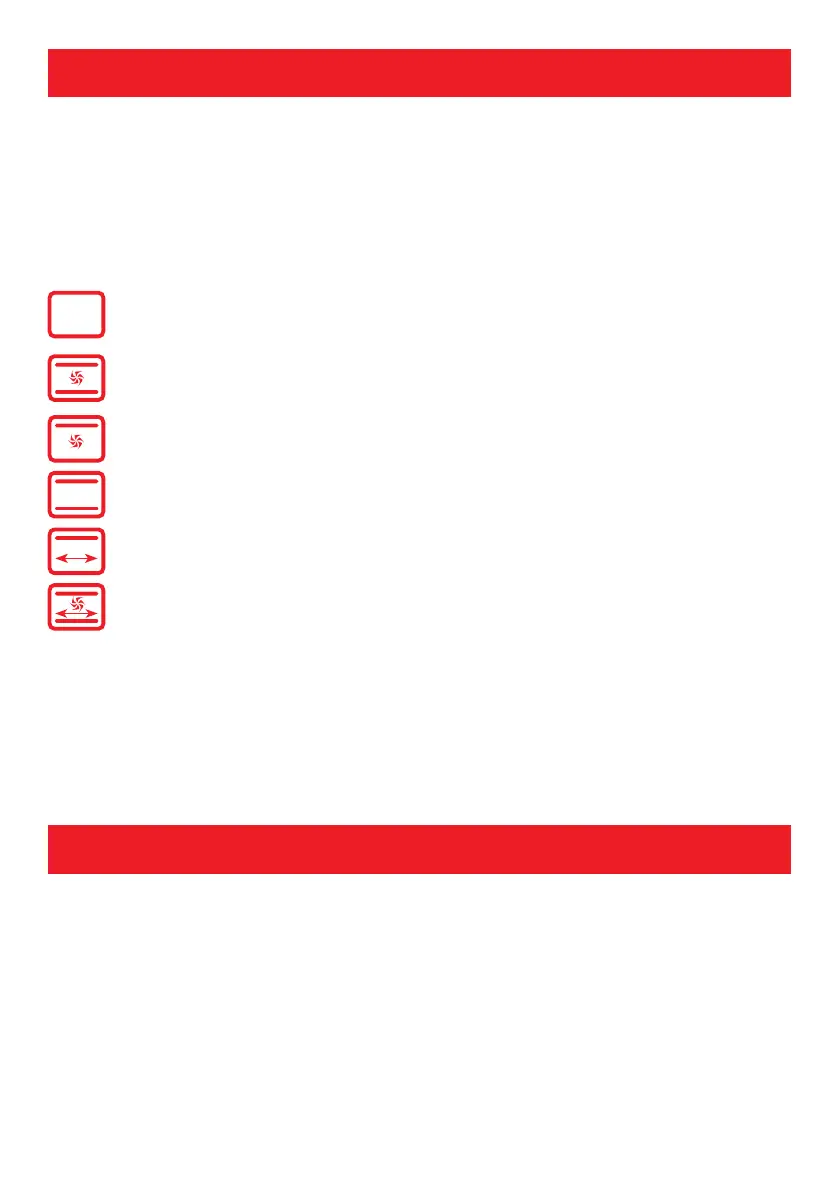
FUNCTIONS
Indicates the oven is in non-working state
Convection fan and both heating elements are working together
Convection fan and upper heating elements are working together
Upper and rotisserie are working together
Upper and lower heating elements are working together
Convection fan, rotisserie and both heating elements are working together


 To Next Page