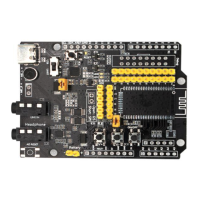
FSC-DB200 User Guide
Shenzhen Feasycom Technology Co.,Ltd www.feasycom.com
2. Functional specification
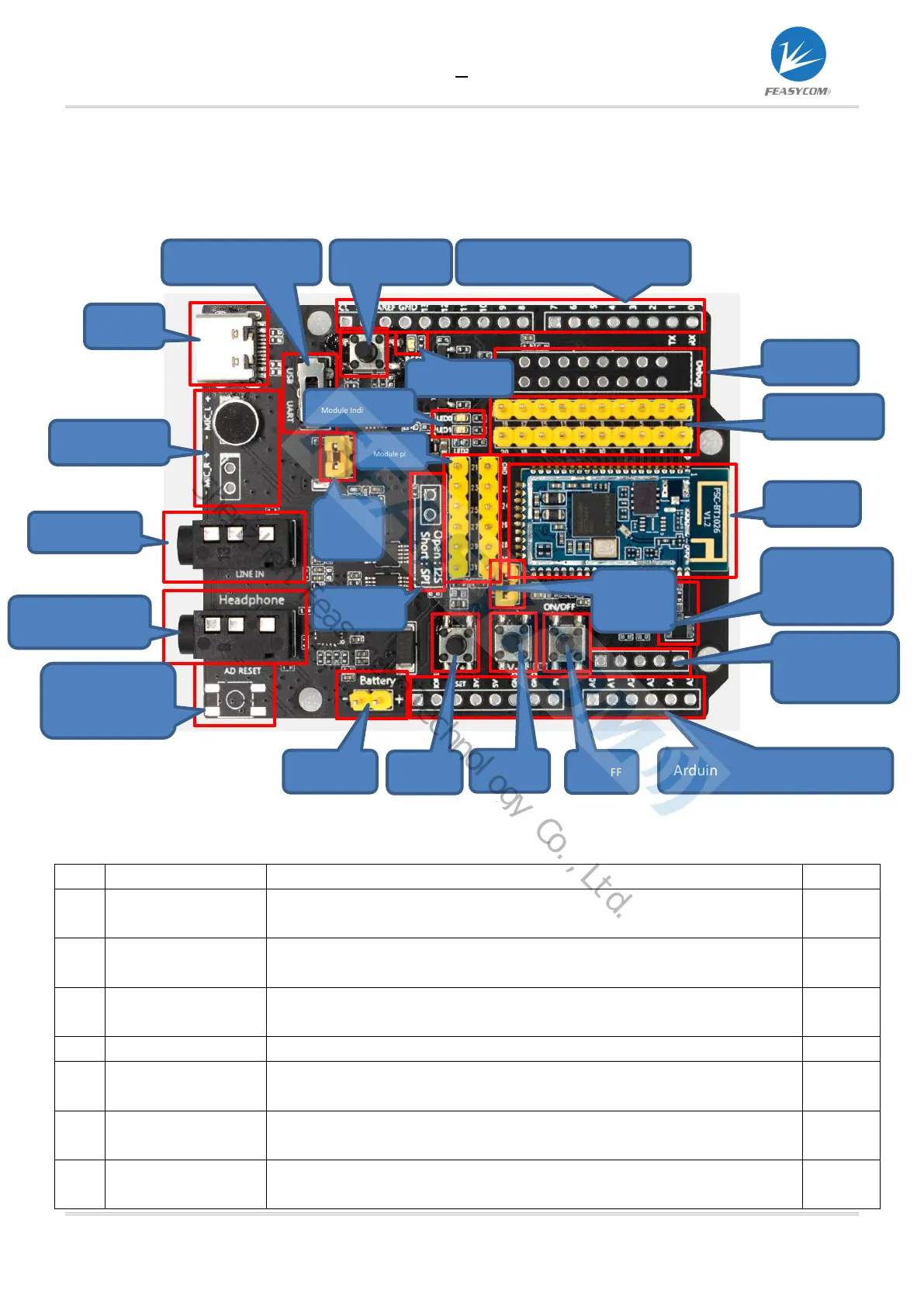
2.1 Layout
2.2 Functional specification
No. Mark Description Remark
1 Type-C Supply power to the module / communicate with the module / charge the
battery through the module
*
2 USB/UART switch Can choose UART to communicate with the module, or can choose the USB
function of the module (not all modules have USB function)
HFP (used for incoming/making calls, the L channel is used by default), and
applications that require a microphone
Standard 3.5mm audio input
Standard 3.5 headphone output, can drive 16/32 ohm speakers, maximum
60mW
6 Arduino board reset
button
Reset the extended Arduino board, the default is empty
7 Battery
Lithium battery interface. 3.7V~4.2V. The voltage cannot be exceeded,
otherwise the module will be damaged
Type-C
Microphone
Headset Output
reset button
USB/UART Switch Arduino board extension pin
Module Reset button
Module pin
Battery
charging
SPI/I2S
Module power
supply
Battery
TRBI200
Module pin
Module
External IPEX
Analog audio
Differential output
Volume Up
Volume down
ON/OFF
Arduino board extension pin
Shenzhen Feasycom Technology Co.,Ltd.


 To Next Page
 Loading...