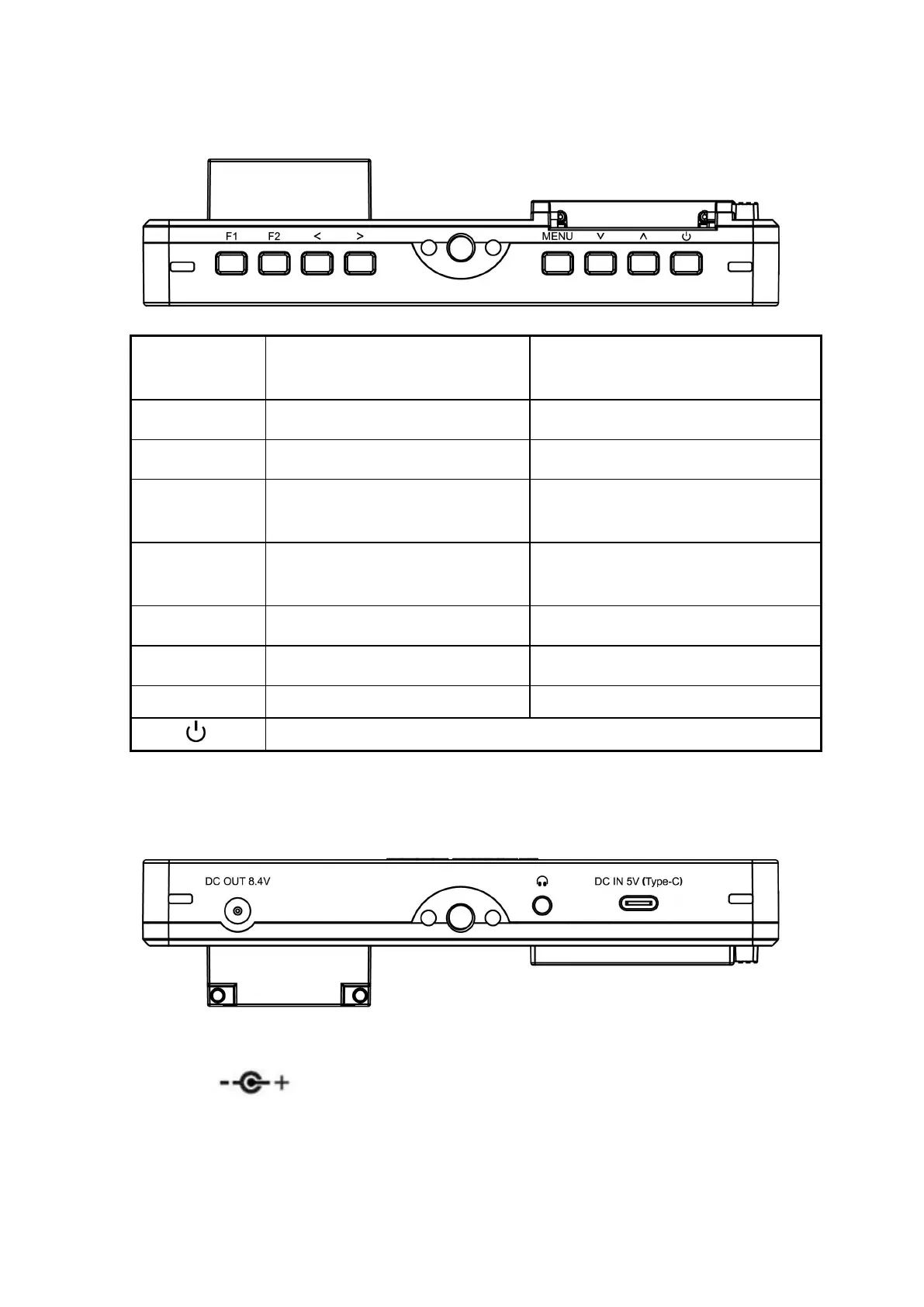
1.1 Button Instruction
Function when OSD is not
displayed
Function when OSD is
displayed
Decrease the volume or
backlight
Decrease or adjust value of
selected parameter
Increase the volume or
backlight
Increase or adjust value of
selected parameter
Return to previous OSD menu
Select previous menu item
1.2 Port Instruction (Bottom)
DC OUT 8.4V: DC power output interface, polarity as the output
power Barrel output for powering your camera with a
separately available DC coupler via adaptor (NP-FW50 Sony &



 To Next Page