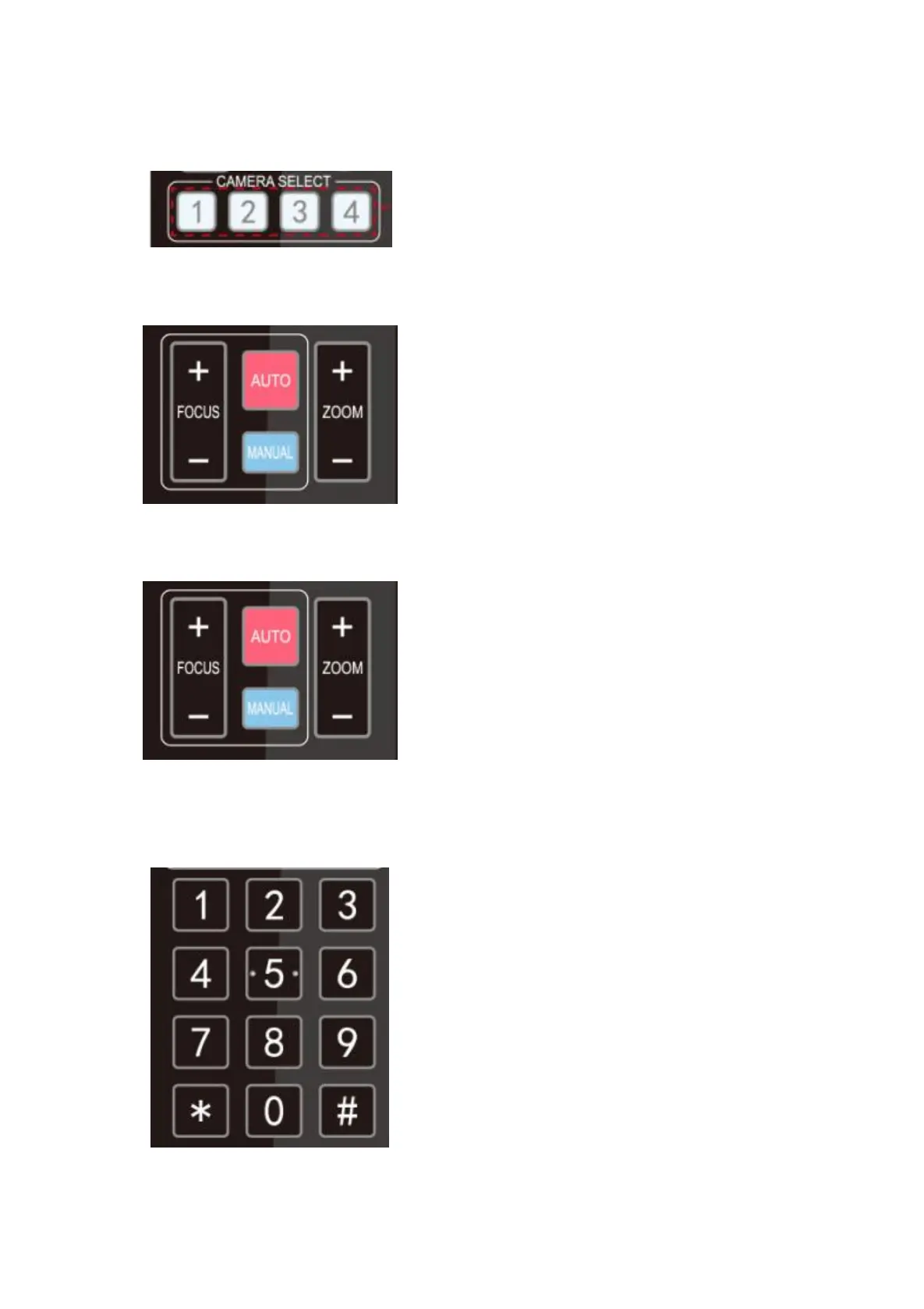
2. Camera Selection
Select the camera address to control.
3. Focus Control
Auto: auto focus mode
Manual: manual focus mode
Focus + (near):Press
【
FOCUS +
】
key (Valid only in
manual focus mode)
Focus - (far): Press
【
FOCUS -
】
key (Valid only in manual
focus mode)
Press and hold the keys, the action of focus will keep
continue and stop as soon as the key is released.
4. Zoom Control
ZOOM +: press【ZOOM +】key to zoom in
ZOOM - : press 【ZOOM -】key to zoom out
Press and hold the keys, the action of focus will keep
continue and stop as soon as the key is released.
5. Set and Clear Presets
Set Preset: press
【
SET PRESET
】
button, and then press
the number key 0-9 to set preset positions.
Note: 10 presets via remote control.
Call Preset: Press a number key 0-9 directly to call a
preset position.
Clear Preset: press
【
CLEAR PRESET
】
button, and then
press the number key 0-9 to clear preset positions.
Note : press the【#】 key three times continually to
clear all presets.



 To Next Page