www.feiyu-tech.com 8
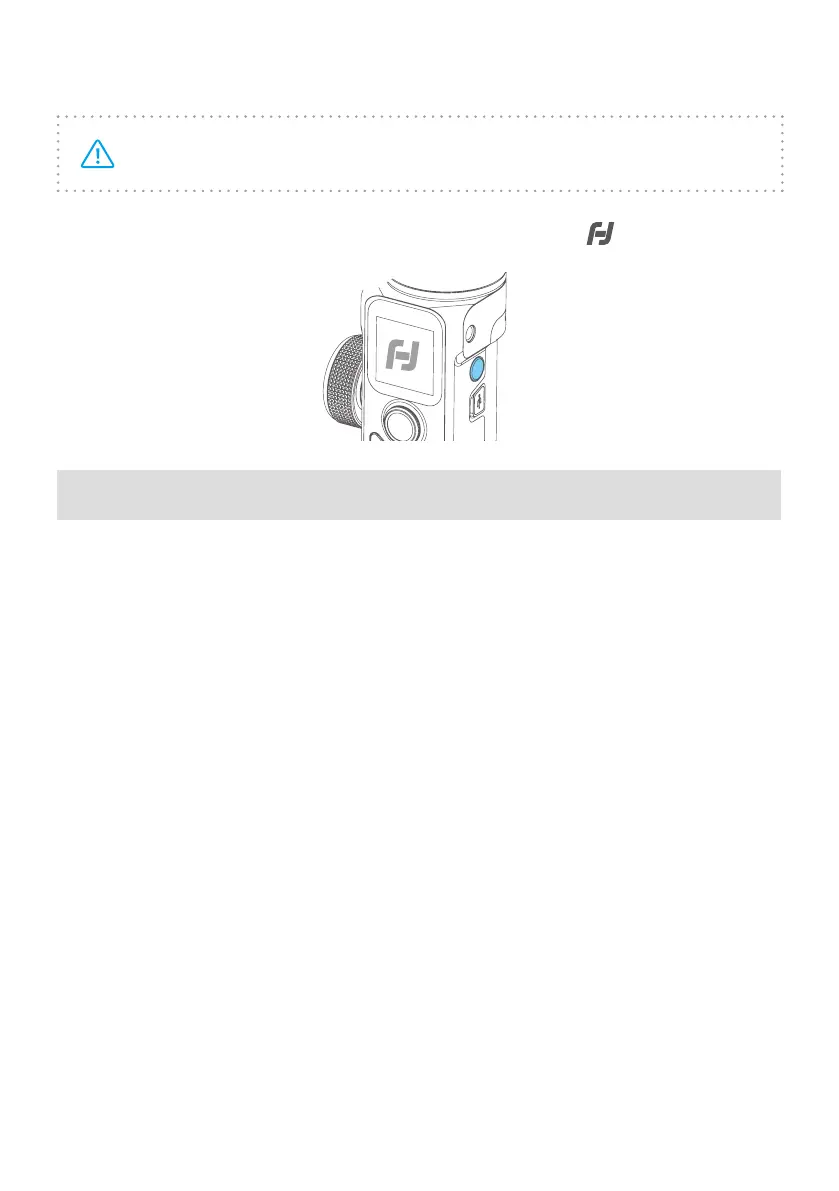
2.5 Power ON/OFF
Be sure to unlock the position lock before using the gimbal.
Long press power button, release the button until it shows
on display.
3. Function operation
3.1 Mode/Function Introduction
① Pan Mode (Default mode)
The roll and tilt direction are xed, and the camera moves according to the left-
right movements of the user's hand.
② Follow Mode
The roll direction is xed, and the camera moves according to the left-right or up-
down movements of the user's hand.
③ All follow Mode
The camera moves according to the user's hand.
④ Lock Mode
The orientation of the camera is xed.
⑤ Reset
Return to Pan Mode, 3-axis return to initial position.



 To Next Page