www.feiyu-tech.com 1110
Button Function Description
Joystick
1. Camera lens move to upward, select the
option above on display
Move to upward
2. Camera lens move to downward, select
the option below on display
Move to downward
3. Camera lens move to left, select the
option on the left on display
Move to left
4. Camera lens move to right, select the
option on the right on display
Move to right
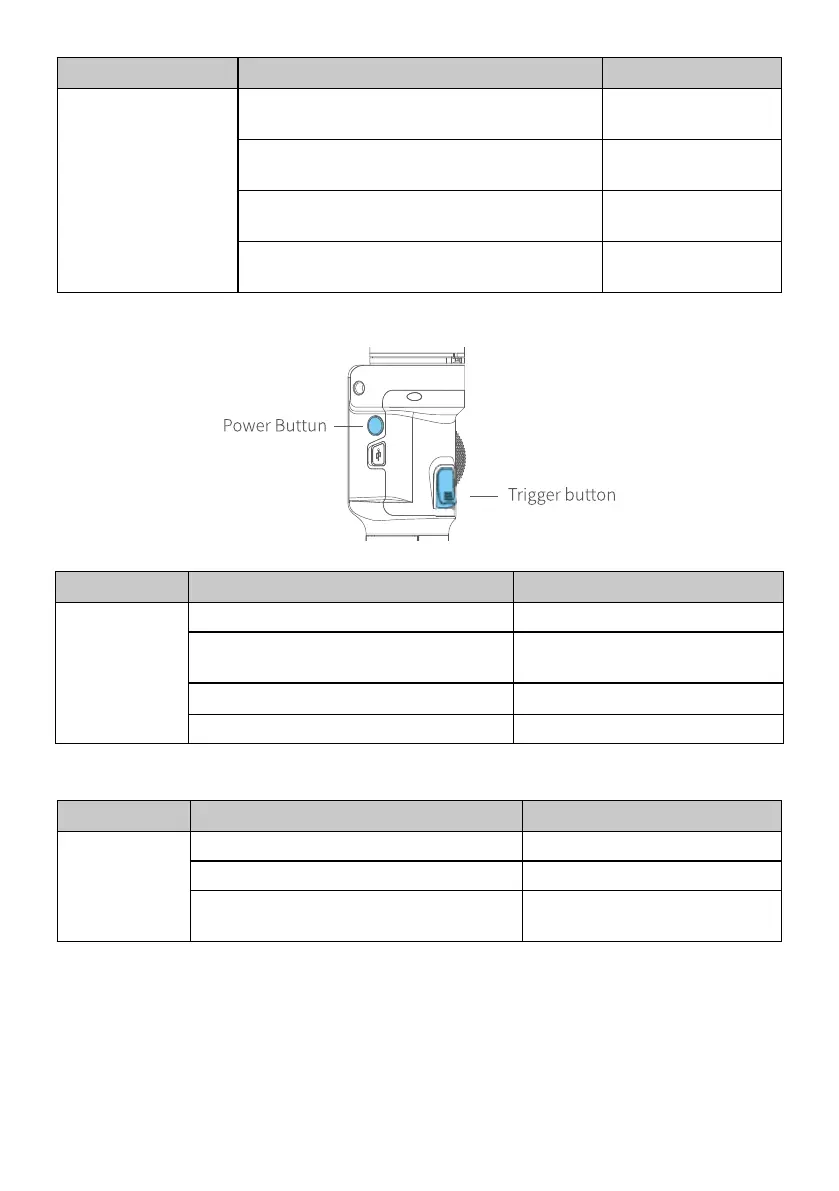
3.2.5 Power button
Button Function Description
Power Button
1. Power ON/OFF Long press
2. Lock/ unlock screen/ go back to
home page
(Set up the display) Single tap
3. Standby mode Double tap
4. Awaken the gimbal Single tap at standby mode
3.2.6 Trigger button
Button Function Description
Trigger Button
1. Follow mode Press & hold
2. Reset Double tap
3. Sele shooting (Pan axis rotate 180°
to shoot)
Triple tap



 To Next Page