9
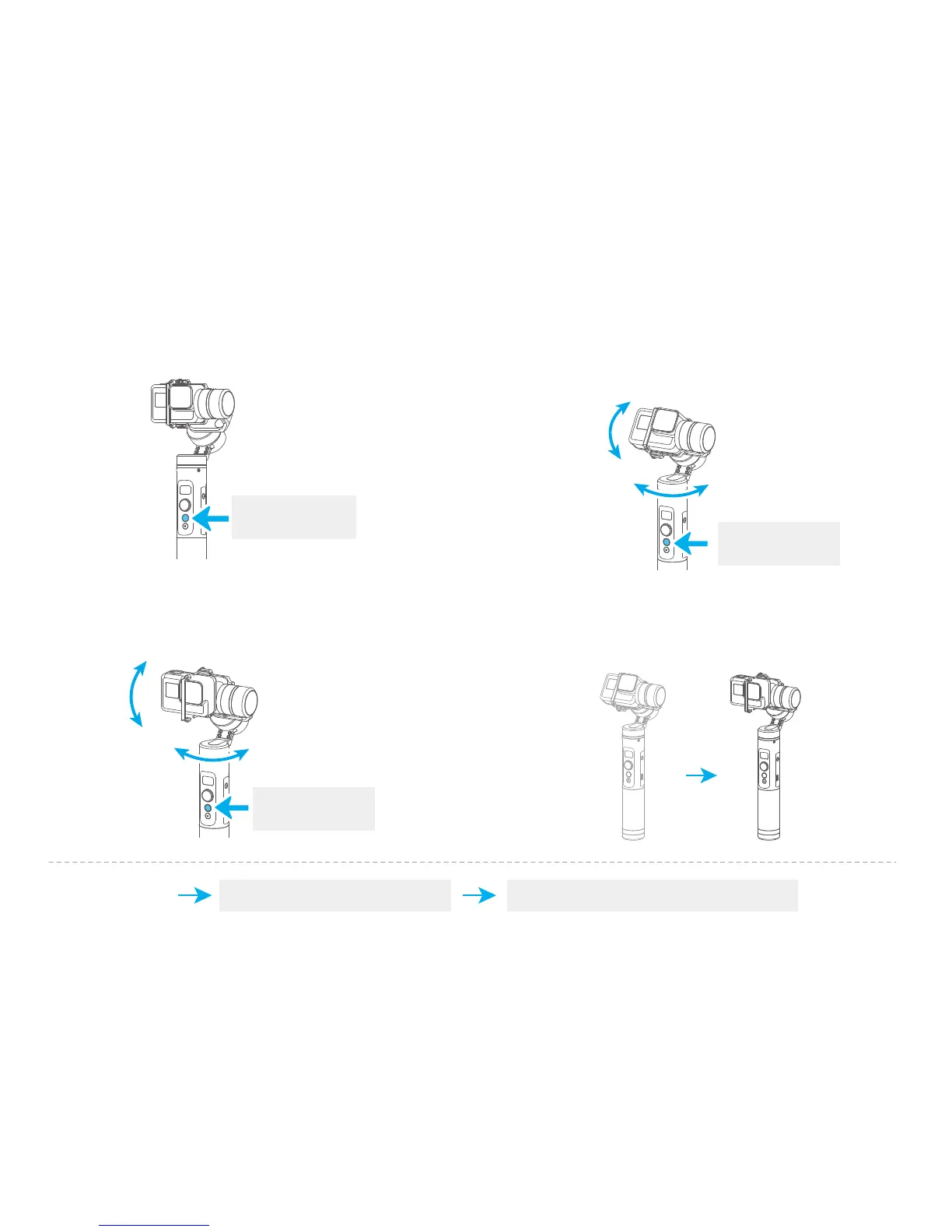
Record the first position (rotation start position) by manually moving
camera to desired position. Hold in position for half a second. Single
tap the function button to record rotation start position.
( 2 ) Set rotation start position
Record the second position (rotation end position) by manually
moving camera to desired position. Hold in position for half a second.
Single tap the function button to record rotation end position.
( 3 ) Set rotation end position
The gimbal automatically restores to the start position, while the
tilt axis and pan axis start rotating at a constant speed according
to pre-set speed to end position, repeat step (2) (3) to start again.
( 4 ) Start auto rotation movements
( 1 ) Enter auto-rotation mode
Enter auto-rotation mode by quadruple tapping the function
button.
Function Button
Quadruple Tap
Function Button
Single Tap
Function Button
Single Tap
Pan
Tilt
Pan
Tilt
Trigger button Exit the auto-rotation mode and reset
Double tap
Exit















 To Next Page