12
8. Gimbal Initialization
Function Button
3
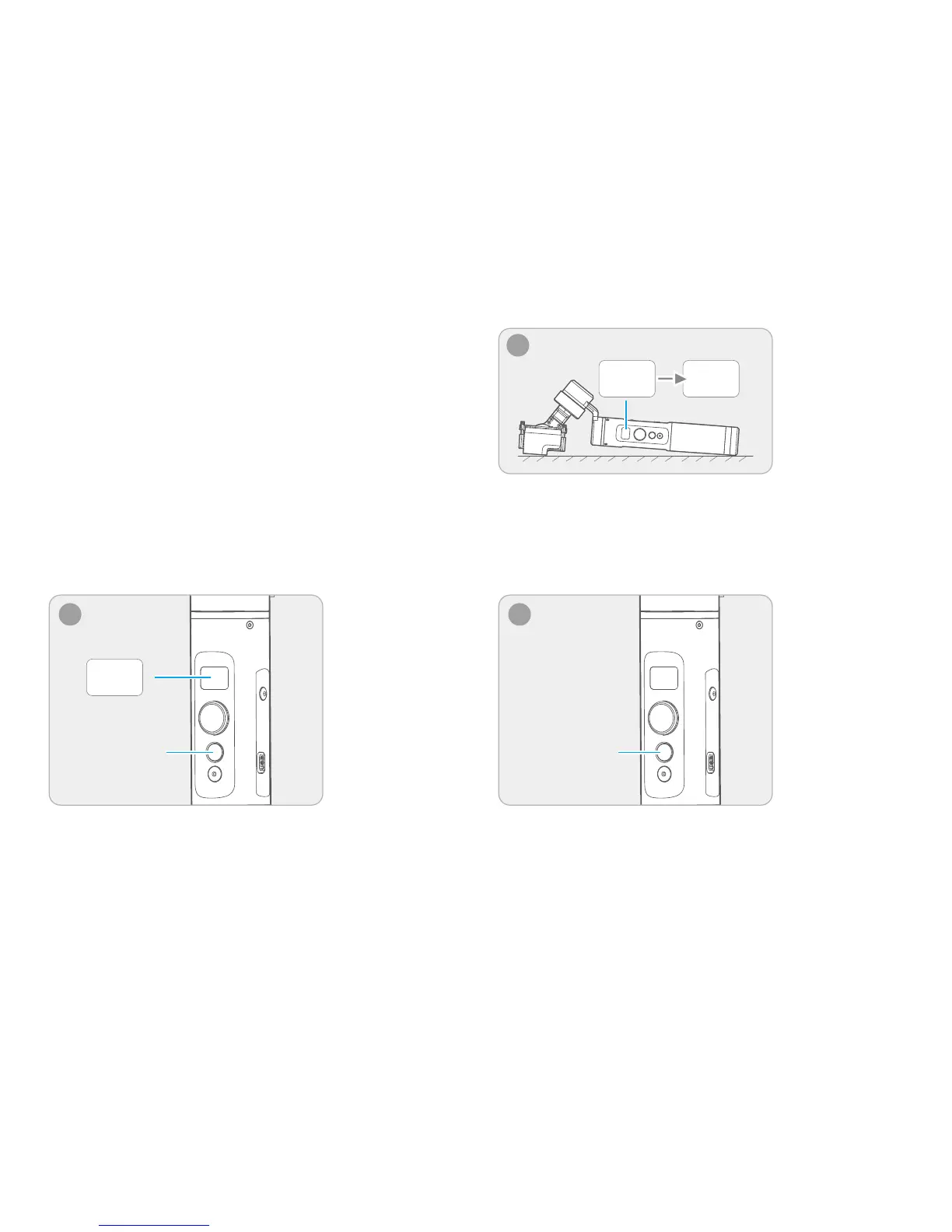
Place the gimbal on the table unmoved, and the gimbal
automatically detect whether or not it is placed on a static flat
surface, and then its initializing will start automatically showing
"Initing" on the display, and "Success" will be displayed after
the initializing has been successfully completed.
Display
Function Button
1
Tap the function button for 5 consecutive times and
hear the "beep" sound, and the motor will stop working
and "Initing" shows up.
After the initialization is done, single tap the function button
to wake up and return to the main interface.
You can initialize your gimbal when:
(1) When camera is not level
(2) If not used for a long period of time
(3) In case of extreme temperature variations
Adjusting Steps:
Note: if the initialization is not successful for a long time, long
press the function button to turn off the gimbal,restart it and
then initialize.
Initing
2
Initing Success
Display















 To Next Page