10
8. Common Operation
①
Basic
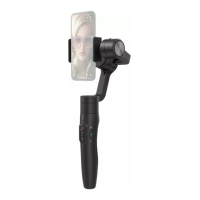
: Vimble 3 can achieve those functions after balanced gimbal.
②
Bluetooth
: New available function which achieved after connected smartphone
via Bluetooth with the functions in condition ① still available.
③
APP
: New available function which achieved via Feiyu ON APP with the
functions in condition ① , ② still available.
Diagram Button Condition Function
Power
button
Basic
Power o:
· Long press: power on
· Single tap:
check battery level (while charging)
Power on:
· Long press: power o
· Double tap:
standby mode (single tap at standby
mode to wake up the gimbal)
APP
Power on:
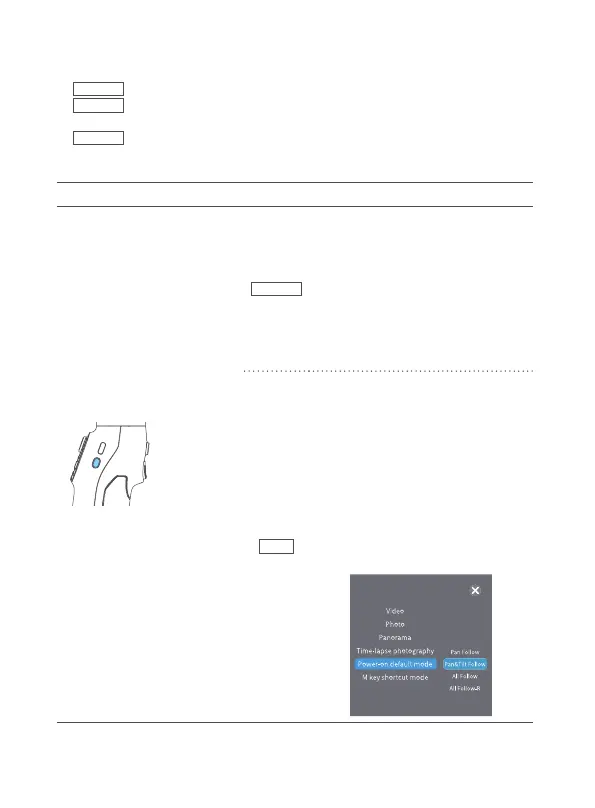
Single tap: enter/exit shortcut menu in
APP
Can choose video, photo, panorama,
time-lapse modes,can set poweron
default mode, M key shortcut mode
( power-on default mode and M key
shortcut mode cannot be set as the same
mode ), the factory setting of power-
on default mode is follow mode, M key
shortcut mode is pan mode, single tap
function button to switch between these
two modes.



 To Next Page