9
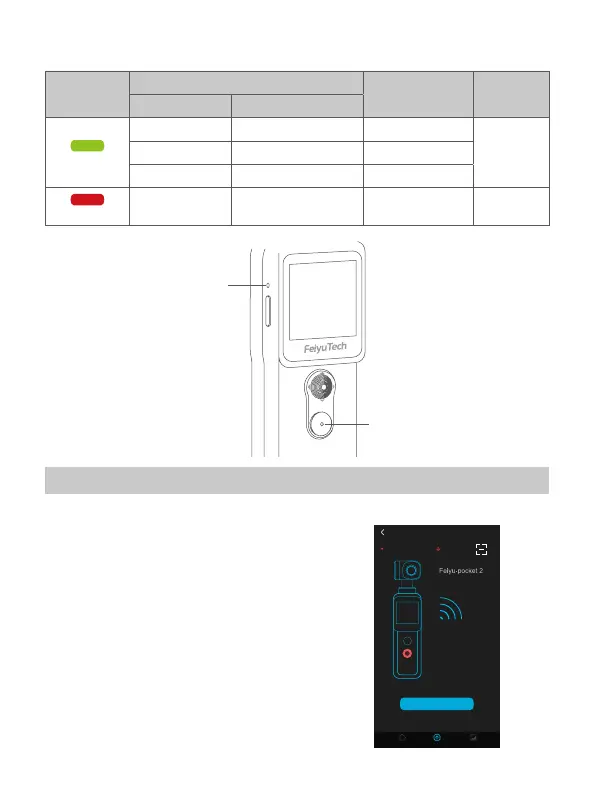
4.5 Indicator light instructions
Indicator
light
Indicator status
Instructions Status
Photo indicator Battery indicator
Green light
Flash once - Photograph
Power onKeeps ashing - Video
- Constant green light Finished charging
Red light
-
Battery indicator
keeps on
Charging Power o
Charging indicator
Photo indicator
5. Using the Feiyu Cam App
5.1 Connect with Feiyu Pocket 2 via Wi-Fi
Turn on Feiyu Cam App, tap [ Feiyu Pocket ]
option, long press shutter button to turn on
Wi-Fi, follow the prompts to connect Feiyu
pocket.
CONNECTING DEVICES VCAM_XXXX
CONNECTING OTHER DEVICES
No device connected
Help
Connect pocket
Home AlbumFeiyu-Pocket
Steps
1. Long press red button
to turn on Wi-Fi
2. Enter Wi-Fi code to
connect new devices



 To Next Page