www.feiyu-tech.com 14
4.3 Firmware Upgrade
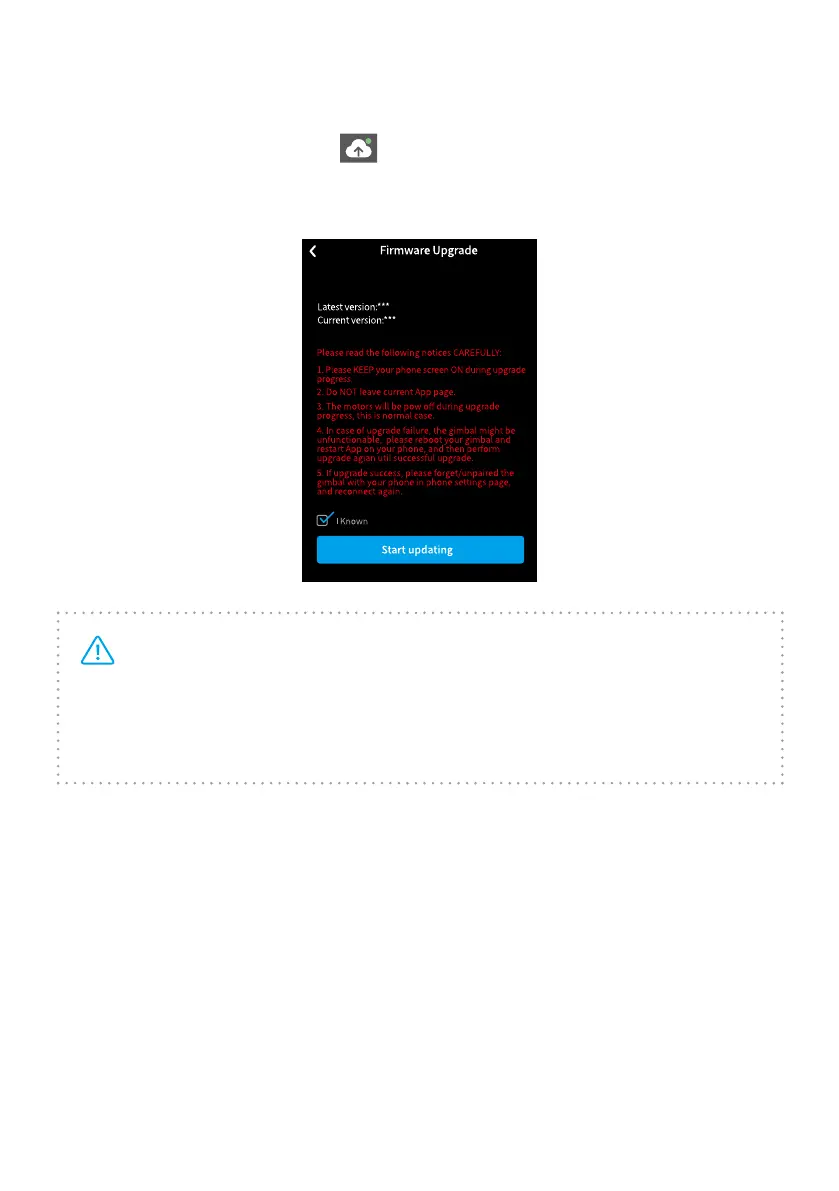
Upgrade the rmware through the Feiyu ON App.
(1) Click the icon on the top left
.
(2) Select upgrade type.
(3) Follow the prompts to upgrade the rmware.
Tips: the gimbal has upgrade protection, restart the gimbal after the
upgrade is failed, then the gimbal can reset to the last rmware version, and
users can connect to the APP to upgrade again. Part of the new functions
need to upgrade 2 and more rmware to achieve, so it is recommended to
upgrade rmware frequently to keep them are the latest versions.
Upgrade type introductions:



 To Next Page