Spooler Manual
User Manual
12
Felfil Spooler
Calibrating...
Set Mode:
> Soft
Set Mode:
> Medium
Set Mode:
> Hard
Set Mode:
> Manual
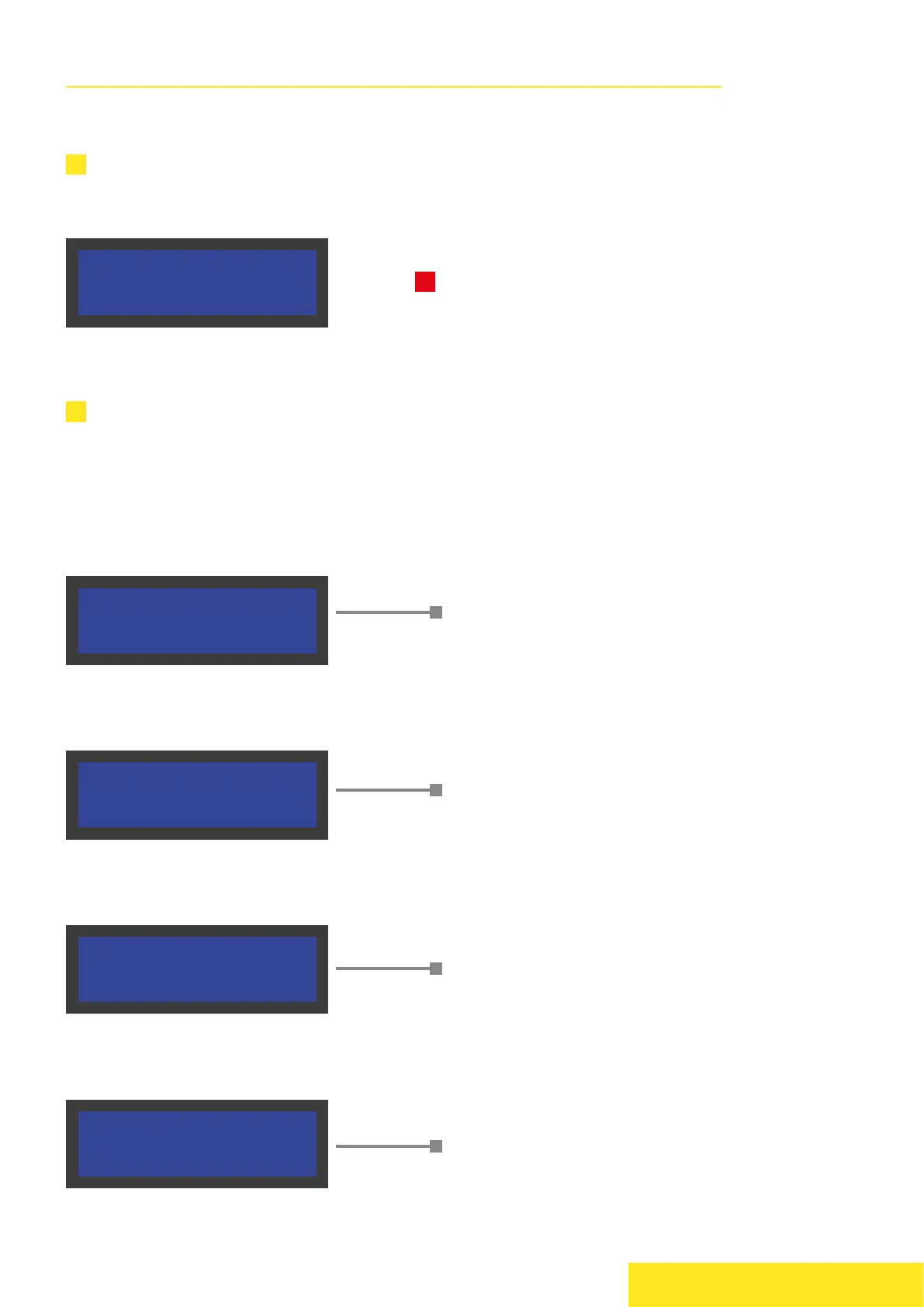
The first screenshot shows a calibration. During this step, you will see the distribution
reset. Indeed, every spooling session will start from the left side of the distribution.
Once the calibration is finished, a guided interface leads you to the spooling session.
Rotate the knob in order to switch settings and click it to confirm.
The first parameter that you can select is “Set Mode” which indicates the presets
used for the diameter control. Every mode is suitable for different materials.
Do not click anything during the calibration
process.
Tested with these materials:
ABS, HIPS
Tested with these materials:
PETG, TPU
(2,85mm needed)
Tested with these materials:
PLA, Nylon
In Manual mode the diameter autocalibration is
disabled, it will operate at constant speed.
This mode is useful for sperimental materials.
!
Felfil Spooler
Calibrating...
Set Mode:
> Soft
Set Mode:
> Medium
Set Mode:
> Hard
Set Mode:
> Manual


 To Next Page
 Loading...