ENGLISH
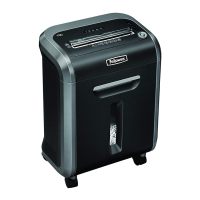
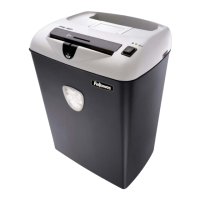
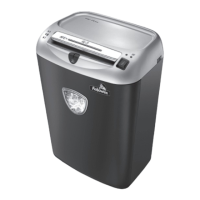
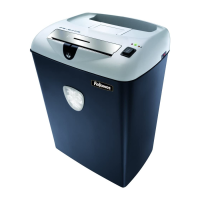
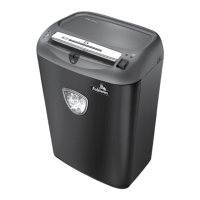
Model PS-79Ci
4
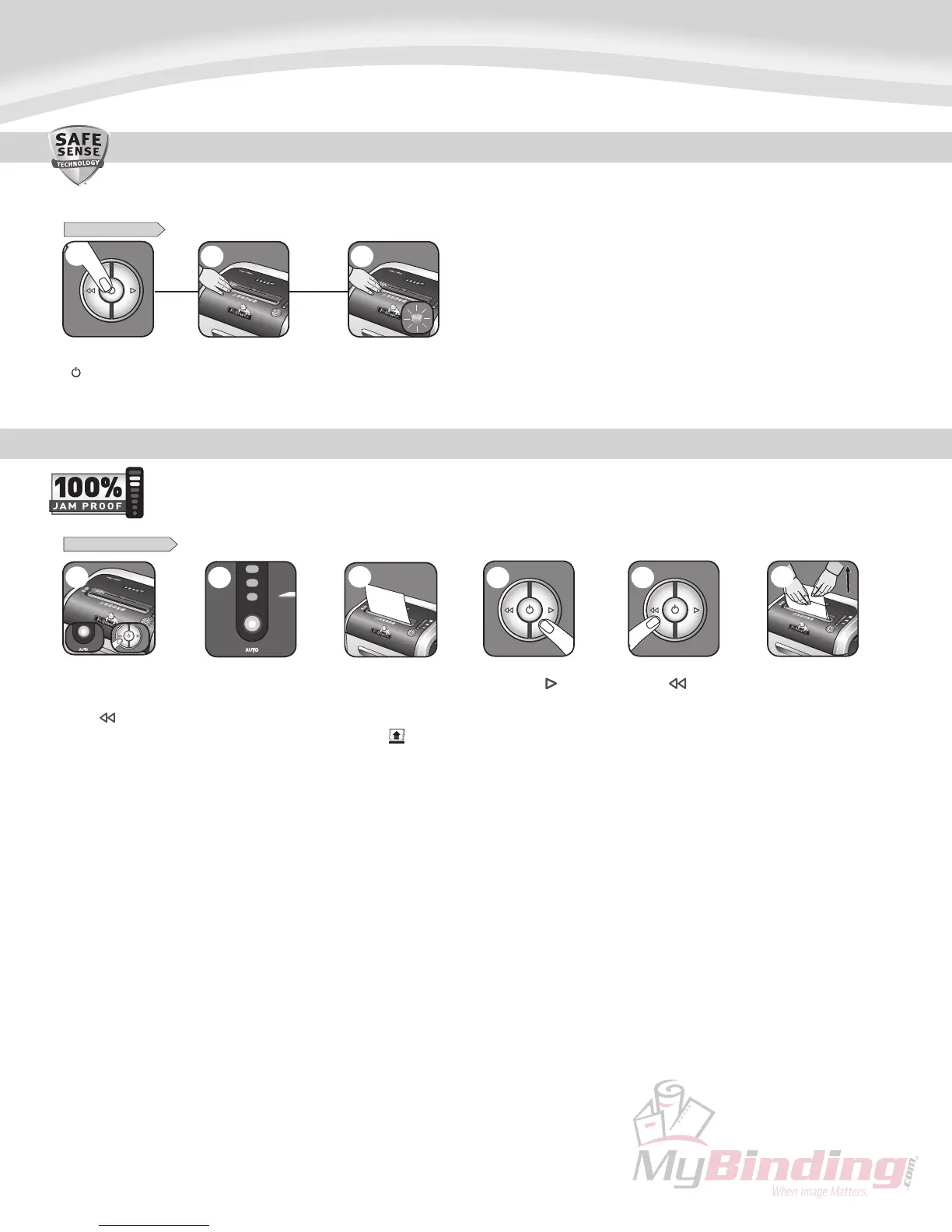
Shouldyouchoosetodisable
thesystem,pressandhold
theautobutton(blue)and
reverse()keyatthe
sametime
DISABLING THE FEATURE
Oncedisabled,theblue
Autolightisnolonger
illuminated(Tore-engage,
repeatstep1)
Ifsteps4and5donotclear
jam,reversepaperallthe
wayout,removeseveral
sheetsandrefeed
6
ADVANCED PRODUCT FEATURE MAINTENANCE AND TROUBLESHOOTING
1
2
Ifjamoccurs,pressand
holdforward()keyuntil
thedocumentiscompletely
throughtheshredder
3
Ifnotcleared,press
reverse()briefly
(repeatsteps4and5
untilshredded)
5
4
SafeSense
®
isactiveand
workingproperly
SAFESENSE
®
TECHNOLOGY OPERATION
Stops shredder immediately when hands are too close to the paper entry.
Touchtestareaand
lookfortheSafeSense
®
indicatortoilluminate
TurntheshredderON
()toactivateSafeSense
®
SET-UP AND TESTING
2 3
1
Eliminates frustrating jams by preventing overloads and powering through misfed paper.
JAM PROOF SYSTEM*
*100% Jam Proof when used in accordance with user manual
Shreddingcancontinuewith
thesystemdisabled,howevera
paperjammayoccurwithtoo
manysheetsandRemove
Papericon
()
willilluminate



 To Next Page