EasyManua.ls Logo

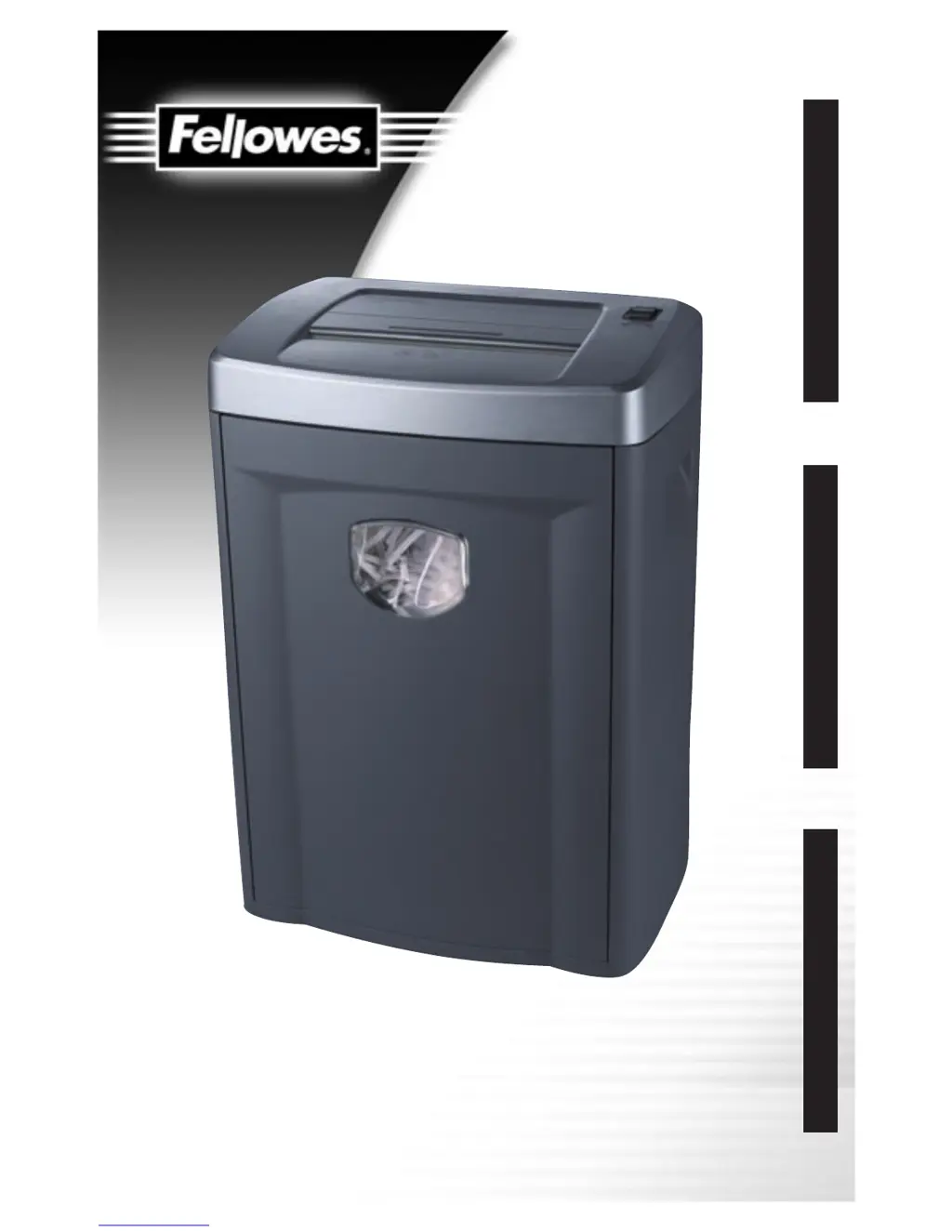
Fellowes PS70-2 - User Manual

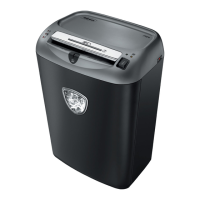
Fellowes PS70-2
8 pages
Print Icon
To Next Page IconTo Next Page
Loading...
Get More Done Today
ENGLISH
FRANÇAIS
ESPAÑOL
PS70-2, PS70-2CD, PS80C-2

Other manuals for Fellowes PS70-2

Questions and Answers

  • B
    bgarciaJul 30, 2025
    What to do if my Fellowes Paper Shredder suddenly stops?
    • C
      Christopher SimmonsJul 30, 2025
      If your Fellowes Paper Shredder stops suddenly, it might have exceeded its maximum run time and entered a cool-down period. In this case, move the power switch to the OFF (O) position and allow the shredder motor to cool down for at least 25 minutes. Alternatively, the shredder could be jammed due to excessive paper. To resolve this, ensure the wastebasket is empty, then move the power switch to the REVERSE (R) position to reverse the jammed paper. If it jams in reverse, switch to AUTO (I) for 5 seconds. Repeat this process until the jam clears. If needed, turn off the shredder and carefully pull out the paper to clear the jam, then switch back to AUTO (I) to continue shredding.
  • R
    Rebecca HowardNov 9, 2025
    How to fix a Fellowes PS70-2 that will not operate?
    • A
      Andrew CarrollNov 9, 2025
      If your Fellowes Paper Shredder won't operate, start by checking if it's properly plugged in. Next, ensure the power switch is in the AUTO (I) position, not OFF (O). Also, make sure the pull-out bin is correctly aligned with the cabinet by pushing it in until the bin and cabinet edges align. For PS80C-2 models, if the red LED is lit, the shredder head may not be correctly positioned. To fix this, turn the power switch to OFF (O), unplug the shredder, and carefully position the shredder head over the cabinet, pressing down firmly on all four corners to lock it in place. Ensure the bin is firmly pushed into the cabinet so the bin and cabinet edges are aligned. Then, move the power switch to AUTO (I). If the shredder is jammed due to too much paper, empty the wastebasket and move the power sw...
  • J
    Jennifer HobbsNov 18, 2025
    Why is the red LED lit on my Fellowes PS70-2 Paper Shredder?
    • D
      David FoleyNov 18, 2025
      The red LED on your Fellowes Paper Shredder might be lit because the pull-out bin isn't aligned correctly with the cabinet. Push the bin into the cabinet to realign the bin and cabinet edges. Another reason could be that the shredder head isn't correctly situated on the cabinet. To resolve this, move the power switch to the OFF (O) position and unplug the shredder. Carefully position the shredder head over the cabinet, ensuring it's placed on top correctly, and firmly push down on all four corners to lock it into place. Also, ensure the bin is firmly pushed into the shredder cabinet so the bin and cabinet edges are aligned. Then, move the power switch to the AUTO (I) position to begin shredding. A jam due to excessive paper can also trigger the jam protection feature, lighting the red LED....

Summary

Product Profile

IMPORTANT SAFETY INSTRUCTIONS

While setting up shredder

Safety guidelines to follow during the shredder's setup process.

While operating shredder

Safety precautions to observe when the shredder is in use.

When not in use

Safety advice for periods when the shredder is not being operated.

Set-Up

Operation

To shred

Instructions on how to shred paper and CDs using the shredder.

In case of a paper jam

Steps to follow to clear a paper jam from the shredder.

Maintenance

Troubleshooting

Shredder does not start or stops while shredding

Addresses issues where the shredder fails to start or stops during operation.

Red display light (9) turns on and shredder will not operate

Explains the meaning of the red light and how to resolve operational issues.

Shredder shreds less than capacity (Model PS80 C-2 only)

Provides guidance for performance issues related to shredding capacity.

Warranty

Fellowes PS70-2 Specifications

General IconGeneral
BrandFellowes
ModelPS70-2
CategoryPaper Shredder
LanguageEnglish

Related product manuals