6
f e n d e r . c o m
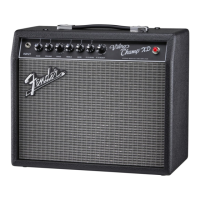
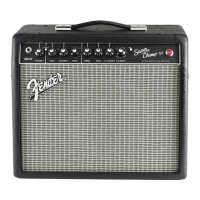
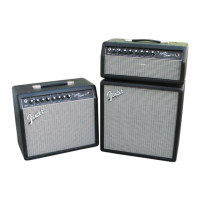
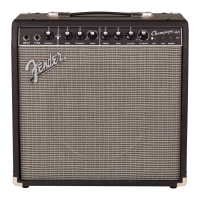
The Super-Champ® of the early 1980s was a real eye opener in its
day—a full-featured tube guitar amp, with a surprising amount of
power, in a tiny package. The Super-Champ® XD amplifier takes that
format into a new era by combining a real tube amp with versatile
digital voicing and effects. Rehearsals, recording sessions, and even
small gigs are a joy to play with the Fender Super-Champ.
Thank you for choosing Fender®
World's most popular instrument ampliers—since 1946.
• 15 Watts into 8 ohms
• Digital Signal Processing
• 16 Effects “F/X” settings
• 16 Amplifier “VOICE” settings
• 1 Classic Fender® clean tone (Channel-1)
• 2 Channels—independent settings and sounds
• Footswitch (optional)—enables remote channel switching and
effects bypass
• Line Output—for recording or sound reinforcement
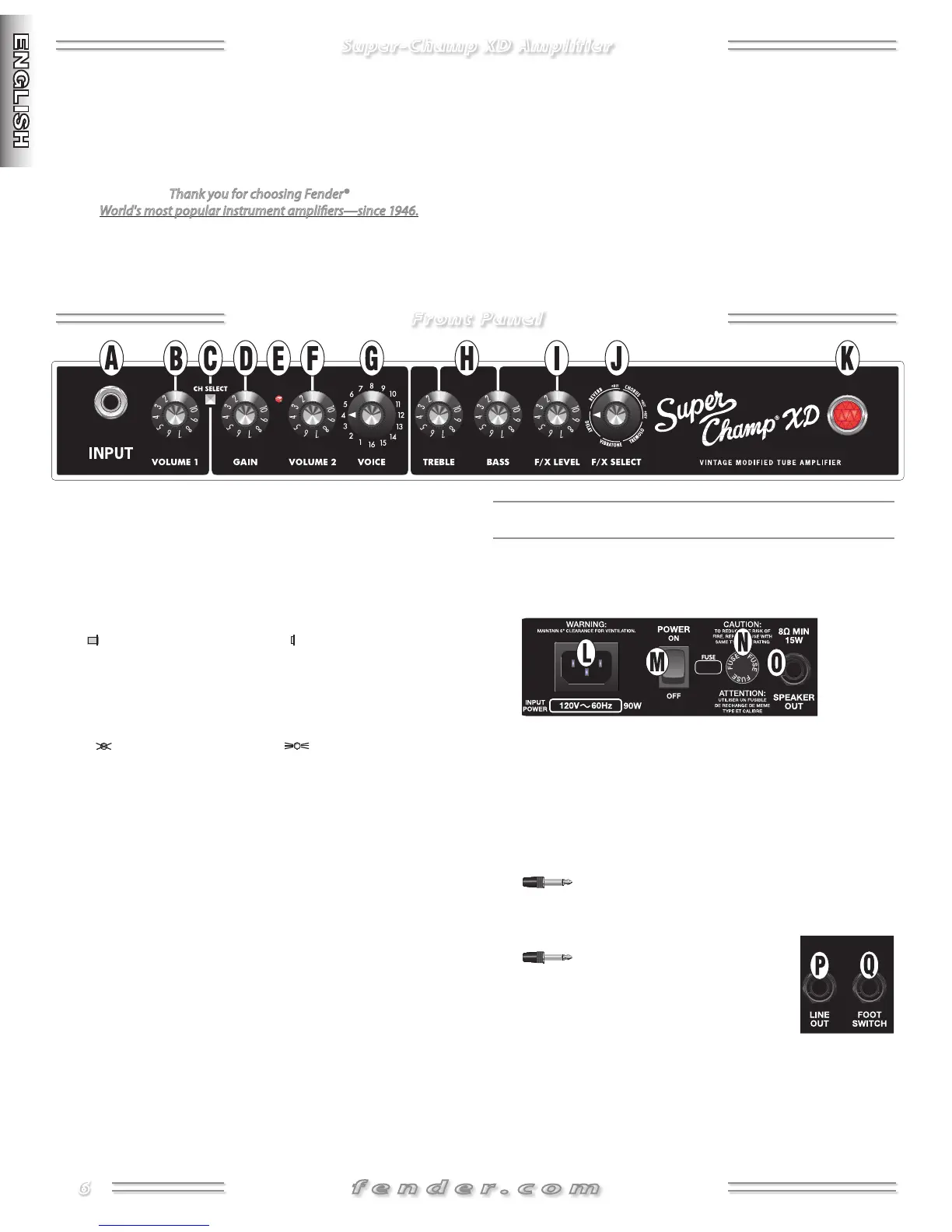
A. INPUTPlug your guitar in here.
B. VOLUME Adjusts the loudness of Channel-, which is voiced
for Blackface™ clean tone.
C. CHANNEL SELECTPress to switch channels (see Footswitch
{Q}):
CH CH
D. GAINControls preamp volume for Channel-. Also controls
signal distortion, except when VOICE {G} is selected.
E. CHANNEL LEDIndicates the active channel:
CH CH 2
F. VOLUME Use to set the loudness of Channel- after
adjusting GAIN {D}.
G. VOICESelect one of amplifier voicings for Channel- (see
next page).
NOTE: Use the extreme flexibility of the Voice knob wisely!
Treble harshness or boomy bass tones can be avoided by using
the right guitar settings and playing style for a particular amp
voicing.
H. TREBLE/BASSAdjusts the high- and low-frequency tone
characteristics of both channels.
I. FX LEVELAdjusts the intensity of the active effect.
J. FX SELECTSelects the active effect (see next page).
K. POWER JEWELIndicates when the unit is on.
Rear Panel
L. POWER CORD SOCKETConnect to a grounded outlet using
the included power cord in accordance with the voltage and
frequency ratings specified on the rear panel of your amplifier.
M. POWER SWITCHSwitches the amplifier ON–OFF.
N. FUSEProtects the unit in case of electrical faults. Replace
only with the type and rating specified on the rear panel of
your amplifier.
O. SPEAKER OUTConnection for the internal speaker or an
external speaker (/W minimum).
Use only a standard /" mono plug.
P. LINE OUTConnect your recording or sound reinforcement
equipment here.
Use only a standard /" mono
plug.
Q. FOOTSWITCHConnect the optional -
button footswitch here with the supplied
cable to enable remote channel selection
and effects bypass. NOTE: The CHANNEL SELECT {C} button
is disabled when the footswitch is connected. If you need a
longer footswitch cable, use (unshielded) speaker cable rather
than (shielded) guitar cable.
Super-Champ XD Amplifier
Front Panel




 To Next Page